

Week 99 - Slide kits, type systems and tic-tac-toe
This week's five new Figma plugins.
Two color tools, a type system engine, a spreadsheet-powered card generator, and a Tic-Tac-Toe game that uses your Figma file as a multiplayer server. It’s a grab-bag week — but a good one.
Let’s get into it! 👇
1. Image to Palette Picker
Pull production-ready palettes straight from your inspiration photos.
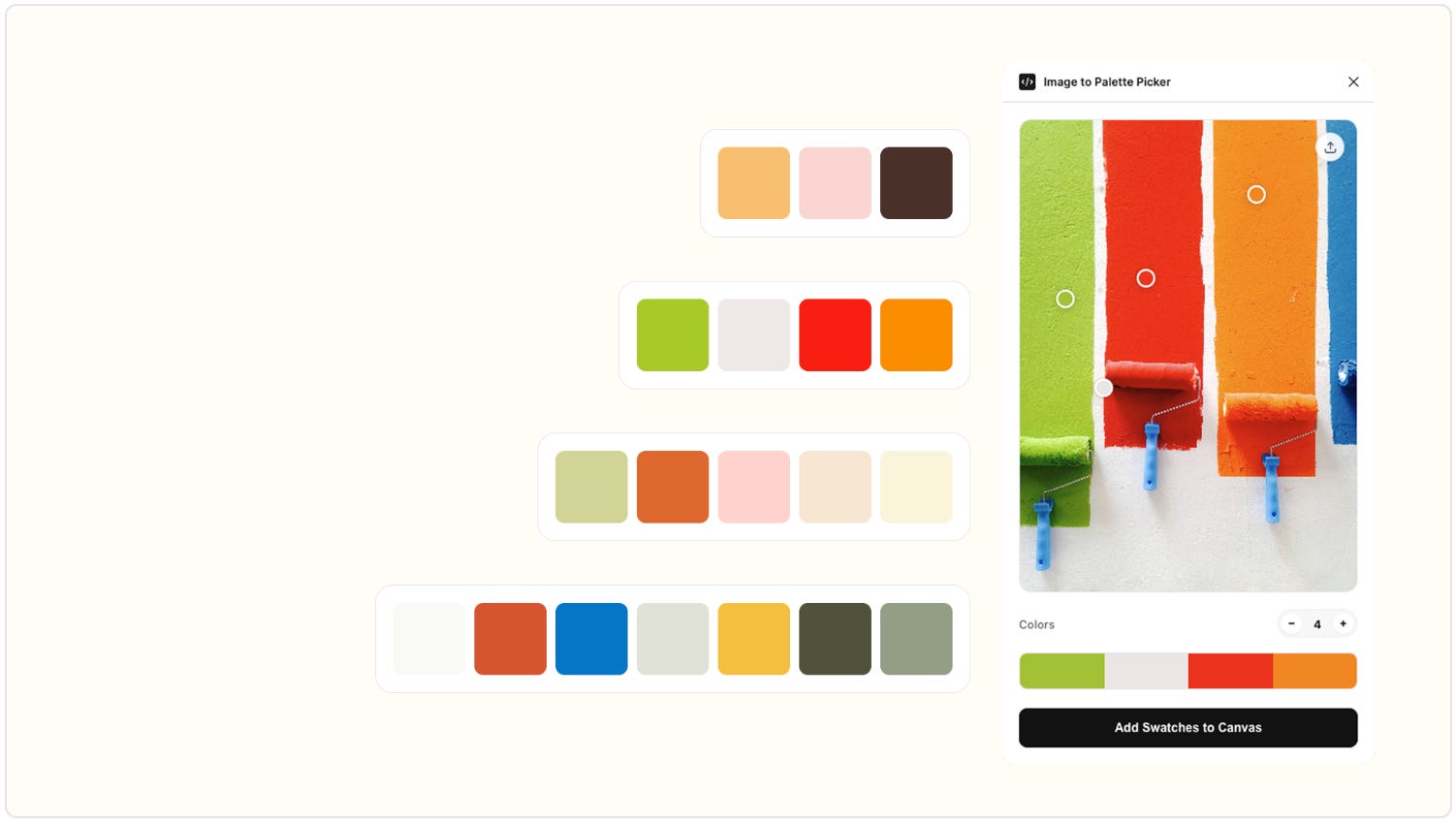
Image to Palette Picker is a minimalist but surprisingly powerful color utility for designers who draw inspiration from real-world photography. Upload any image, adjust interactive node overlays to pinpoint exactly where colors are extracted from, and dial in how many swatches you want — anywhere from 2 to 10+. Hit “Add Swatches to Canvas” and the plugin generates clean, auto-layout color blocks with HEX labels, ready to use straight away.
There’s also a bulk apply feature: select multiple shapes or vectors in your file and apply the extracted palette to all of them in one click. No more manual eyedropping, no more switching between tools to match a mood board to your design.
🎁 FREE
🖼️ Upload any image and extract dominant colors with interactive node overlays
🟦 Generates auto-layout color blocks with HEX labels directly on canvas
🌟 To extract more than just colors, try out image.to.design and convert any screenshot into fully editable Figma designs!
2. Sheet Card Maker
Spreadsheet rows → Figma card instances. Done.
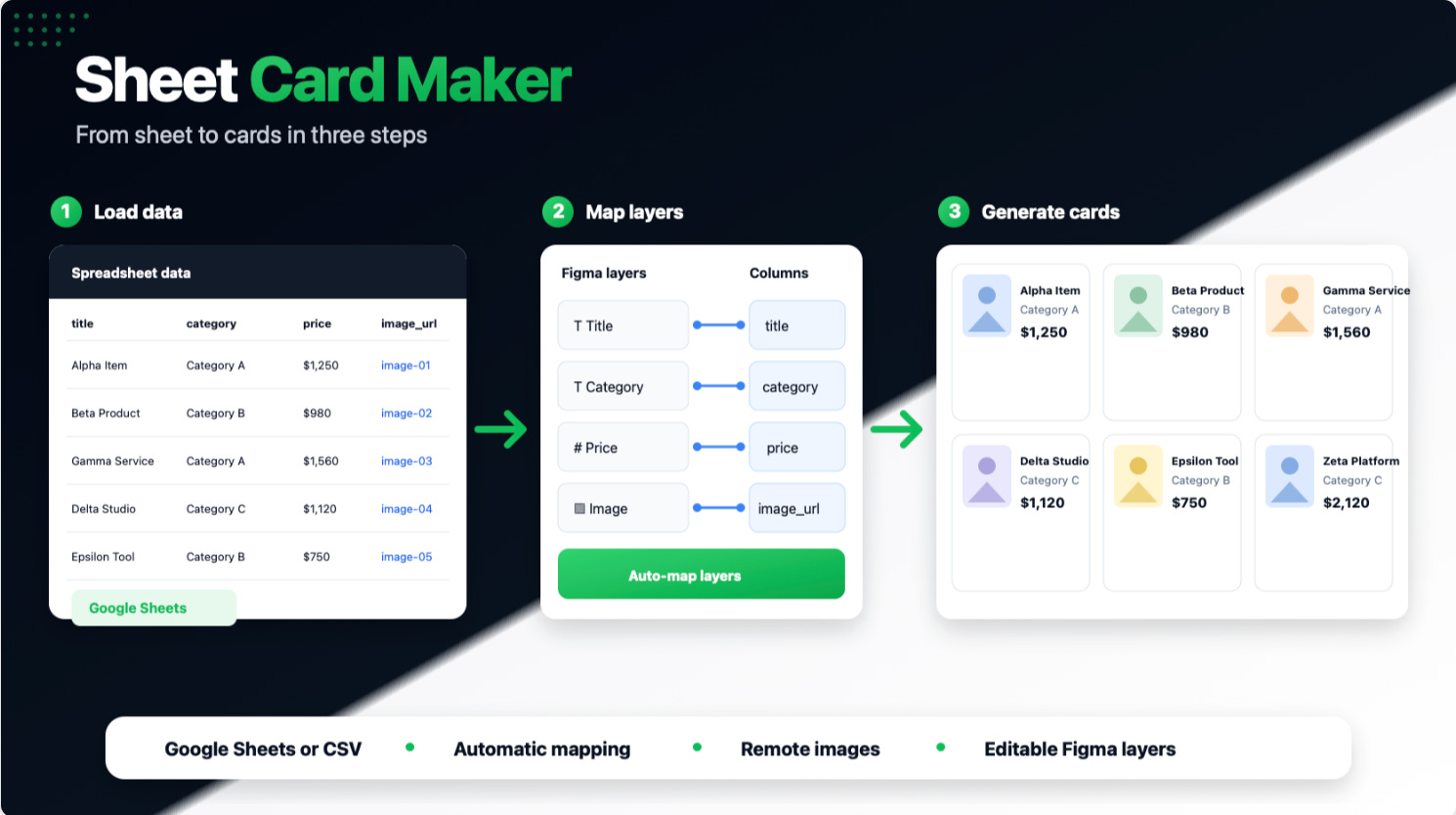
Sheet Card Maker solves one of the most tedious tasks in design production: keeping a large set of cards or repeated components in sync with a data source. Connect your spreadsheet, map columns to text and image layers in a component, and the plugin generates as many card instances as you have rows — all from a single source component. When the data changes, updating is just as straightforward.
It’s a natural fit for product catalogs, team directories, pricing tables, job boards, or any design that’s really just a table wearing a nice coat.
🎁 FREE
📊 Maps spreadsheet columns to text and image layers in your component
⚡ Generates hundreds of card instances from a single source component
🌟 For more advanced data-filling for your designs that goes beyond card components, give data.to.design a try!
3. SlideKit Presentation & Slide Layouts
100+ slide layouts for Figma Slides.
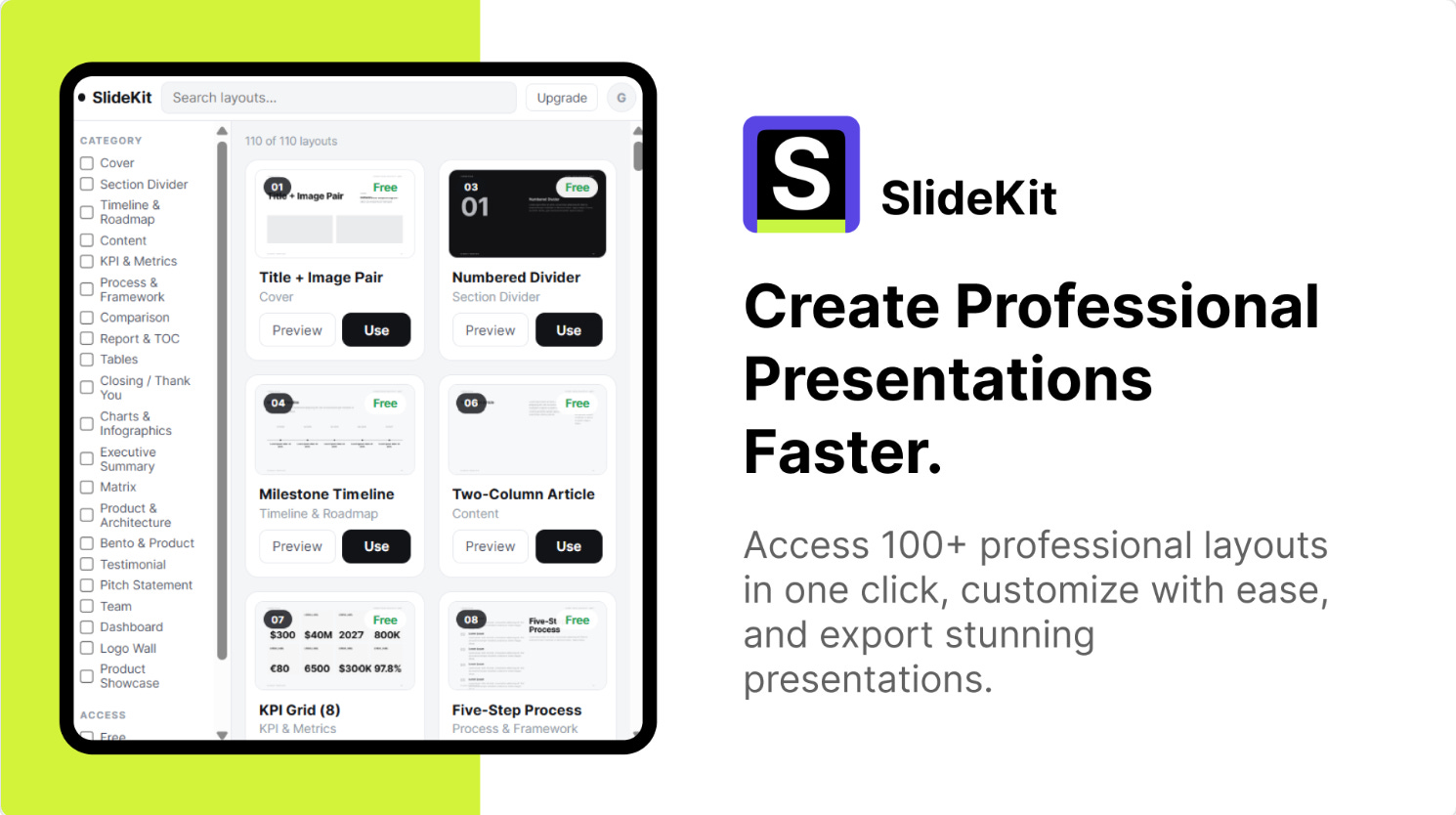
SlideKit is a premium library of over 100 presentation templates and slide layouts, all built to the standard 16:9 format and fully editable inside Figma. Pitch decks, startup presentations, business reports, proposals, case studies, roadmaps, timelines, team slides, charts, infographics, bento grid layouts — it’s all here, in a clean and consistent design system.
If you regularly build presentations in Figma (or want to start), this is the kind of library that makes the work feel fast and considered rather than cobbled together. Useful for founders, product designers, agencies, marketing teams, and anyone who has to make a presentation look good under a deadline.
💰 PREMIUM
📐 100+ modern slide layouts in 16:9 format
🗂️ Covers pitch decks, reports, roadmaps, charts, bento grids and more
🌟 If you need to import a presentation you already have from PPTX or Keynote, office.to.design brings it into Figma, fully editable and ready for Figma Slides.
4. Tic-Tac-Toe
A 2-player Tic Tac Toe game that runs inside Figma.
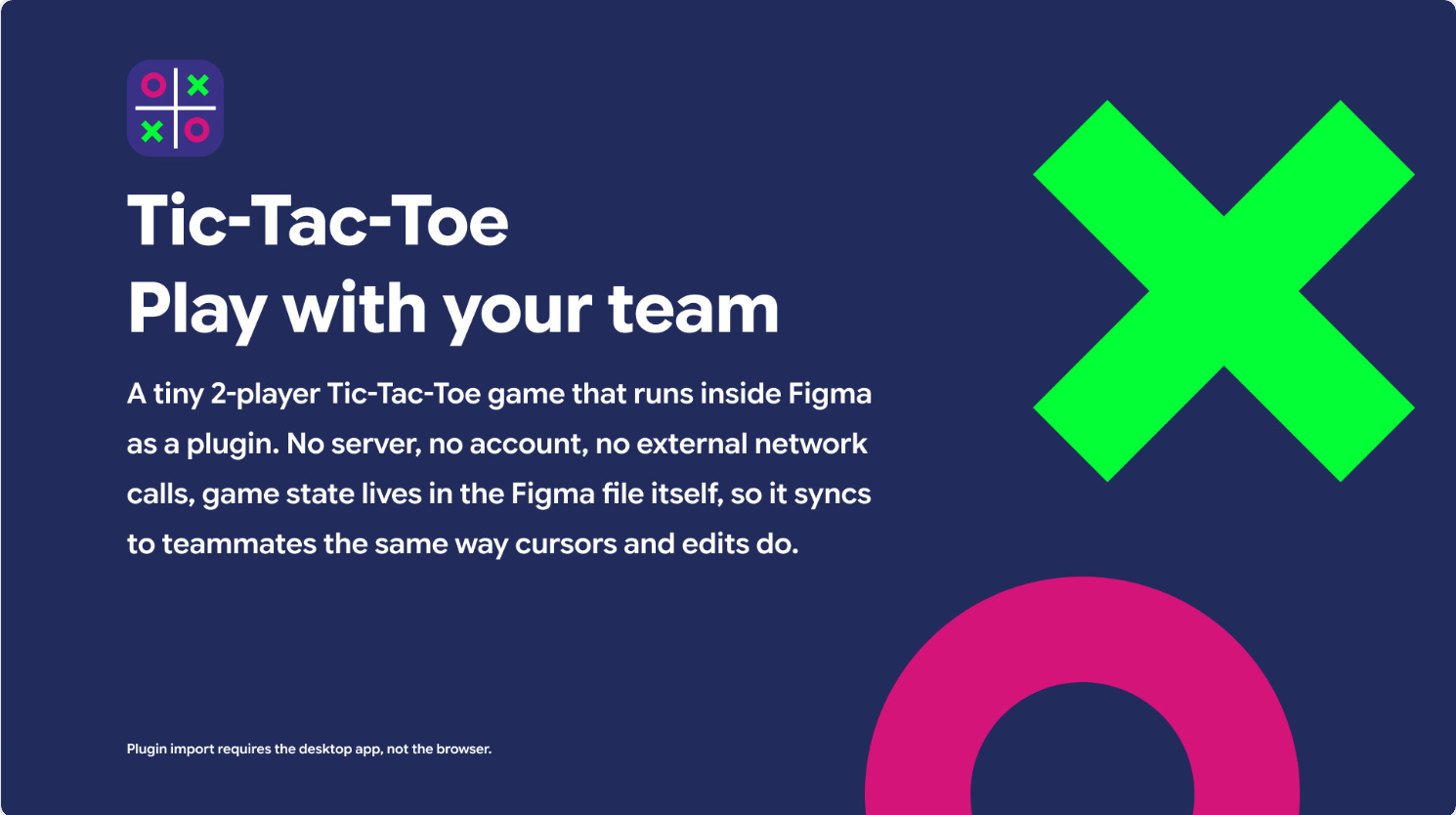
Tic-Tac-Toe is a fully playable 2-player Tic-Tac-Toe game that runs as a Figma plugin, with one genuinely clever twist: game state lives in the Figma file itself, so it syncs to teammates the same way edits and cursors do. No server, no account, no external network calls.
You can invite a specific teammate by name (the plugin lists everyone currently in the file), or just drop into an open seat and play with whoever’s around. Anyone beyond the two seated players joins as a spectator. There’s a ‘Leave Seat’ option to free your spot, a ‘New Round’ button that clears the board while keeping score, and a ‘Copy Invite’ shortcut that generates a ready-to-paste Slack or Teams message for teammates who haven’t opened the file yet. If your team is on a Figma Organization or Enterprise plan, you can publish it privately to your team library so nobody even needs to import it.
Is it a productivity tool? Debatable. Is it a Friday afternoon tool? Absolutely.
🎁 FREE
🎮 Full 2-player Tic-Tac-Toe running inside Figma — no server or account needed
👥 Invite specific teammates by name or take an open seat
5. Typography Generator
One type scale. Every platform. Zero drift.
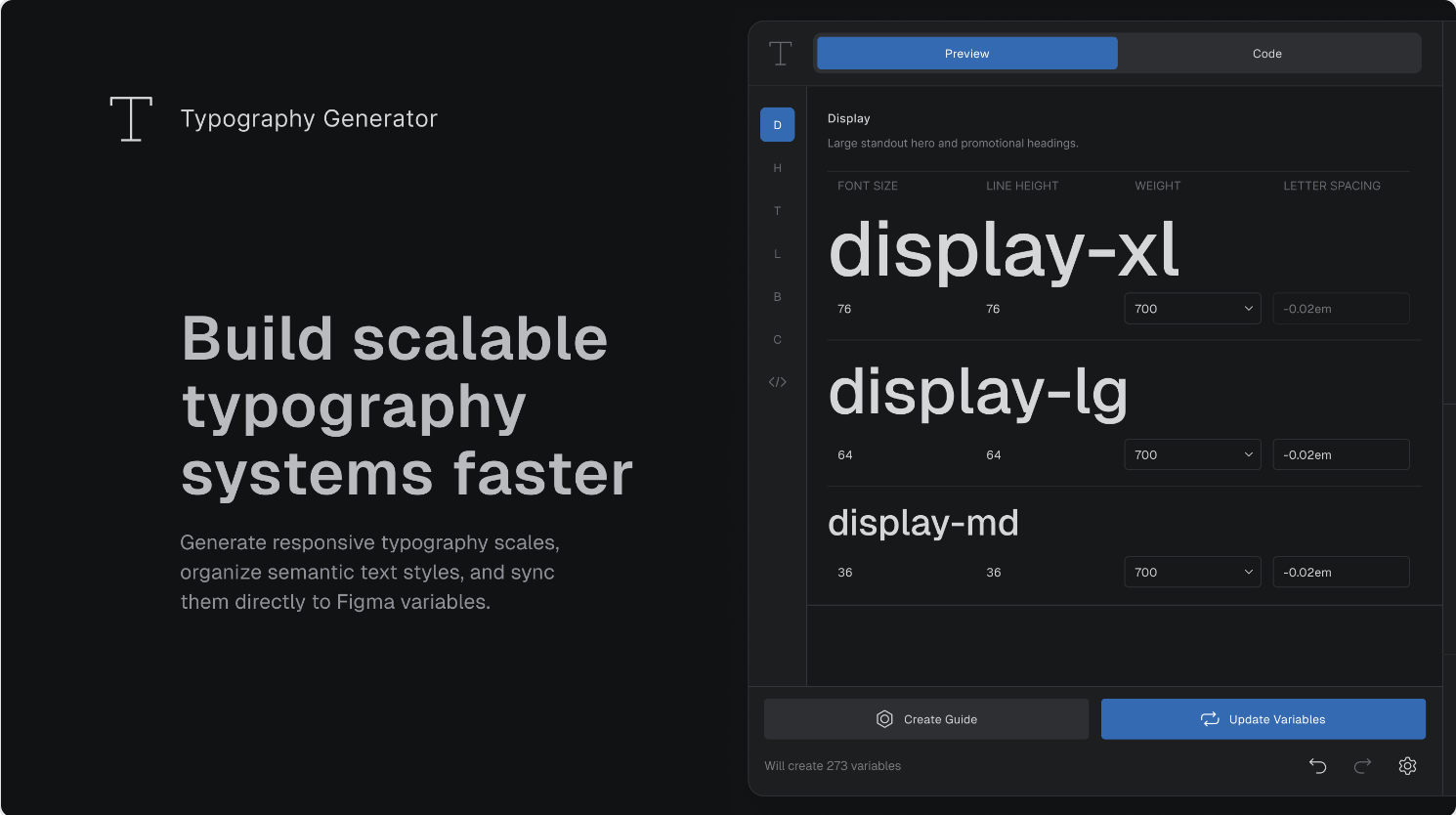
Typography Generator is a serious tool for teams who want their type system to be a genuine single source of truth rather than a collection of styles that gradually diverge between design and code. It generates typography scales and semantic text styles, lets you preview responsive scaling, and syncs directly to Figma Variables.
The export options are where it really earns its place in a design system workflow: CSS, SCSS, LESS, JSON, TypeScript, SwiftUI, Android Compose, LVGL, and Design Tokens format are all supported. That’s not a nice-to-have — it’s the difference between developers actually adopting your type system and ignoring it.
🎁 FREE
📏 Generates typography scales and semantic text styles from a single source
🔗 Syncs directly to Figma Variables
✏️ Newsletter brought to you by ‹div›RIOTS.