

Week 98 - Text extractor, pixel painter and squircles (?!)
This week's five new Figma plugins.
From extracting color palettes in a single click to drawing pixel art without losing your mind, this week’s plugins are an eclectic bunch. There’s a batch color copier for design system folks, an OCR tool that turns images into editable text, a live squircle generator for the corner-smoothing obsessed, a full pixel art painting studio, and a pre-handoff checker that audits your files before anyone else gets to comment.
Plus, all five are free! 👇
1. Batch Copy Colors
Extract your entire color palette in one go.
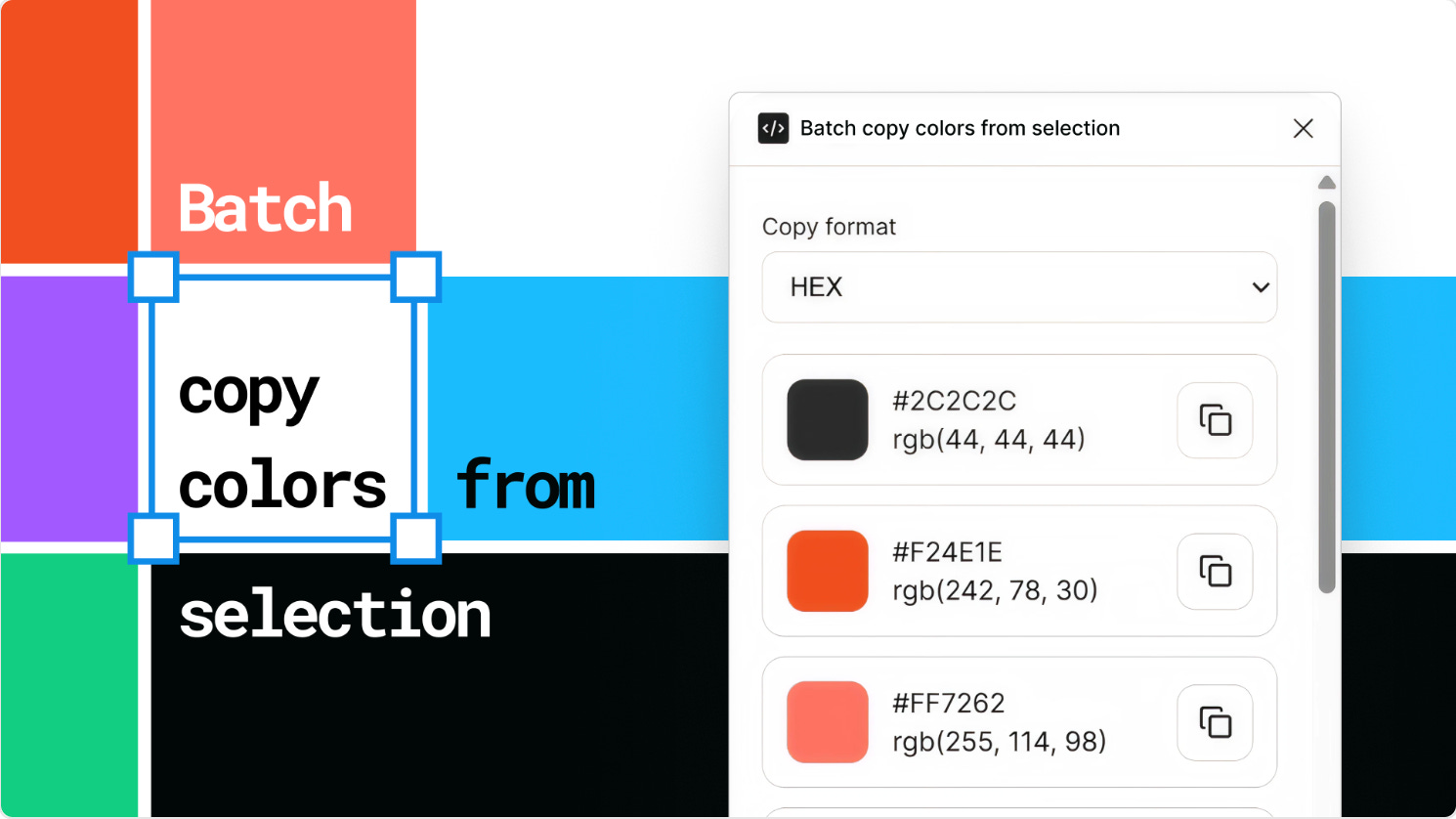
Batch Copy Colors scans any selection — frame, group, component, instance, section, or multiple layers — and surfaces every unique solid fill color in a clean list. You can switch between HEX and RGB formats on the fly, and copy colors individually or all at once. The list updates automatically as your selection changes, so there’s no need to re-run anything.
It’s a small plugin with a very clear job: bridging the gap between your designs and your developers, design tokens, or color documentation. Perfect for auditing files, building out a color system, or just grabbing a palette to share with a teammate.
🎁 FREE
🎨 Extracts unique solid fill colors from any selection
🔁 Supports HEX and RGB — switch between them instantly
2. Image to Text OCR
Extract text from images with regional precision.

Image to Text OCR uses OCR to identify and extract text from image layers, with support for regional selection so you can target a specific area rather than throwing the whole image at the recognition engine. It’s powered by the OCR.space API — you’ll need a free key from ocr.space/ocrapi to get started, but that takes about a minute to set up.
The plugin is built to be simple: drop in your API key in Settings, go back to the main tab, and you’re off. High recognition accuracy and regional selection make it a cut above the more basic “select layer → copy text” tools out there.
🎁 FREE (requires a free OCR.space API key)
🔍 Supports regional selection for targeted text recognition
🎯 High recognition accuracy
3. Live Squircle
Parametric squircles with real-time canvas editing.
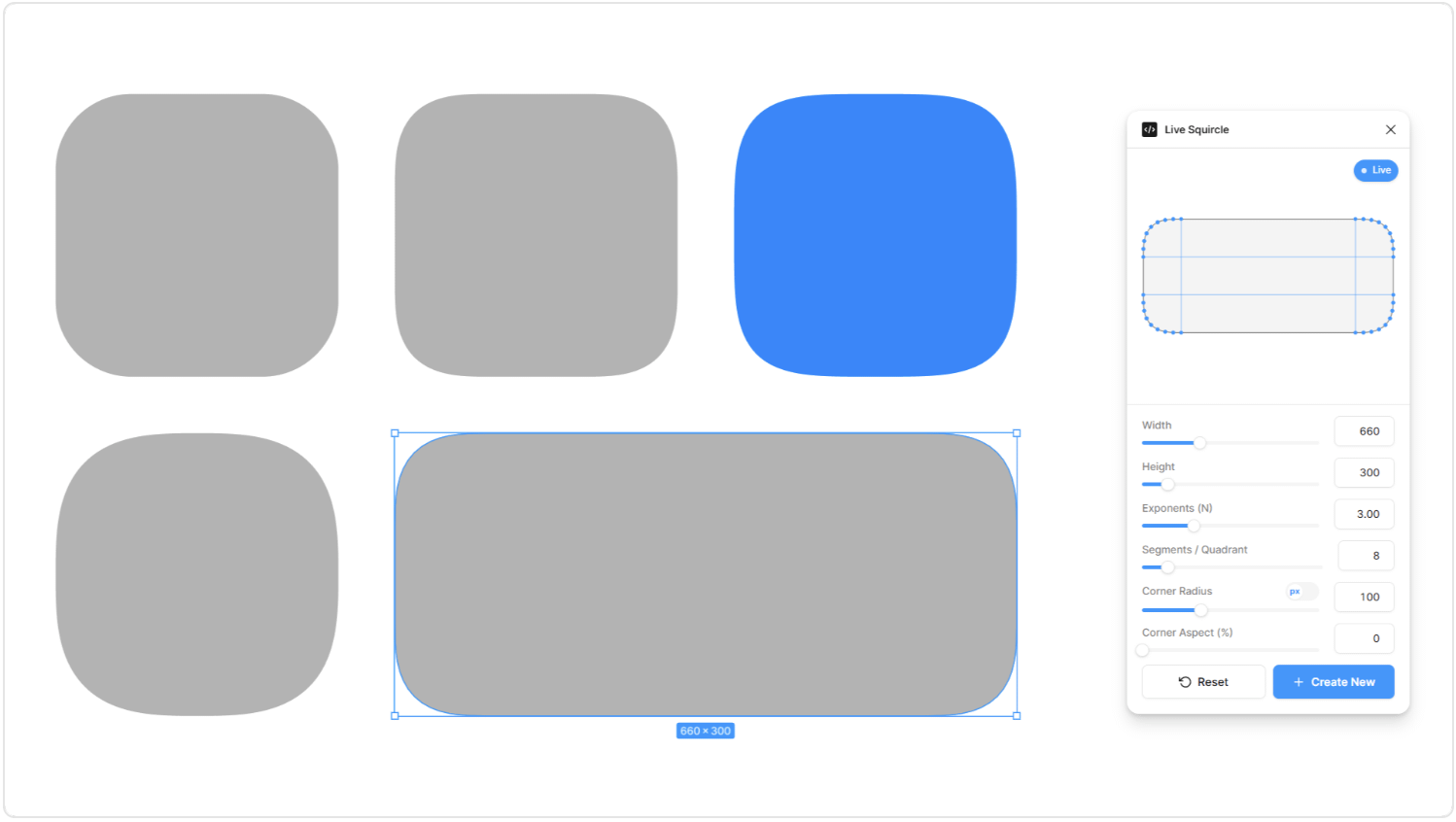
Let’s be honest: we featured this one just for the name! Live Squircle creates superellipse shapes as true vector layers and lets you edit them parametrically — while the plugin is open, adjusting any control updates the shape on the canvas in real time. Resize or transform the shape directly on the canvas and the squircle recalculates to fit. No flattening, no re-drawing from scratch.
What makes this one stand out is that each shape’s parameters are stored in its layer data, so you can reselect a squircle later — even after closing and reopening the plugin — and pick up right where you left off. Corners are generated as cubic-Bézier approximations of the superellipse, which gives you genuinely continuous curves and compact vector path data rather than the segmented workarounds other tools produce. The controls cover everything: exponent (N), width, height, segments per quadrant, corner radius (as a percentage or absolute px value), corner aspect (blend between circular and shape aspect ratio), and a Reset.
🎁 FREE
🔄 Live editing — every control update reflects on canvas instantly
💾 Re-editable — parameters stored in the layer, survive plugin close/reopen
4. Pixel Painter Studio
A proper pixel art tool, built for Figma.
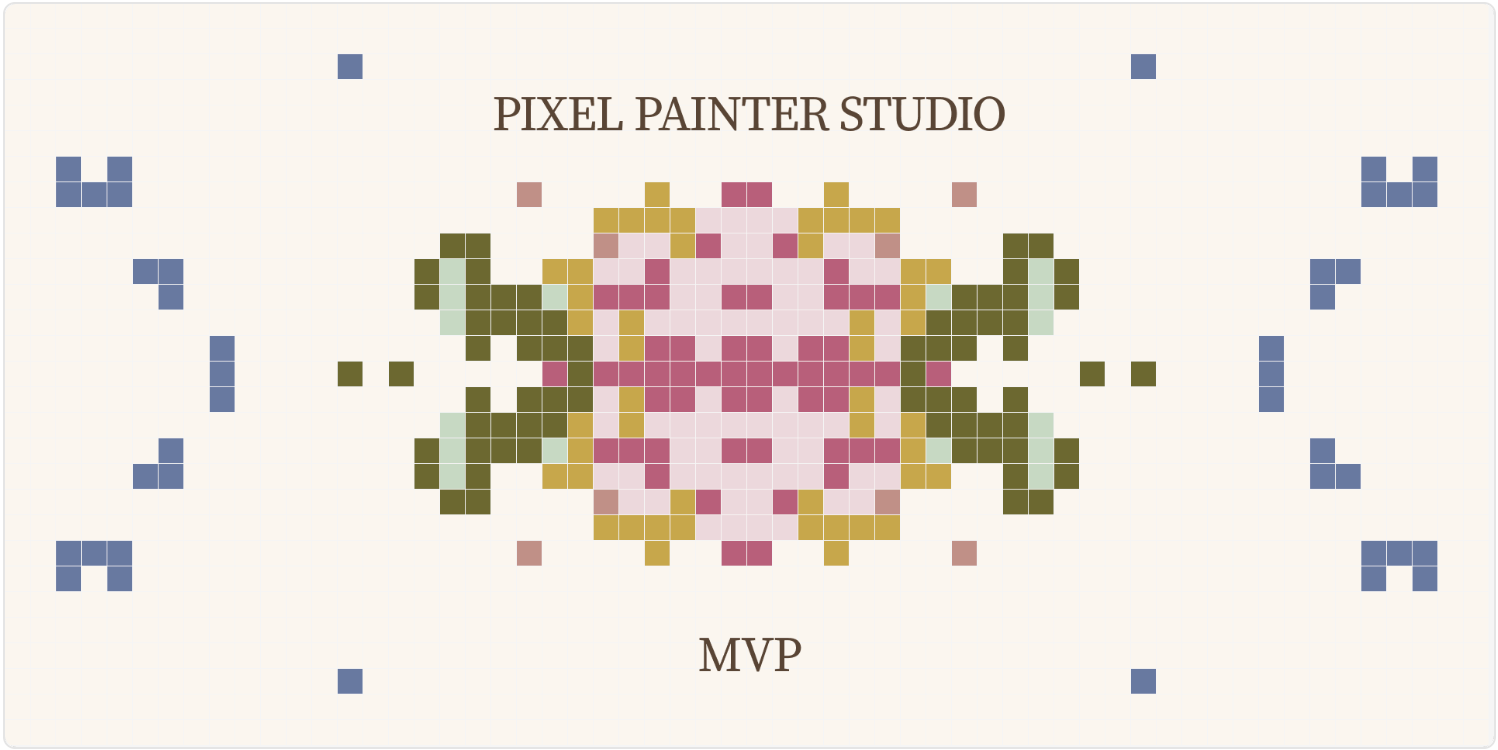
Pixel Painter Studio was born out of frustration with doing pixel art the painful way — selecting each cell, opening the fill panel, picking a color, repeat. The plugin gives you an actual painting surface inside the plugin window: drag to paint, use a fill bucket, eraser, rectangle, oval and magic wand select, with full undo/redo and zoom/pan support.
When you’re done, hit Apply and the plugin writes your artwork back to Figma as named rectangles — no separate app, no exporting, just native layers you can edit, export as SVG, or flatten. It also supports H/V/4-way symmetry, a full HSB color picker with access to your Figma library colors, a reference image overlay, and cell shape presets that take you all the way from classic square pixels to bead-like circles.
Still a work in progress, but the core is very much there — and the creator is actively looking for feedback from anyone doing sprite work, pattern design, or icon illustration.
🎁 FREE
🖌️ Drag-to-paint canvas with pen, eraser, bucket, shapes and magic wand
🔁 H/V/4-way symmetry modes
5. Self Review
Audit your files before someone else does.
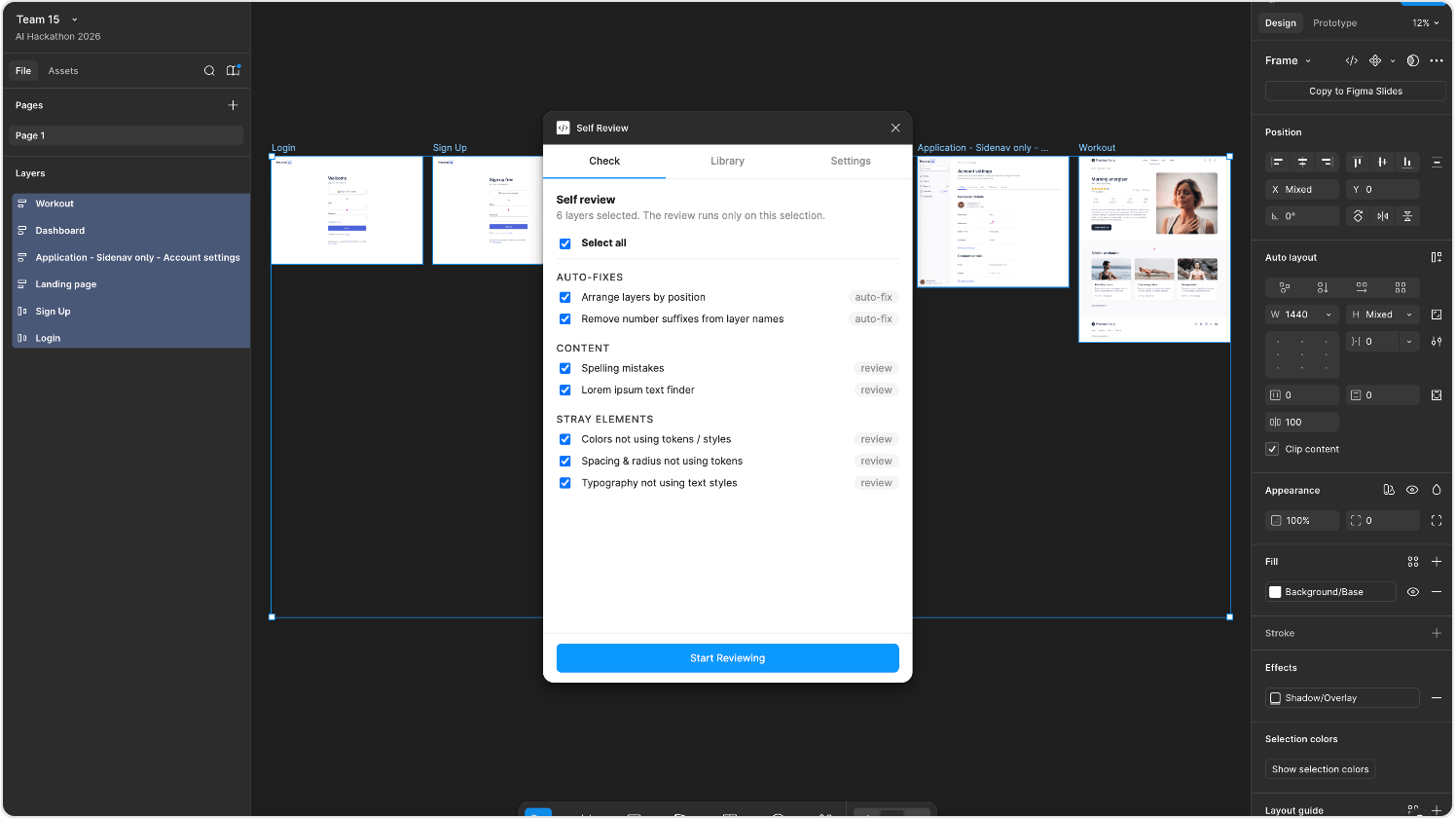
Self Review is a pre-handoff checklist plugin that scans your selected frames for the most common design hygiene issues and flags them for you to fix — so developers and clients receive a clean, properly structured file instead of a wall of review comments.
It auto-fixes a couple of things silently (layers sorted by canvas position, number suffixes stripped from layer names), then queues up everything else for your review: spelling mistakes (powered by OpenAI, optional), leftover lorem ipsum text, colors that aren’t connected to variables or styles, spacing and corner radius values not using tokens, and typography not linked to text styles. For anything that has a matching variable in your indexed library, the plugin suggests it directly — you just confirm.
The workflow is: index your design system once, select it in your working file, pick your frames, run the check. It’s particularly useful for team leads reviewing junior work or anyone running a token-based design system where compliance actually matters.
🎁 FREE
✅ Pre-handoff hygiene check for frames
🔤 Optional spelling check via OpenAI API key
✏️ Newsletter brought to you by ‹div›RIOTS.