

Week 97 - AI copywriter, interior design kit and text effects
This week's five new Figma plugins.
From writing on-brand copy to building logo grids and designing rooms in 3D, this week’s plugins cover a surprisingly wide range of design challenges.
We’ve got AI-powered copy that actually knows your brand voice, stylish text effects that render instantly, a smart tool for logo documentation and a 3D interior kit that makes spatial design in Figma feel less like a workaround and more like a feature. Oh, and tooltips — done properly, in seconds.
Let’s dive in! 🏊
1. Copybara
Brand-personalized, AI-gen copy in Figma.
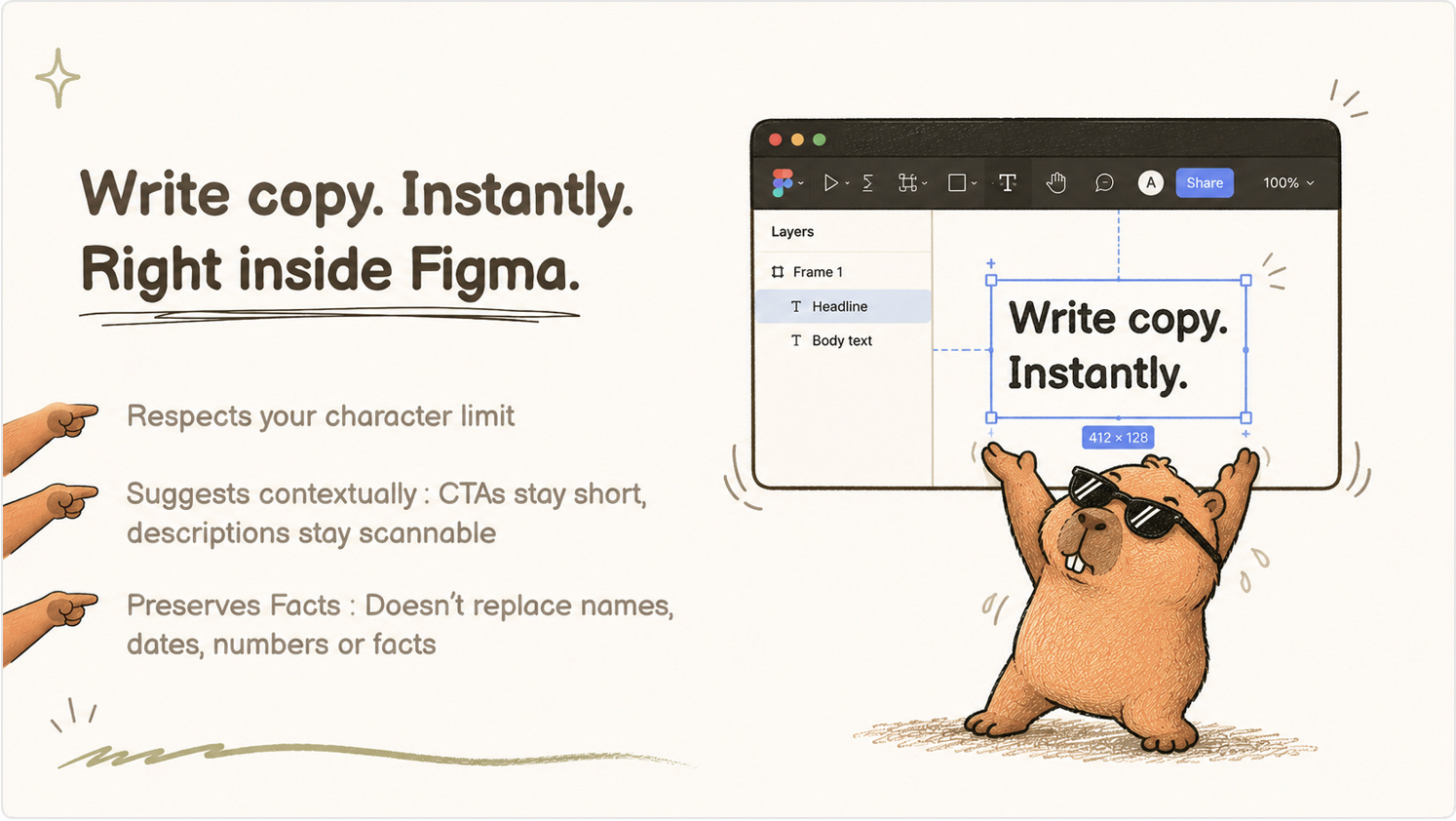
Copybara lets you click any frame and have AI generate copy that matches your brand's content guidelines. Rather than jumping between Figma and external writing tools, content designers can stay in the canvas and get contextually aware copy suggestions that reflect their brand voice from the start. Requires an API key.
💰 Requires API key for the AI model you want to use
✍️ AI-powered copy that follows your brand guidelines
🖱️ Click any frame to generate copy instantly
2. Interior Design Kit 3D
Floor plans made easy!
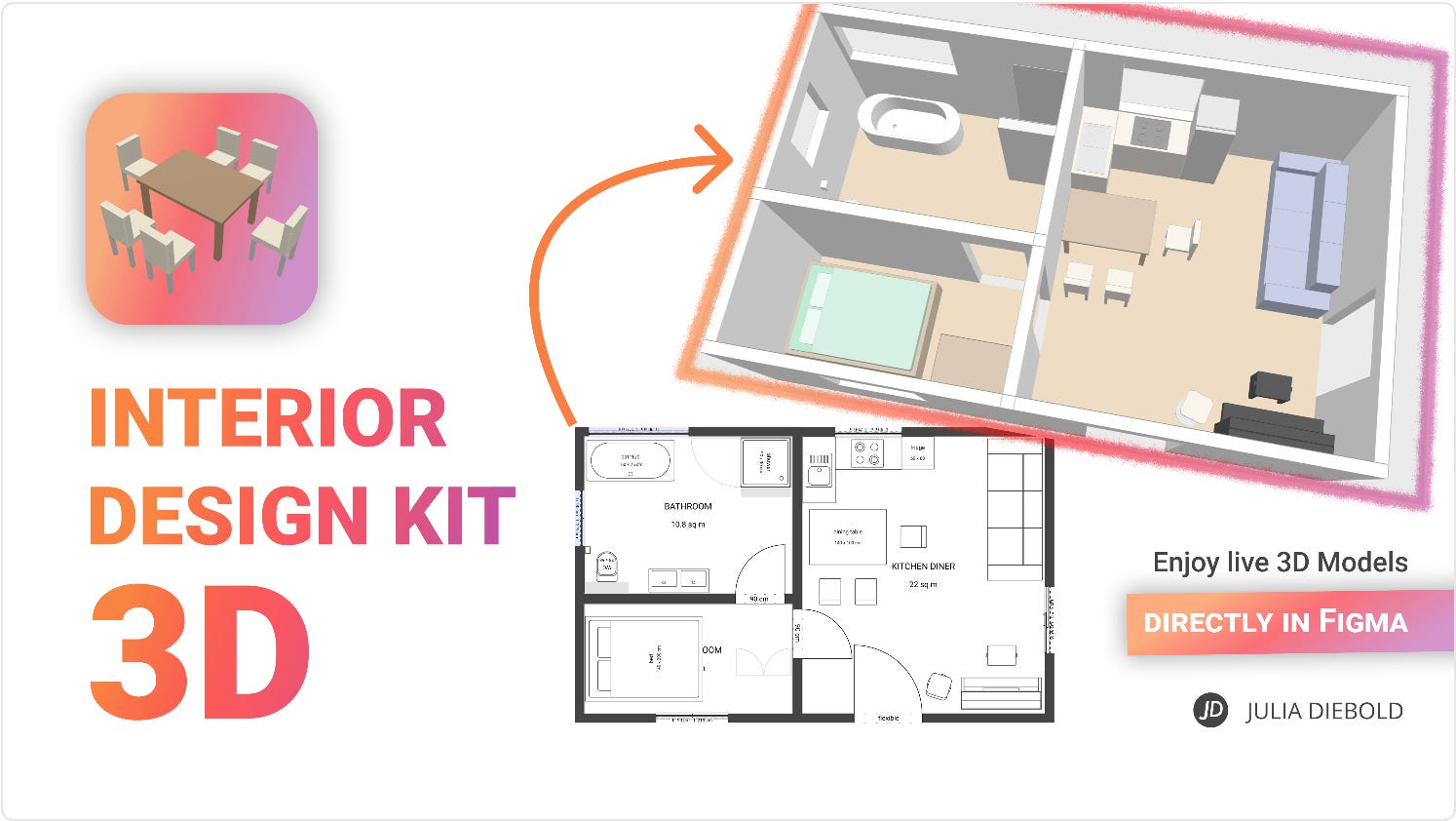
Interior Design Kit 3D brings a library of 3D furniture and interior design assets directly into your Figma canvas. Whether you're mocking up app interfaces for real estate, creating presentation visuals or simply exploring spatial layouts, the plugin makes it easy to drop in high-quality 3D room elements without ever leaving Figma.
🎁 FREE
🏠 Design floor plans right in Figma
📁 Requires the companion Figma file
3. Logo Grid
Generate consistent clear space for your logo.
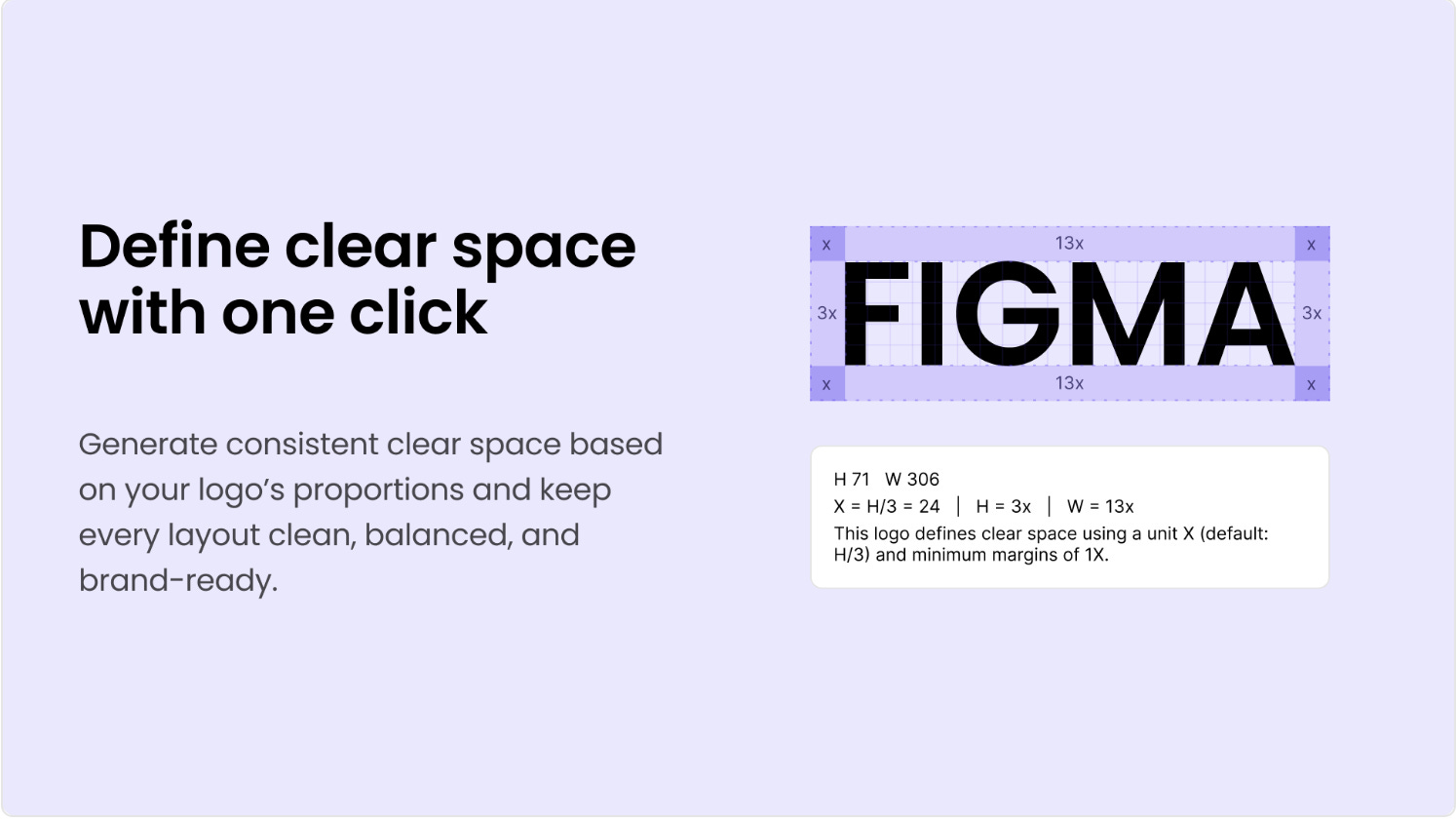
Logo Grid automatically generates grid lines and related auxiliary elements from a selected logo layer for annotation and documentation. It can also generate the logo safe area and corresponding markers. This is a real time-saver for brand designers who need to present structured logo specs or build out proper construction sheets — no manual grid-drawing required.
🎁 FREE
📐 Auto-generates logo construction grids and safe area markers
📄 Great for logo documentation and brand guidelines
4. Text Effect Generator
Create stylish text effects with local rendering.
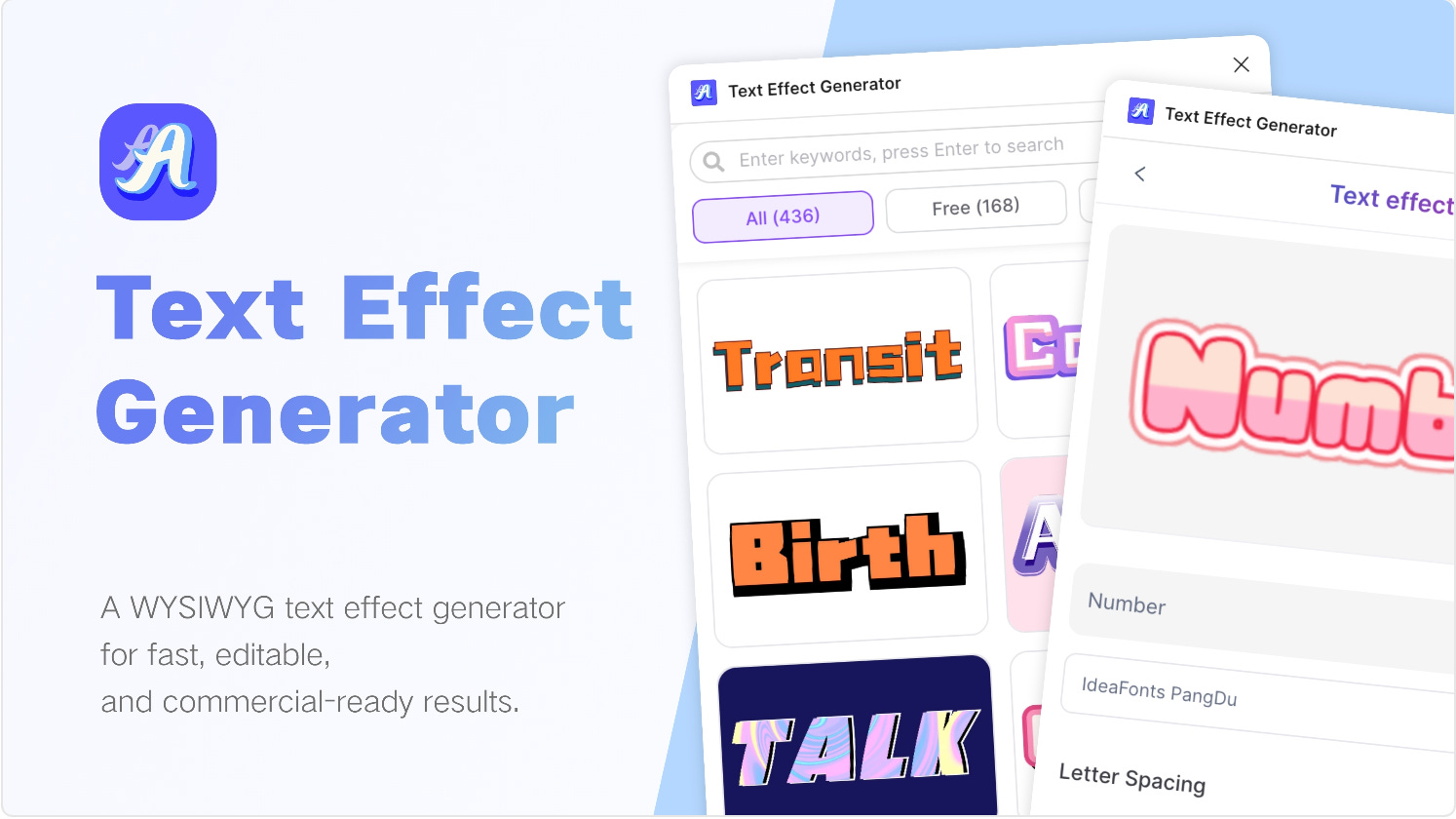
Text Effect Generator turns plain text into high-quality, stylish designs in moments, with fast, reliable results using local rendering — meaning no delays — and full control over the output, ready to edit and apply on your canvas. Perfect for posters, social media graphics, event branding or any design where eye-catching typography is the star.
🎁 FREE
⚡ Local rendering — instant results, no waiting
🎨 Full control and editability after generation
5. Tooltip Creator
Add polished tooltips to your designs in seconds.
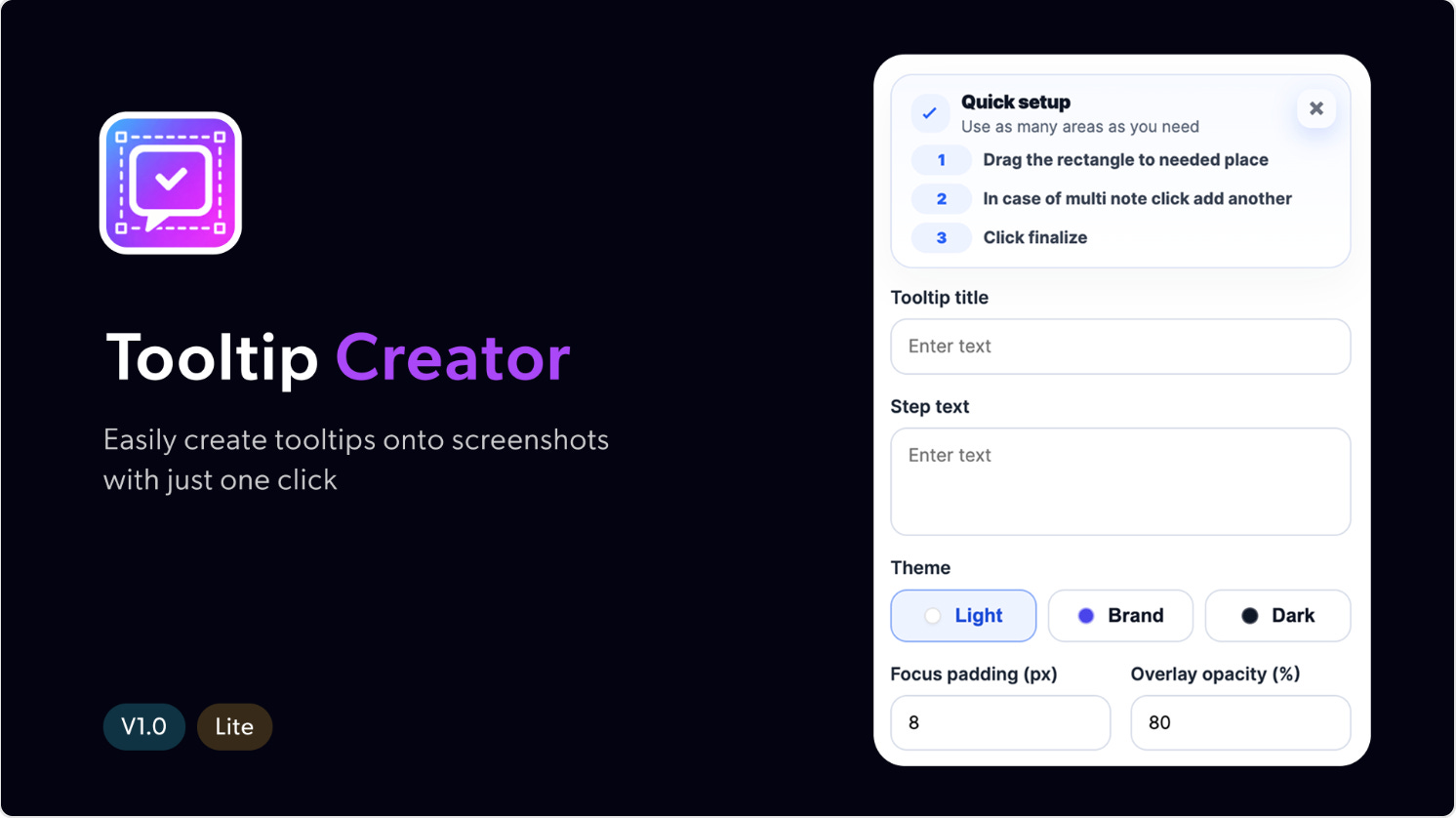
Tooltip Creator streamlines the process of adding tooltips to UI designs — no more manually building tooltip components from scratch every time. Select any layer, configure your tooltip text and positioning, and the plugin places a consistently styled tooltip right on your canvas. A handy utility for UI designers and design system teams who want to keep tooltips looking sharp and uniform across their files.
🎁 FREE
💬 Quickly attach tooltips to any layer
⚙️ Customizable positioning and styling
✏️ Newsletter brought to you by ‹div›RIOTS.