

Week 94 - Photo editing, pixel art and hazy effects
This week's five new Figma plugins.
This week's lineup is all about making things look good. We've got a powerhouse photo editor that turns Figma into a mini Lightroom, a pixel art generator for when you're feeling retro, a plugin that exports your prototype flows as GIFs without any re-timing headache, and two dreamy background generators for those soft, atmospheric vibes. Oh, and everything's free.
Keep scrolling! 👇
1. Darkroom
Professional photo editing in Figma.
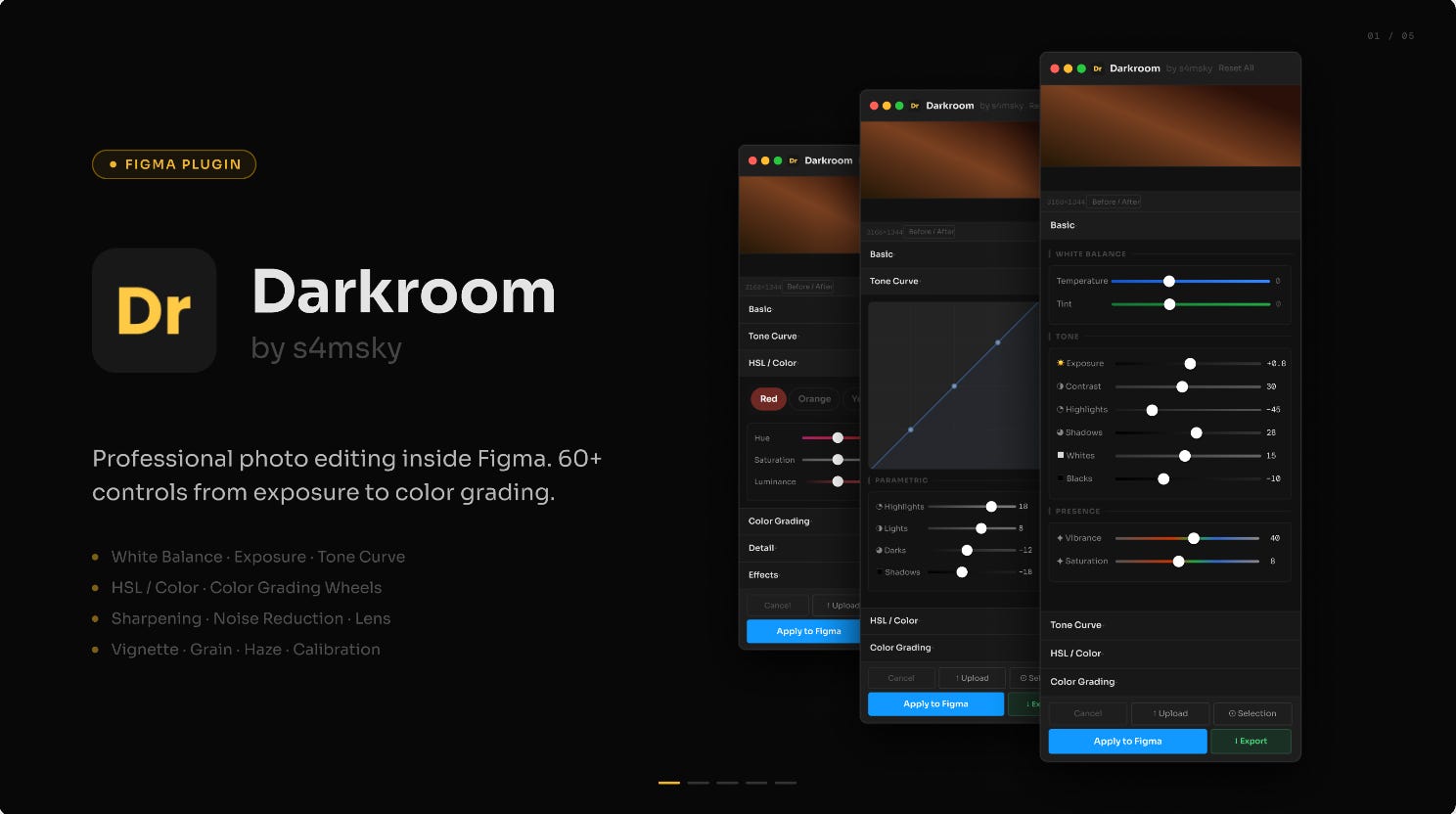
Darkroom brings professional-grade photo editing directly into Figma. Upload any image or select a layer and adjust it using the plugin’s 60+ controls including white balance (temperature & tint), exposure, contrast, highlights, shadows, whites, blacks, texture, clarity, dehaze, vibrance, saturation, interactive tone curve with draggable control points, color grading with 3 interactive color wheels (shadows, midtones, highlights) and more!
🎁 FREE
📸 Professional photo editing features right in Figma
⚙️ Full control over your image effects
2. MWPixel
Generate pixel art as SVG vectors.
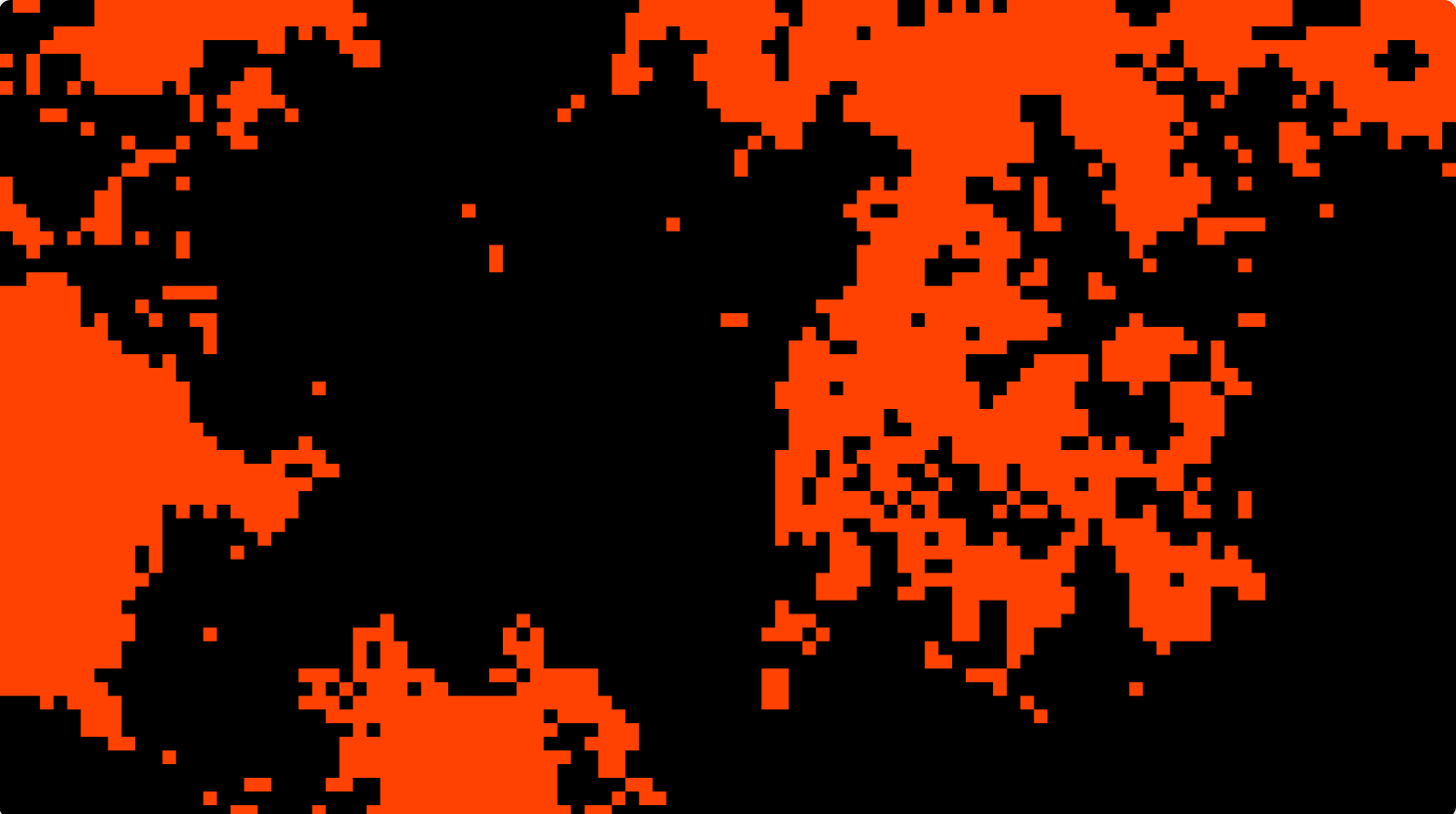
MWPixel generates pixel art assets as clean, scalable SVG vectors and comes with three modes: texture generator, image pixelizer and text pixelizer. All output is flattened as SVG, making it easy to recolor in Figma. The plugin offers square or round pixel mode on all three tabs, a detail slider from 2 to 200 for precise control, auto-detection of white text on dark backgrounds and instant preview before inserting into the canvas.
🎁 FREE
👾 Pixelate images, text, backgrounds…
👀 Preview your pixel art before it hits the canvas
3. Prototype Flow to GIF
Export your Figma prototype flows directly to GIF — no re-timing needed.
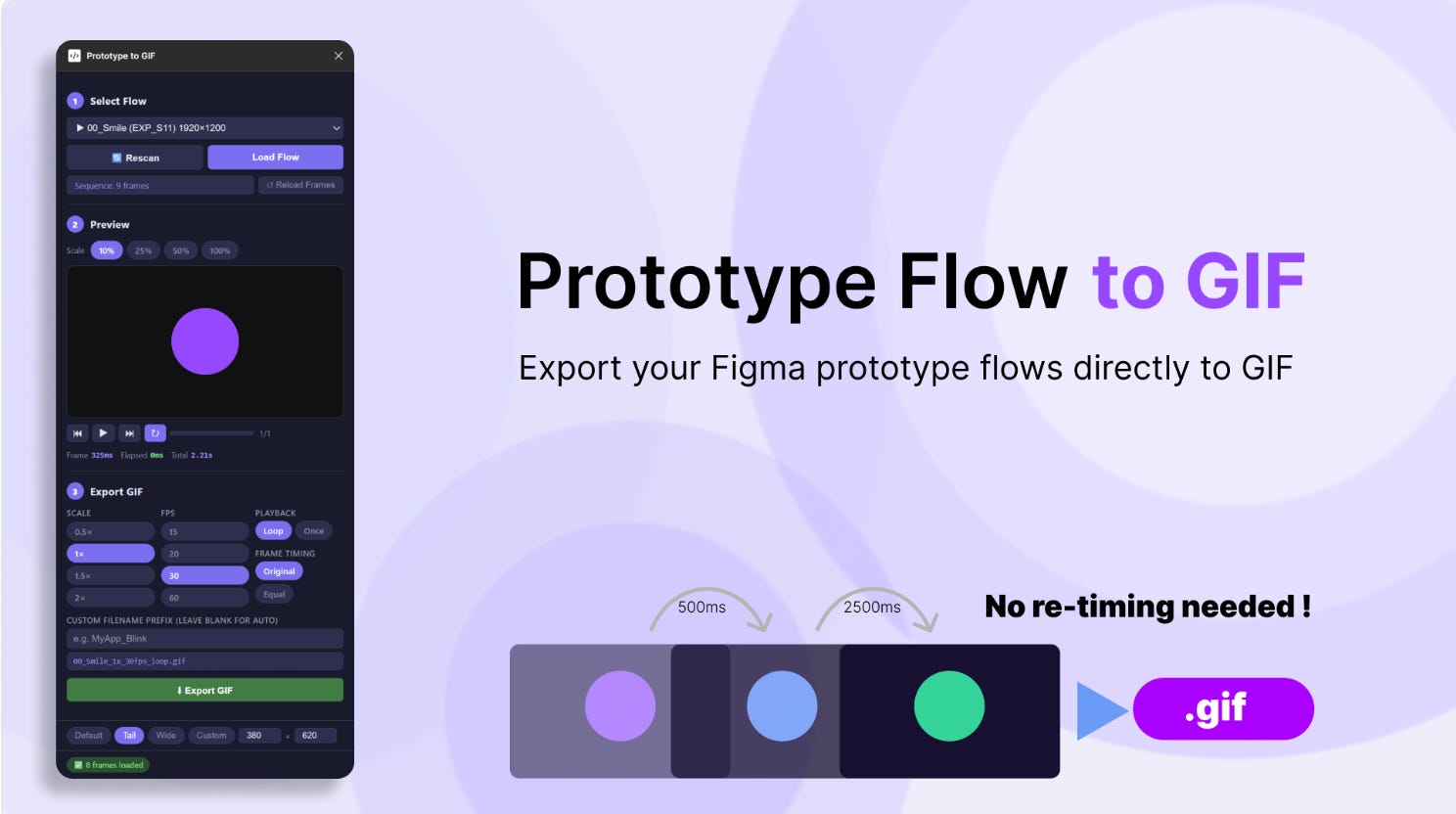
Prototype Flow to GIF reads the delay and transition durations you’ve already set in your prototype interactions, and uses them as-is to generate an animated GIF. What you set is what you get. The plugin automatically follows your prototype flow sequence, respects your original frame timing (hold + transition duration) and exports at original frame size (no rescaling distortion).
🎁 FREE
🎥 Turn your prototypes into GIFS
⏰ No re-timing or complex fiddling required
4. Soft Gradient Background
Create clean, modern atmospheric backgrounds.
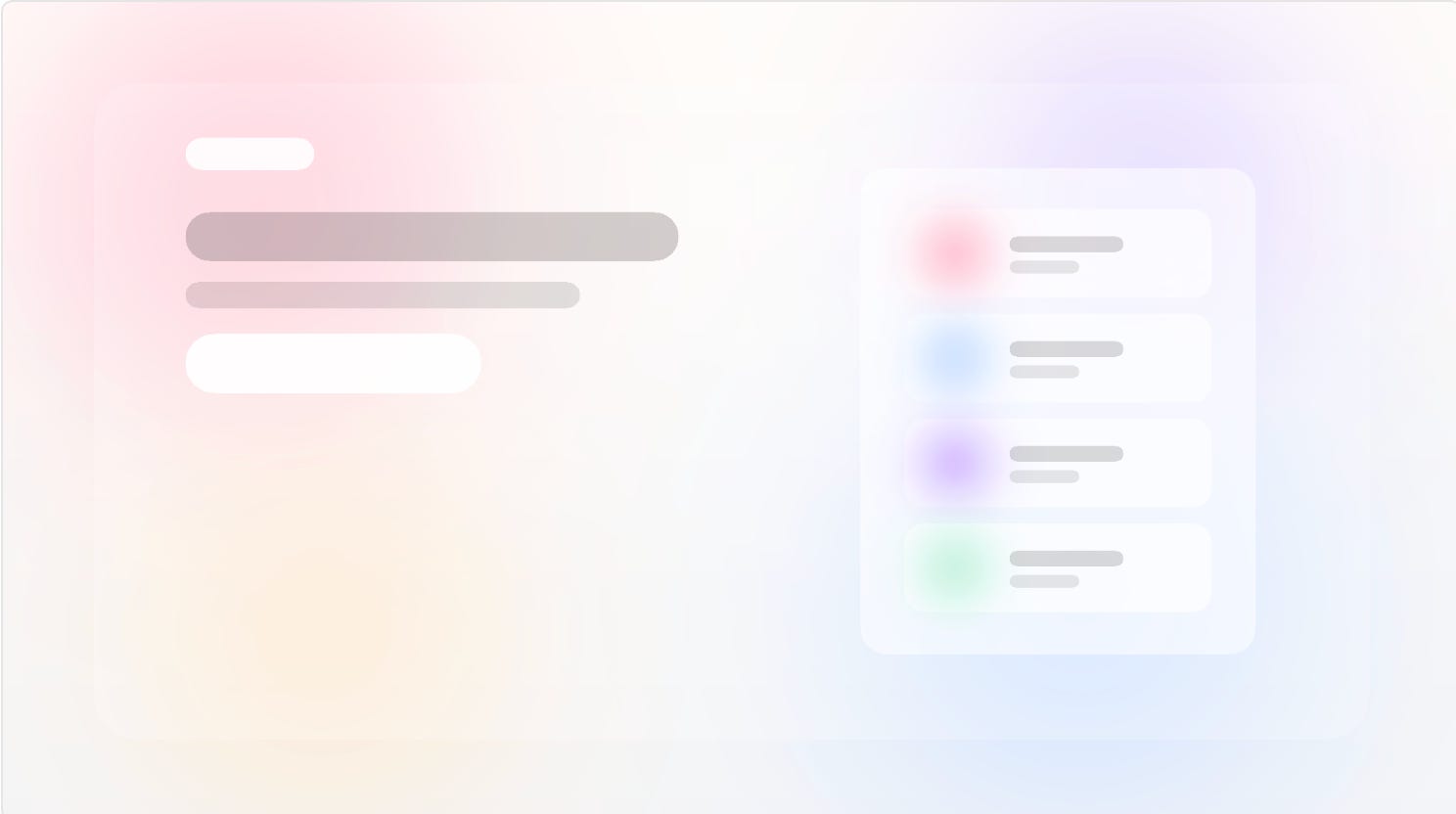
Soft Gradient Background creates atmospheric backgrounds inside Figma frames with over 40 different presets to choose from. Each background is built from layered soft color blobs instead of a single flat gradient, making it perfect for landing pages, hero sections, editorial layouts, and polished website backgrounds. Simply select a frame, browse the presets, preview how it looks, and apply the one that fits your design.
🎁 FREE
🍦 Generate soft, hazy gradient backgrounds
🎨 Choose from 40+ presets
5. Terrain Gen
Create organic, wavy terrain patterns.
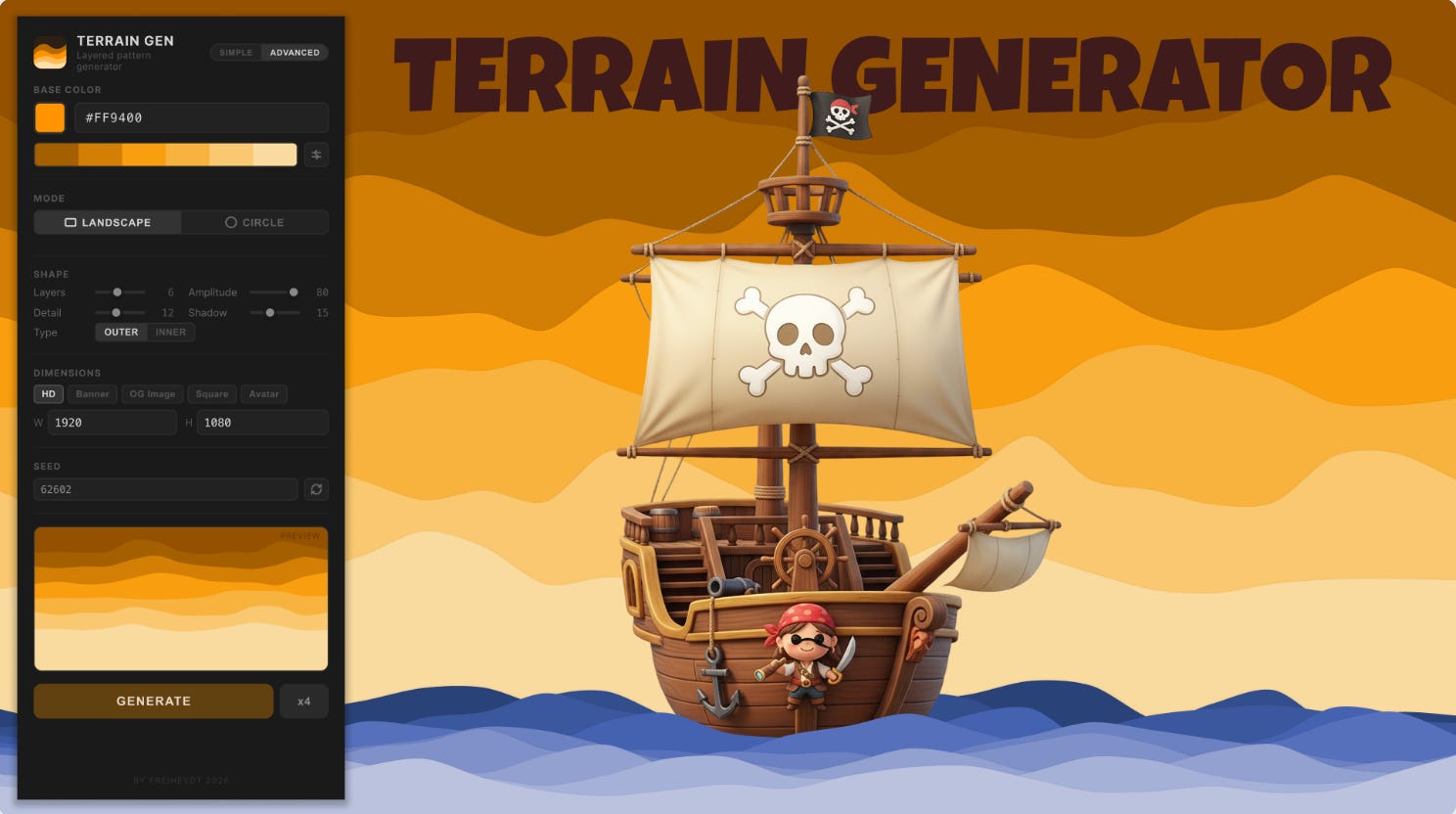
Terrain Gen creates layered, organic wave patterns that are perfect for hero backgrounds, button surfaces, cards, avatars, or any UI element that needs visual texture. Enter a base color and Terrain Gen automatically produces a harmonious palette from deep shadow tones to bright highlights. You can adjust layers, amplitude, and detail to get a unique composition; and choose from two shape modes (landscape waves & circle rings).
🎁 FREE
🌄 Generate cool, wavy terrain patterns
⚙️ Adjust layers, amplitude, detail and more
✏️ Newsletter brought to you by ‹div›RIOTS.