

Week 93 - Colors, maps, tables and glow
This week's five new Figma plugins.
Happy Friday! This week’s issue has a good mix of new plugins to add to your roster, whether you’re documenting a color system, designing a delivery app or wrangling with data and tables.
There’s a plugin that auto-generates color annotations (goodbye, manual HEX labeling), a glow effect plugin that makes any layer look like it belongs in Stranger Things, and a map importer that drops real, customized maps into your designs in seconds. We’ve also got a pixel-perfect rasterizer and a simple table generator that imports your CSV data. All five are completely free — enjoy! 👇
1. Color Code Generator
Generate formatted color annotations directly on your canvas.
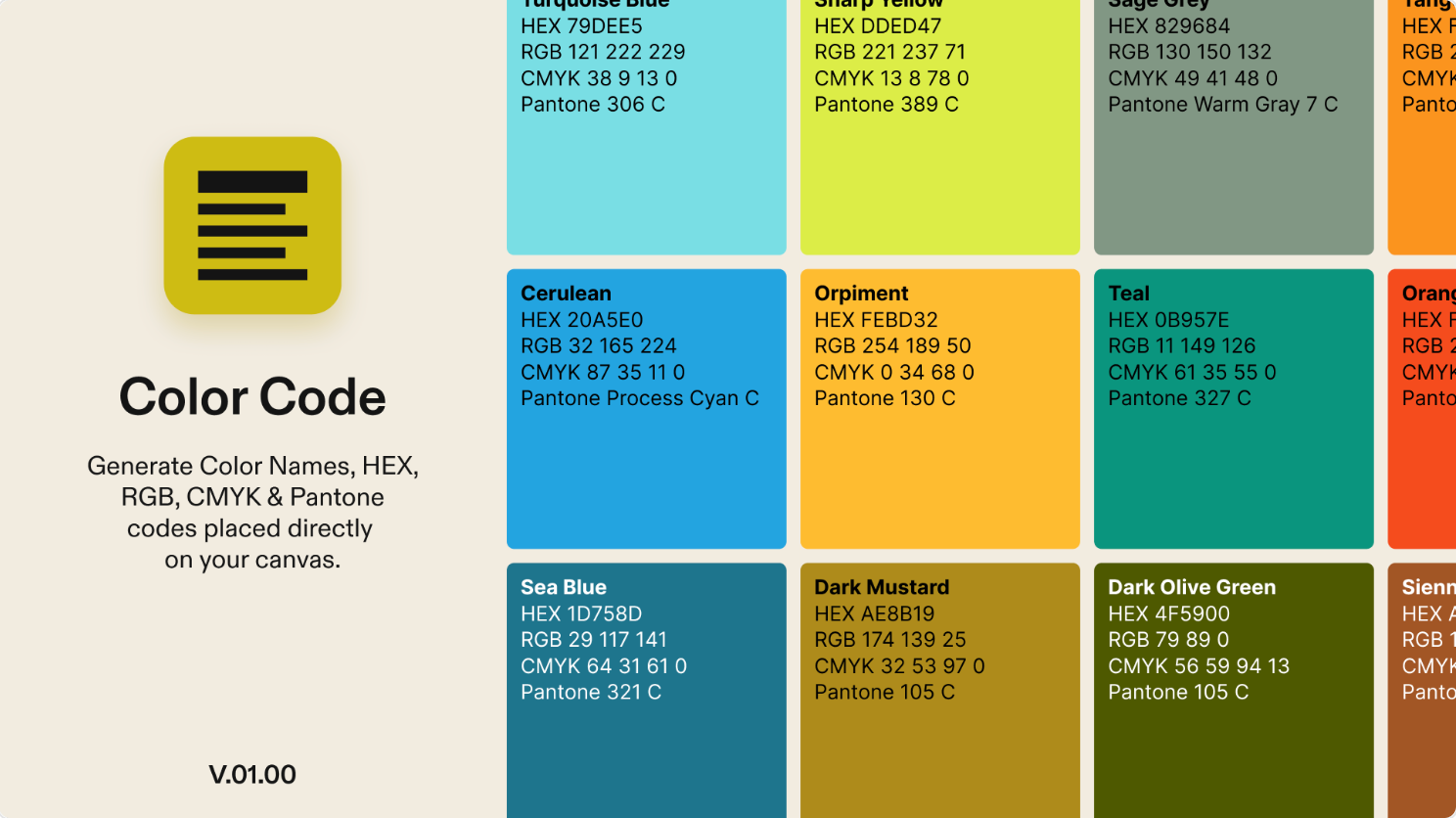
Color Code Generator creates formatted color annotations directly on your canvas. Simply select an object or an entire palette and get instant results. Perfect for brand guidelines and design documentation. The plugin can generate color name, HEX code, RGB code, CMYK or Pantone®. It works on a single object or an entire palette at once and does grid naming and auto-labels for whole palettes. You can customize font size and padding and toggle any code on or off at any time.
🎁 FREE
🎨 Generate color names, HEX, RBG, CMYK and Pantone codes
⚙️ Customizable font size and padding
2. Gleam
Add a bloom glow effect to any layer.
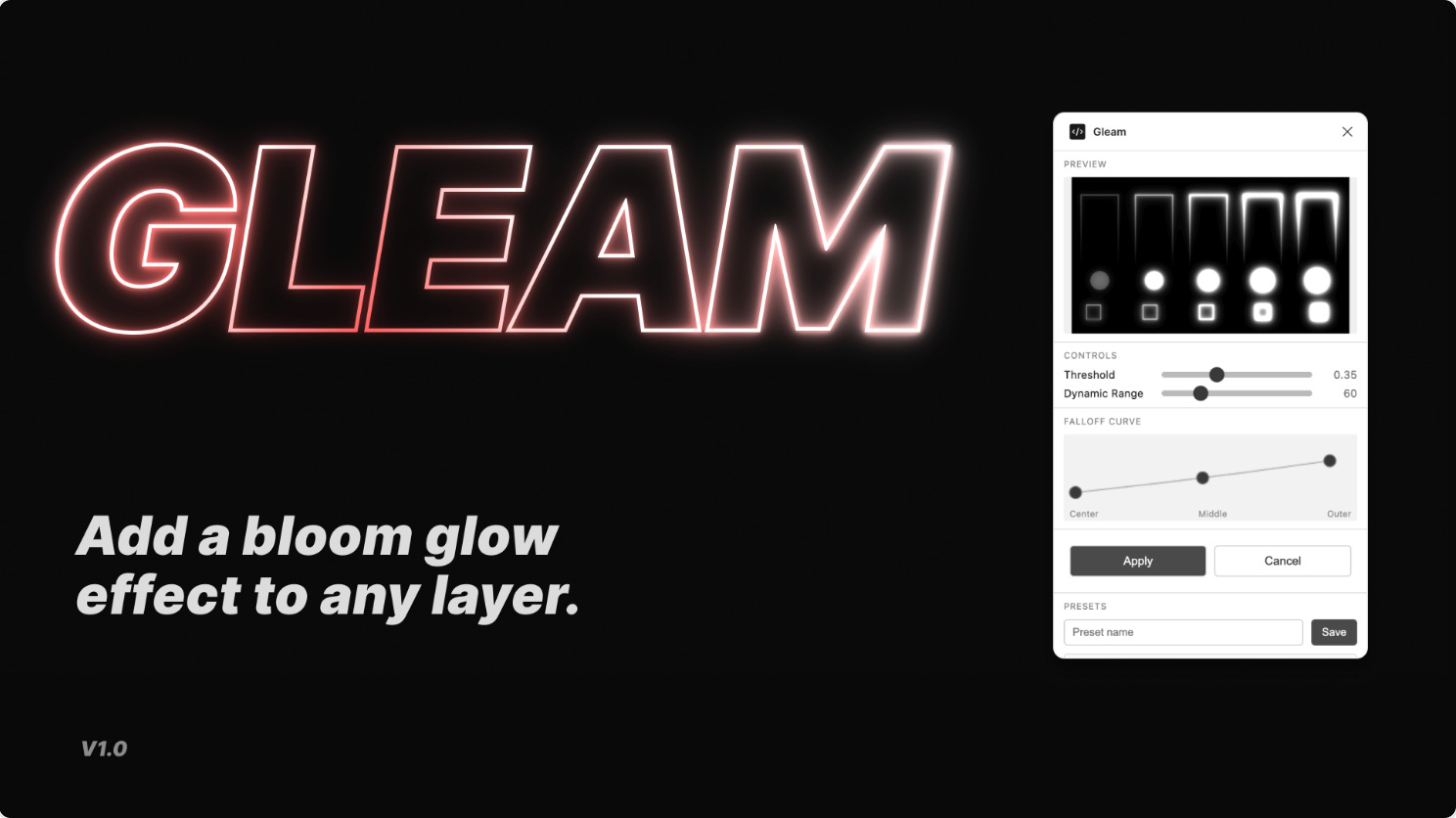
Gleam creates a cool glowing effect for any object in Figma, by adding a non-destructive transparent .png above your original layer. The plugin comes with easy-to-use controls to customize your glow effect, plus a live preview so you can see how it looks while editing. You can also save presets of your favorite glow effects to quickly apply to other layers.
🎁 FREE
🌟 Add a glowing effect to any layer
⚙️ Customize your own or choose from a preset
3. maps.to.design
Bring real maps into your Figma designs.
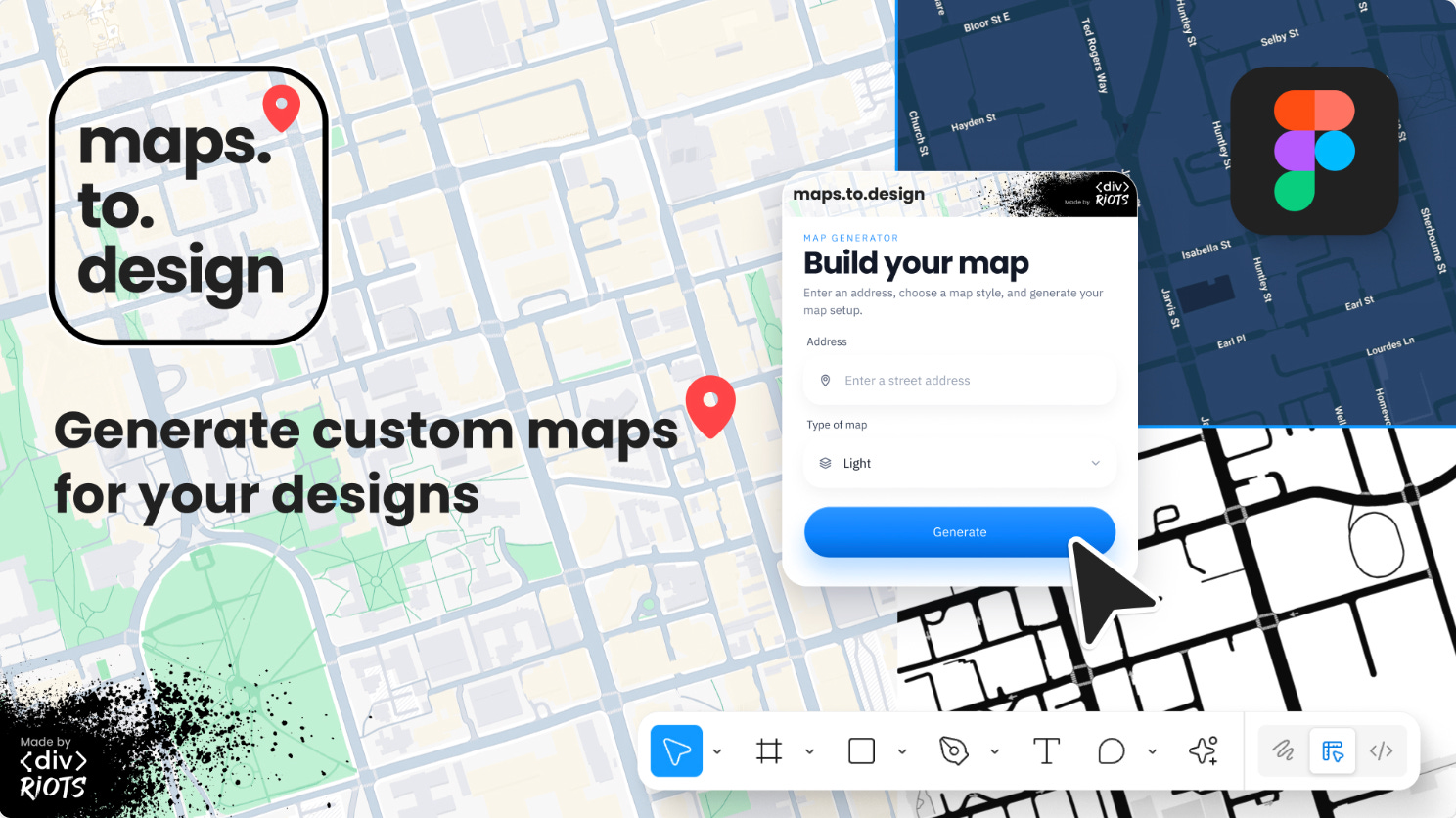
maps.to.design is a fast and easy way to import real maps into Figma. Enter any location—cities, neighborhoods, custom routes—and the plugin places a realistic map in your Figma designs in seconds. You can customize the address, map type (including roadmap, 3D, light and dark), zoom level, whether to show a marker and whether to show the address.
🎁 FREE
🗺️ Generate custom maps for your designs
⚙️ Customize type of map, zoom, pin location and more
4. Rasterize Selection
Instantly convert all layers into a single PNG image at 2x.
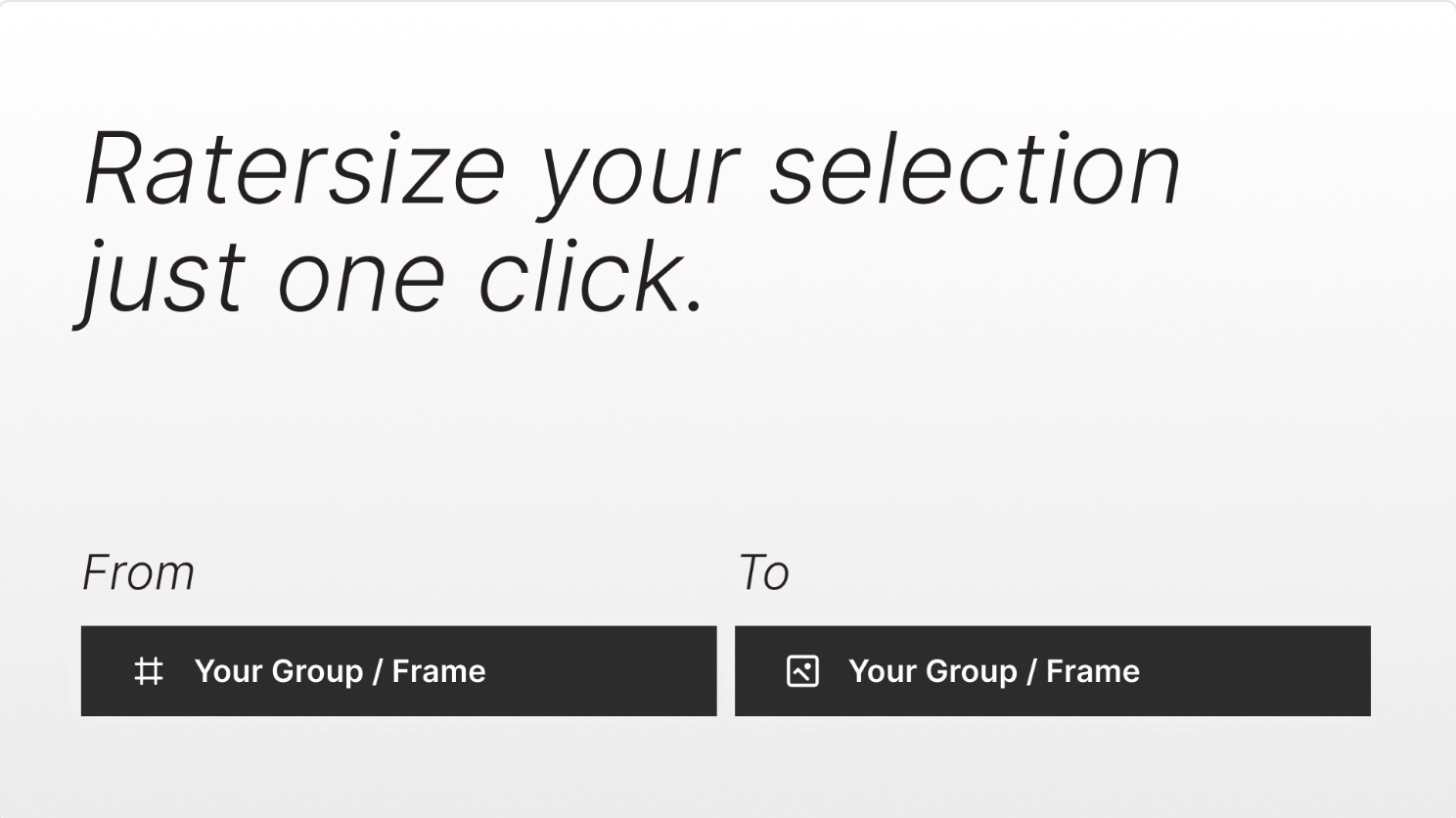
Rasterize Selection allows you to select any group or frame and instantly convert all layers into a single PNG image at 2X resolution. Unlike Figma’s built-in Flatten which produces vectors, Rasterize Selection generates a pixel-perfect bitmap. You can choose to replace the original by swapping the group/frame with a rasterized image or place the rasterized image beside the original. The plugin also supports batch rasterize for multiple selections at once.
🎁 FREE
🖼️ Turn any group or frame layers into a single PNG
💎 Generates a pixel-perfect bitmap as opposed to flattened vector
5. Tably - Table Generator
Quickly generate tables in Figma.
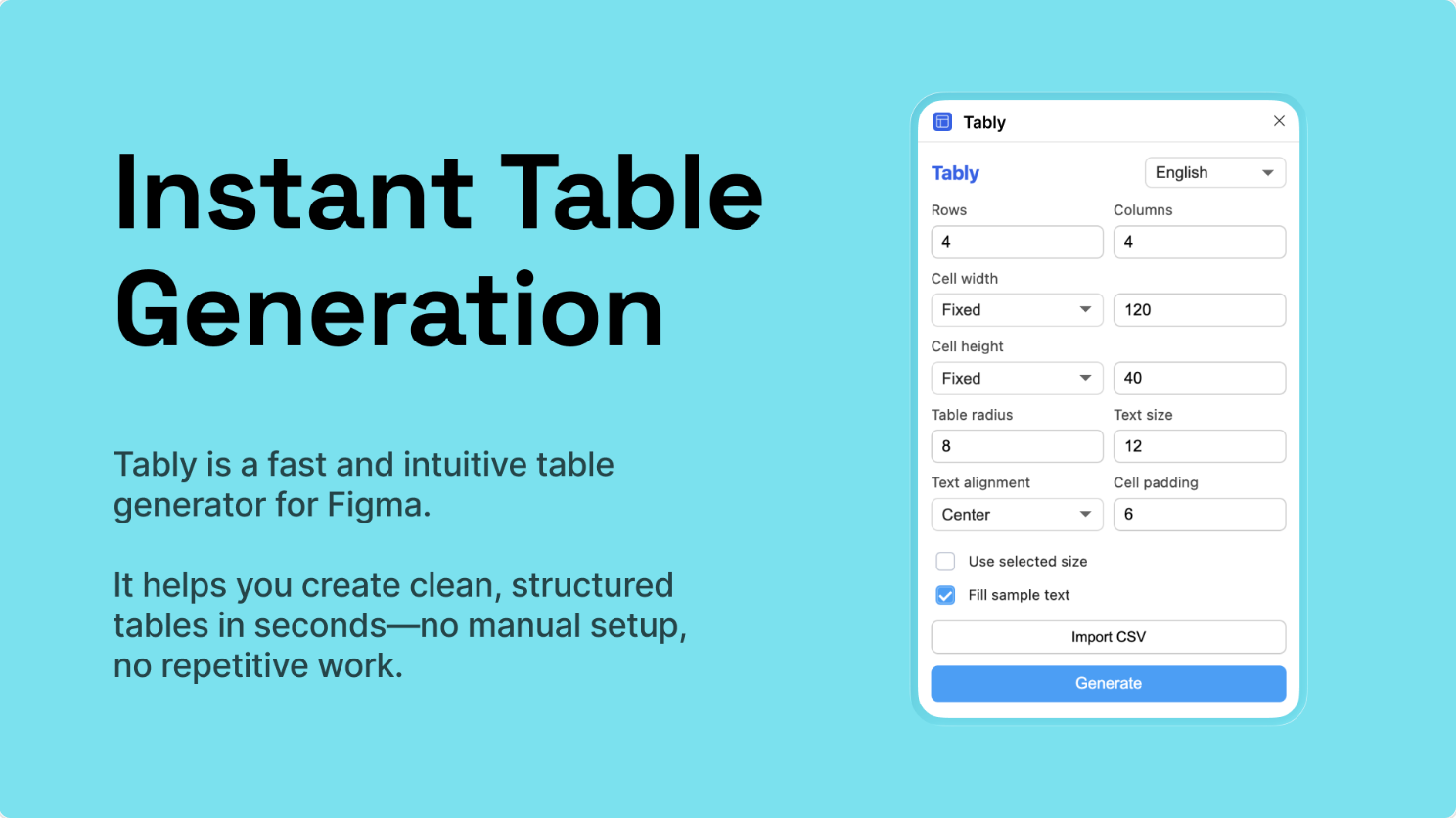
Tably helps you quickly generate tables, import CSV data, and create structured layouts with auto layout. Perfect for dashboards, data tables, SaaS products, and admin UI design. You can either generate a table with custom rows and columns, or import your CSV for an instant table with your own data.
🎁 FREE
📊 Generate clean, structured tables in seconds
📚 Import your CSV data
✏️ Newsletter brought to you by ‹div›RIOTS.