

Week 92 - Artistic backgrounds, clean files and perfect UX
This week's five new Figma plugins.
This week’s issue combines a perfect mix of tools for this season: splashes of joyful color and some Spring cleaning!
There’s a Bauhaus-inspired wallpaper generator that turns geometry into art, a one-click cleanup tool to get your layers in order, and a UX audit plugin built on 15 years of research that's basically like having a conversion expert on call. Plus two more that are pretty unique.
Five free plugins, all rather different, and all worth a try. Dive in! 👇
1. Bhumiti Wallpaper Generator
Create unique Bauhaus-inspired wallpapers.
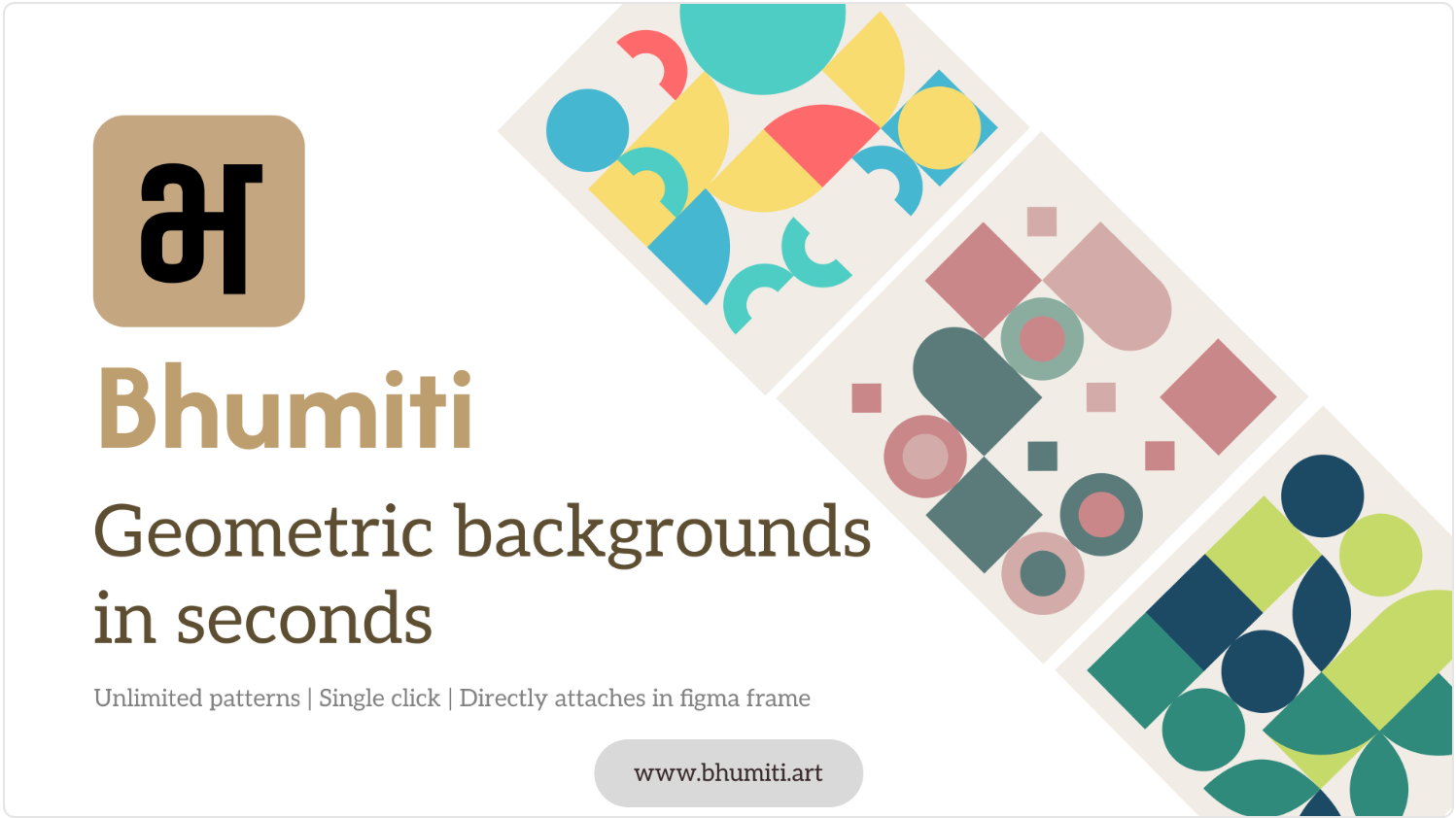
Bhumiti Wallpaper Generator creates cool, geometric wallpaper that looks like art. Choose your shapes and palette and fill any frame with a Bauhaus-style background. It works for any frame shape and the backgrounds are fully vectorized so you can customize and edit as much as you want.
🎁 FREE
🖍️ Generate aritsitc geometric backgrounds
⚙️ Control shapes, colors, repetition and more
2. CleanUp Layers
Instantly clean, organize, and smartly rename your entire Figma file.
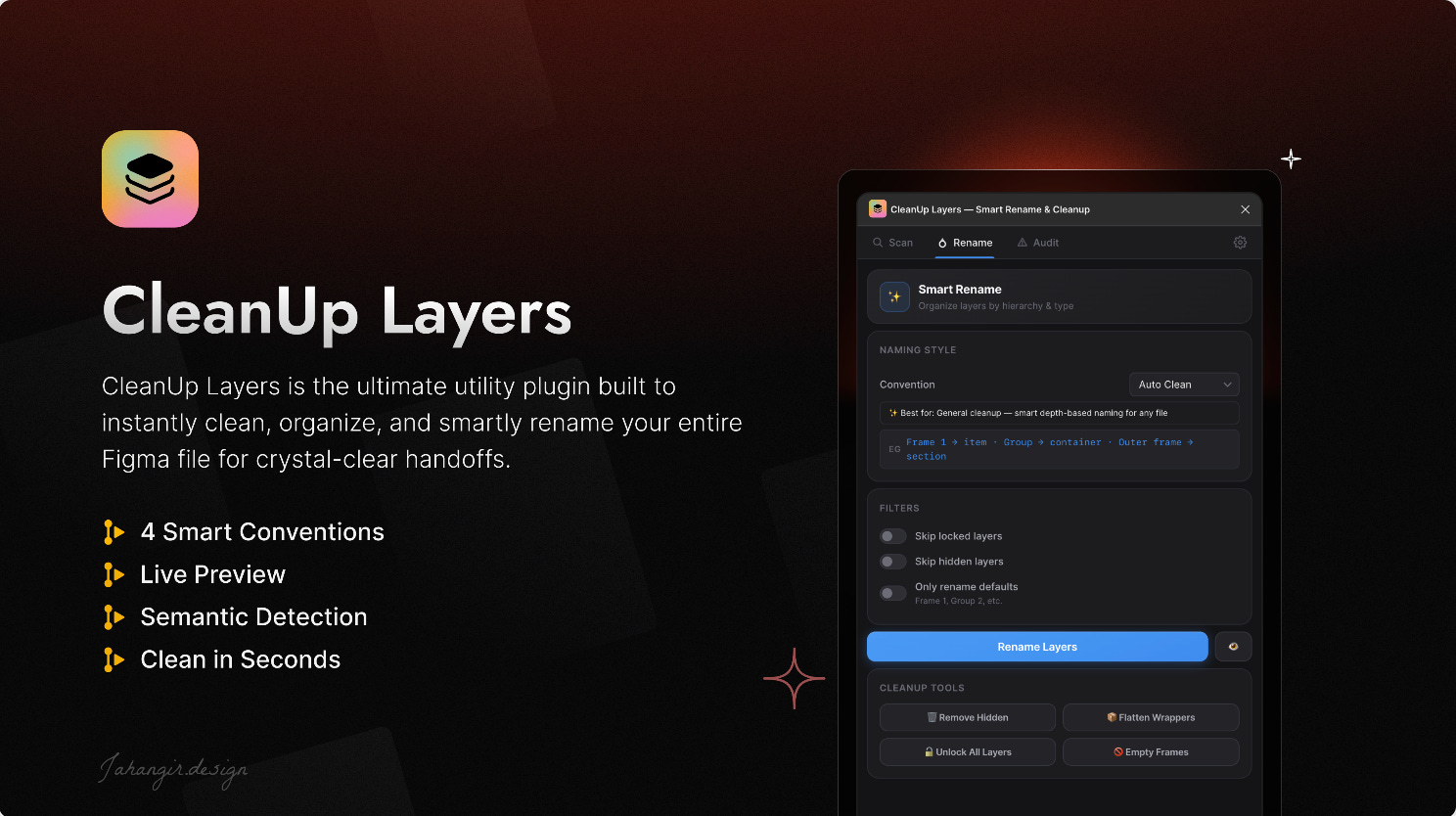
If a little spring cleaning is in order, try the new CleanUp Layers plugin. Its “One-Click File Scanner & Health Score” analyzes your selected frame or entire page to give you a birds-eye view of your file's "health score", with detailed metrics on total layers, hidden layers, locked elements, and default frame names. You can then automatically rename layers with 4 different naming conventions, or try one of the plugin’s one-click cleanup tools: delete hidden layers, unlock all layers, remove empty frames.
🎁 FREE
🧹 4 instant clean-up tools and file health scanner
✏️ Smart depth-based renaming
3. Copies Along Path
Align a shape and its copies along a path.
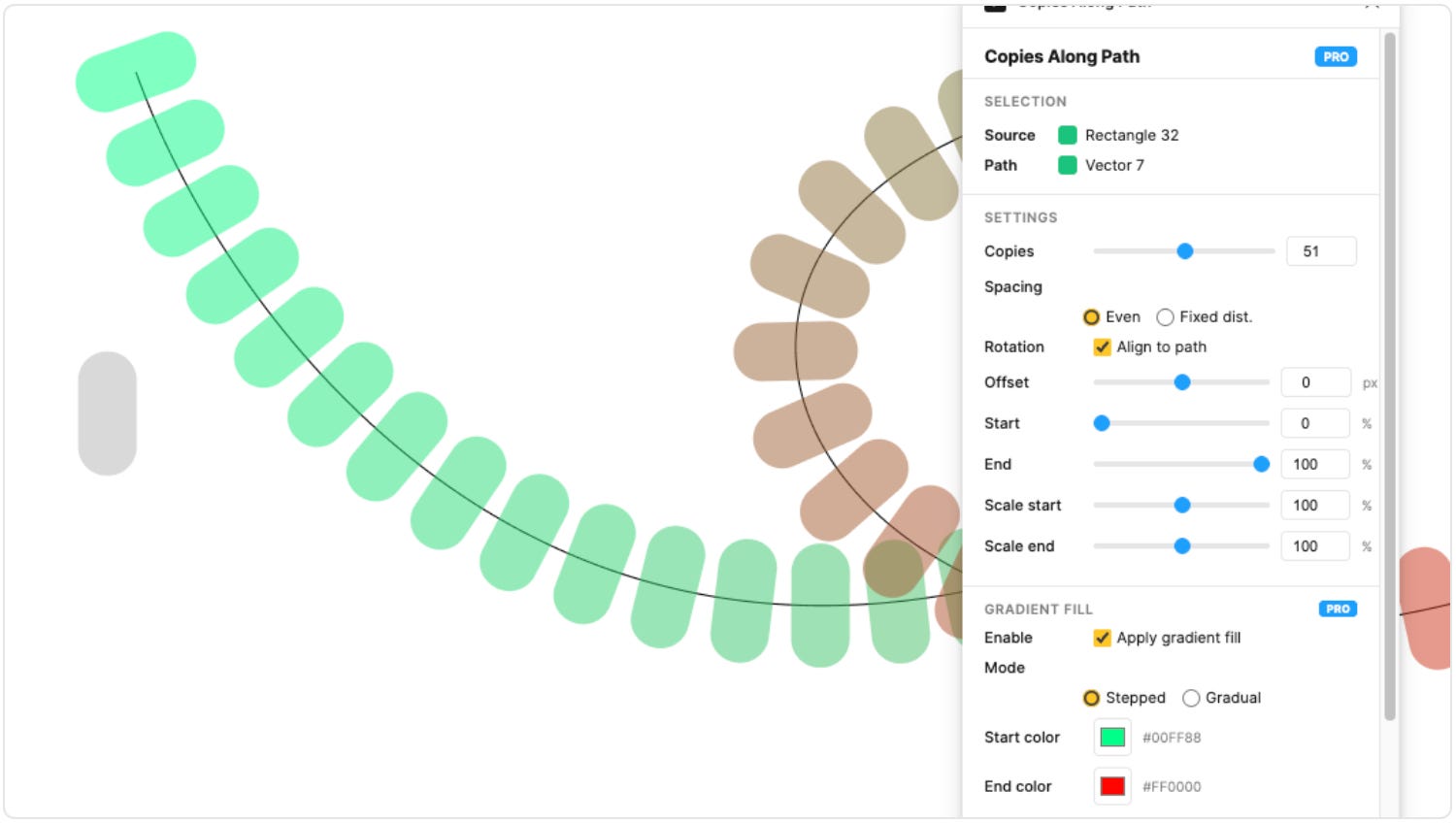
Copies Along Path is the easy way to align a shape and as many copies of that shape along a path. There’s no need to fiddle and adjust to achieve this manually. You can now pick your source shape and path and the plugin takes care of the rest.
🎁 FREE
↩️ The easy way to place copied elements on a path
⚙️ Customize spacing, rotation, offset, color…
4. Image2Gradient
Turn images into editable Figma gradients.
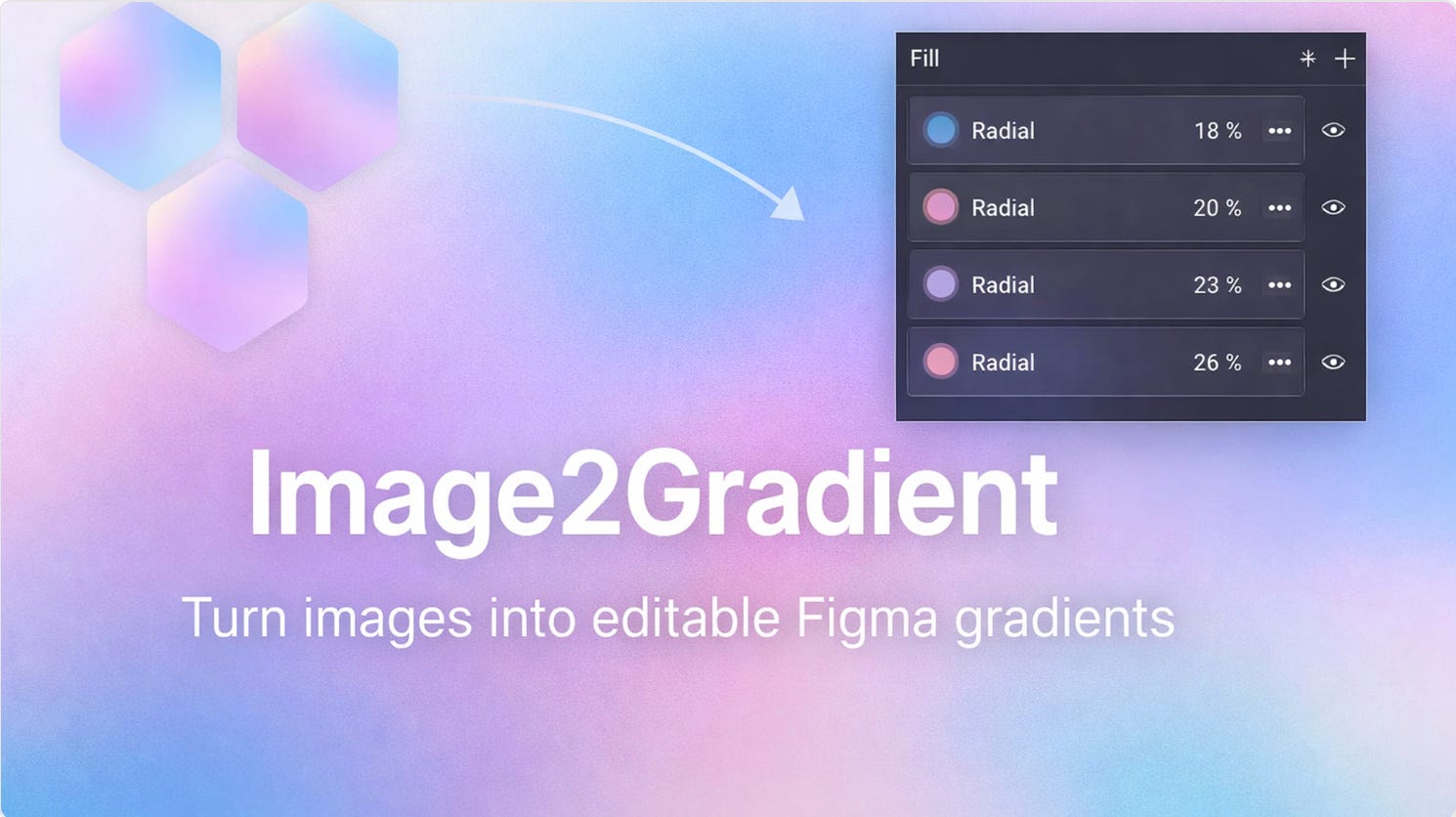
Image2Gradient converts any image and its colors into a Figma-ready gradient. Select a single image layer or a shape that uses an image fill, run the plugin and click ‘Use Selected Image’, adjust layers (3–10), softness and opacity; and hit ‘Apply Gradient’ to either a selected rectangle, or create a new rectangle and apply the layered gradients. The plugin achieves best results with gradient-style images (pastel clouds, soft backgrounds), but will produce an approximation for photos or complex illustrations.
🎁 FREE
🌈 Turn an image’s colors into a Figma-ready gradient
⚙️ Adjust layers (3–10), softness and opacity (overall intensity)
5. UX-Ray by Baymard
Analyze your designs against Baymard's research-backed UX best practices.
UX-Ray by Baymard scans your frames to identify critical usability issues that might hurt conversion or overall user experiences. The plugin identifies the most impactful UX changes for your designs, generating a list of UX insights prioritized by severity of impact observed in ecommerce users across Baymard’s large-scale user research. A great tool if you want to shorten feedback loops by linking objective UX research for every design decision, and to get inspired by designs that actually convert with the plugin’s competitor analysis feature.
🎁 Generous FREE version 💰 Premium functionality from $199/month
🔎 Scans frames to identify critical usability issues
📚 Based on Baymard’s 15 years of experience in ecommerce UX
✏️ Newsletter brought to you by ‹div›RIOTS.