

Week 91 - Scribbles, typing effects and dynamic variables
This week's five new Figma plugins.
Like every week, five new plugins, and somehow they all landed in different parts of Figma. Scribbles, spreadsheets, swapped components, typing animations, and formula-driven variables — it’s a grab-bag issue, but a good one.
We’ve got a generator that brings hand-drawn charm to your frames, an exporter that rescues all your sticky note thinking from any FigJam mess, and for the design system folks — a plugin that might just change how you think about variables entirely.
All five are free (or free to try), so there are no excuses. Let’s get into it 👇
1. Scribble Lines Generator
Add scribbles and doodles to your designs.
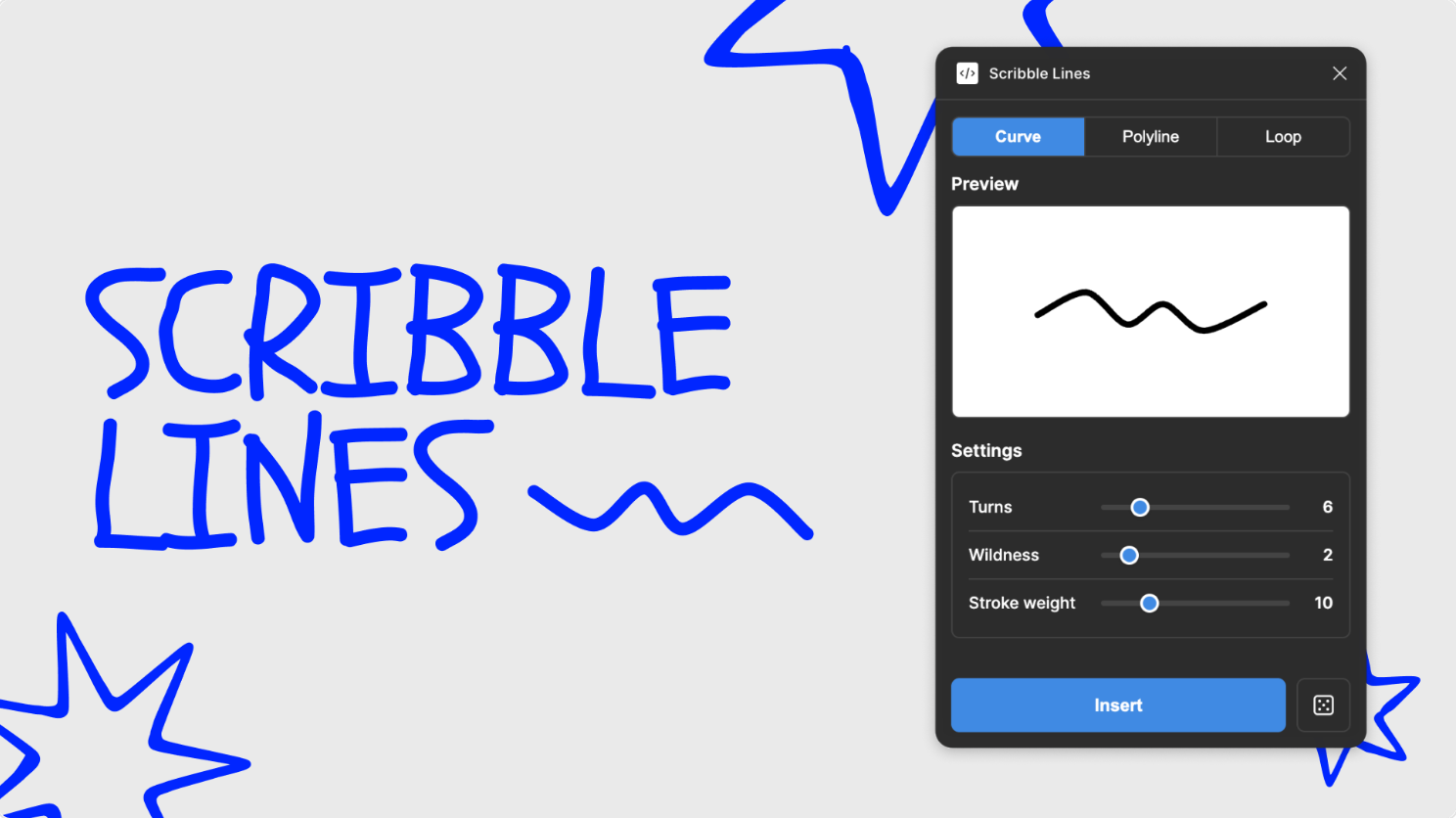
Scribble Lines Generator allows you to create curve, polyline, or loop lines with a handwritten scribble effect. Control the number of bends in the line, how dramatic the amplitude, spacing, and noise are and the thickness of the line. Then click to insert to add your scribble to the canvas. Each scribble is a single vector path that is fully editable with Figma’s vector tools.
🎁 FREE
🌀 Generate curve, polyline or looped scribble lines
⚙️ Control bends, spacing, thickness and more
2. Sticky Comment
Export your FigJam sticky notes with threaded comments.
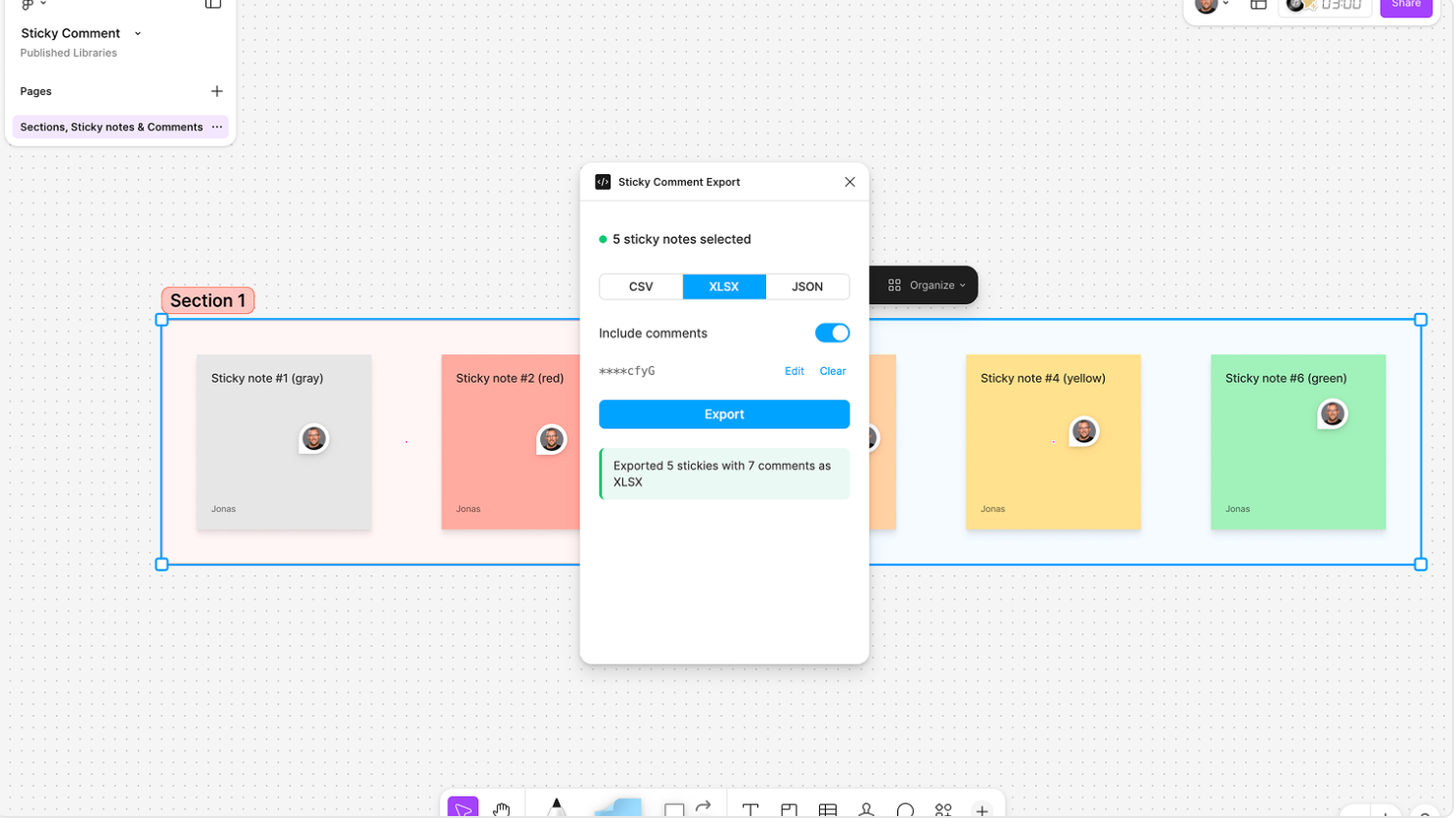
Sticky Comment exports your FigJam sticky notes into structured, ready-to-use files (with threaded comments included) as clean CSV, XLSX, or JSON files in seconds. Each sticky is exported including text content and author, color label, section hierarchy (including nested sections) and the canvas position (X/Y coordinates). If you toggle on comment fetching, stickies are matched with any Figma comments pinned to them — including full threads, authors, timestamps, and resolved status. Perfect for anyone who needs to take FigJam data into spreadsheets, reports, or other tools.
🎁 FREE
🏷️ Export the data from your sticky notes in FigJam
📁 Export to CSV, XLSX or JSON
3. Swap Penguin
Replace layers with similar components in your design file.
Swap Penguin replaces selected layers with similar components in your design file. Simply select the layers you want to replace, click the “Scan” button to start and choose the component you want to swap into from the suggested list. Perfect for updating design drafts or imported designs with real components.
🎁 FREE
🔄 Replace layers with similar components from your library
🪄 Quick fix for drafts or imported designs
4. Typing Effect Animation Generator
Render your canvas as a presentation-ready video.
Typing Effect Animation Generator creates realistic typing animations instantly. Select a text layer, import it, and the plugin generates a complete component set with each character as a variant, fully wired with prototype interactions, ready to play. The plugin preserves your text styles and comes with controls such as character delay, frame padding, cursor toggle and more.
🎁 FREE
⌨️ Generate realistic typing animations
▶️ Creates a full component set, prototype-ready
5. Variables Plus
Write formulas between Figma Variables to update your design system automatically.
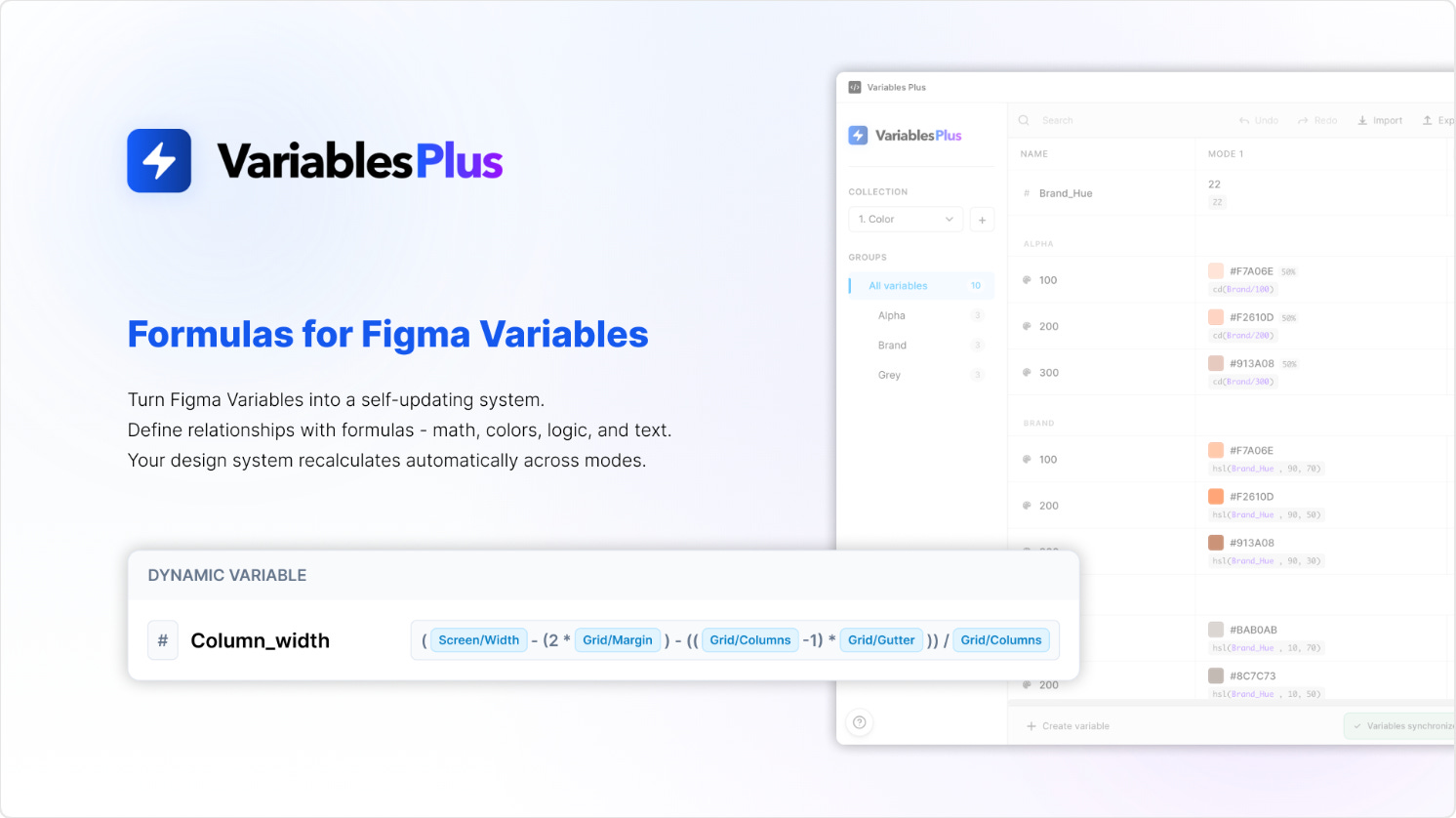
Static variables aren’t scalable. The minute you change a base value, you need to recalculate spacing scales, typography ratios… Variables Plus lets you write formulas between Figma Variables so your design system updates itself automatically. The plugin allows you to create computed variables using math (e.g. spacing-lg = spacing-base * 2), reference variables inside other variables, keep values aligned across modes and drive entire systems from one base token. Download the demo file to test it out!
🎁 FREE 30-day trial 💰 After that $2/month subscription
➗ Add formulas to your Figma variables for a scalable system
📶 Define base values once, let formulas do the rest
✏️ Newsletter brought to you by ‹div›RIOTS.