

Week 90 - Flowchart builder, font finder and Lottie importer
This week's five new Figma plugins.

We’ve published nearly one hundred issues of Figma Plugin Weekly, and every week we’re still genuinely surprised by what can be created by the plugin community!
This week features an AI-powered flowchart builder, a tool that brings Lottie animations to life as native Figma components, and a video tool that shows your work the way it deserves to be seen. Oh, and two more that will quietly save you hours you didn't know you were wasting.
Five new plugins for the book. All free (or nearly). Let's get into it! 👇
1. Figma Text Extractor
Extract all text content from your Figma designs.
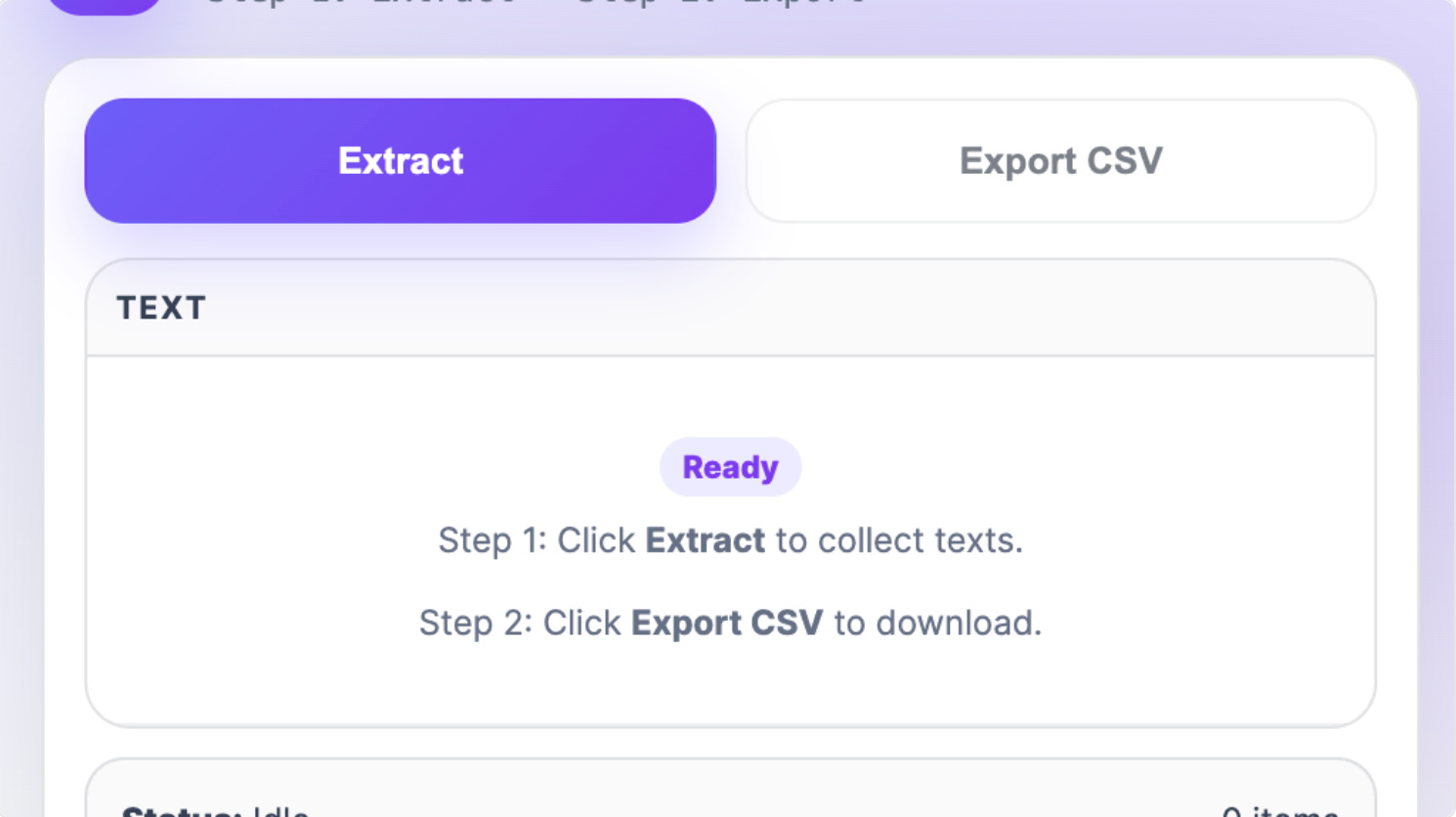
Figma Text Extractor helps you extract all text layers from your current page, automatically capturing page name and layer name and exporting everything to a clean CSV file. It works instantly with any Figma file and is perfect for preparing text for localization, creating content inventories, reviewing UI copy outside Figma and sharing text with developers or translators.
🎁 FREE
🚀 Extract all text on your Figma canvas as a CSV
🔠 Great for sharing text with developers and translators
2. Flowchart AI
Describe a flow, AI generates the flowchart.
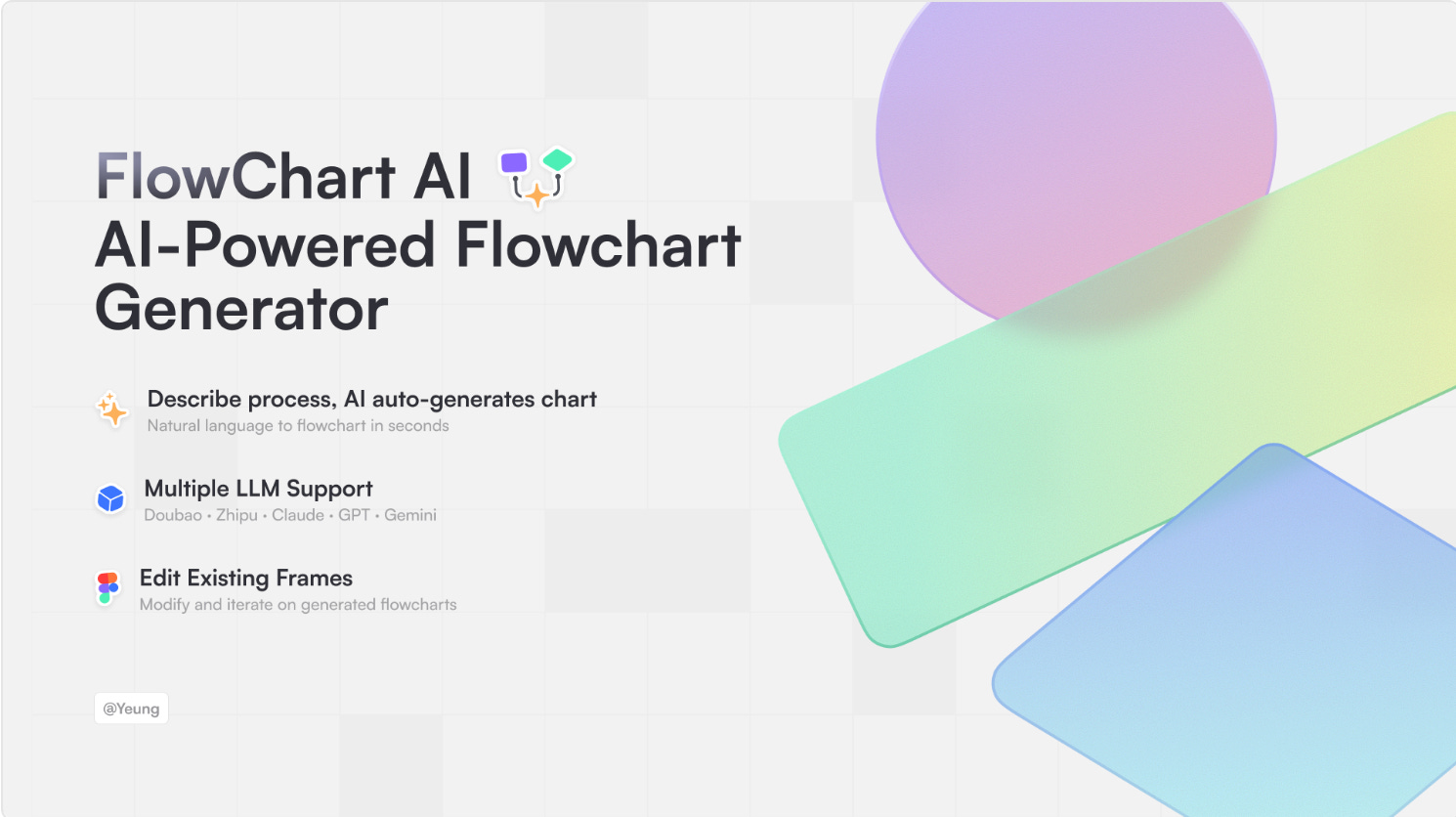
Flowchart AI allows you to describe a flow using natural language, and AI generates the flowchart for you. Multiple LLMs (Doubao/GLM/Claude/GPT/Gemini) are supported and the plugin comes with two modes: Plan Mode which allows you to discuss flow design with AI, and Execute Mode that generates Figma flowcharts in a click. You can also edit existing frames with follow-up prompts.
💰 FREE plugin but requires LLM API key
🔀 Describe a flow using natural language and AI generates it
🤖 Multiple LLMs supported
3. Lottie Flow
Import your Lottie animations into Figma in a click.
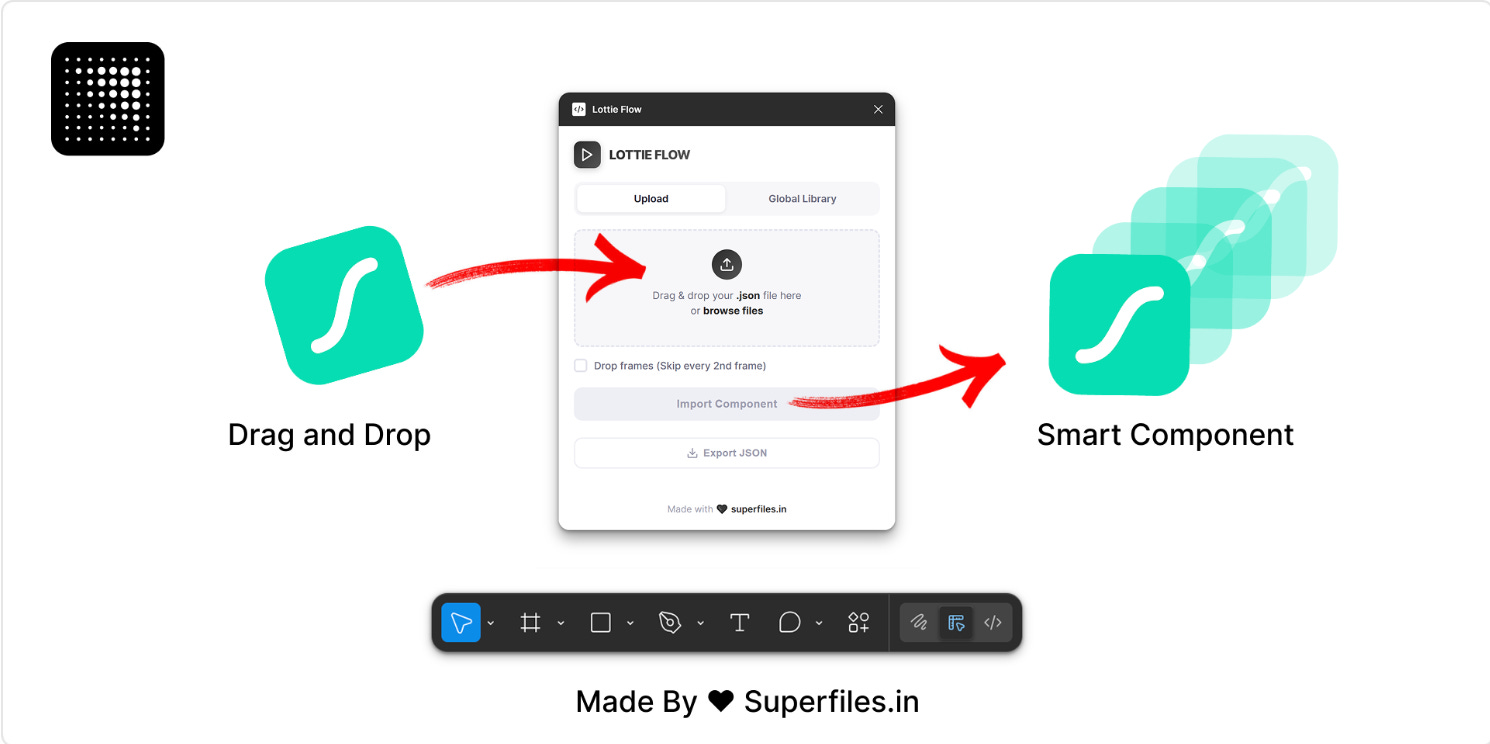
Lottie Flow turns any Lottie JSON animation into a fully interactive Figma component with auto-wired prototype transitions. Lottie Flow extracts every frame, converts them to Figma vectors, builds a component set with variants, and auto-connects prototype interactions so the animation plays natively inside Figma.
🎁 FREE
📥 Import Lottie animations as Figma vectors
🪄 Builds component sets so the animation plays natively inside Figma
4. WalkVideo
Render your canvas as a presentation-ready video.
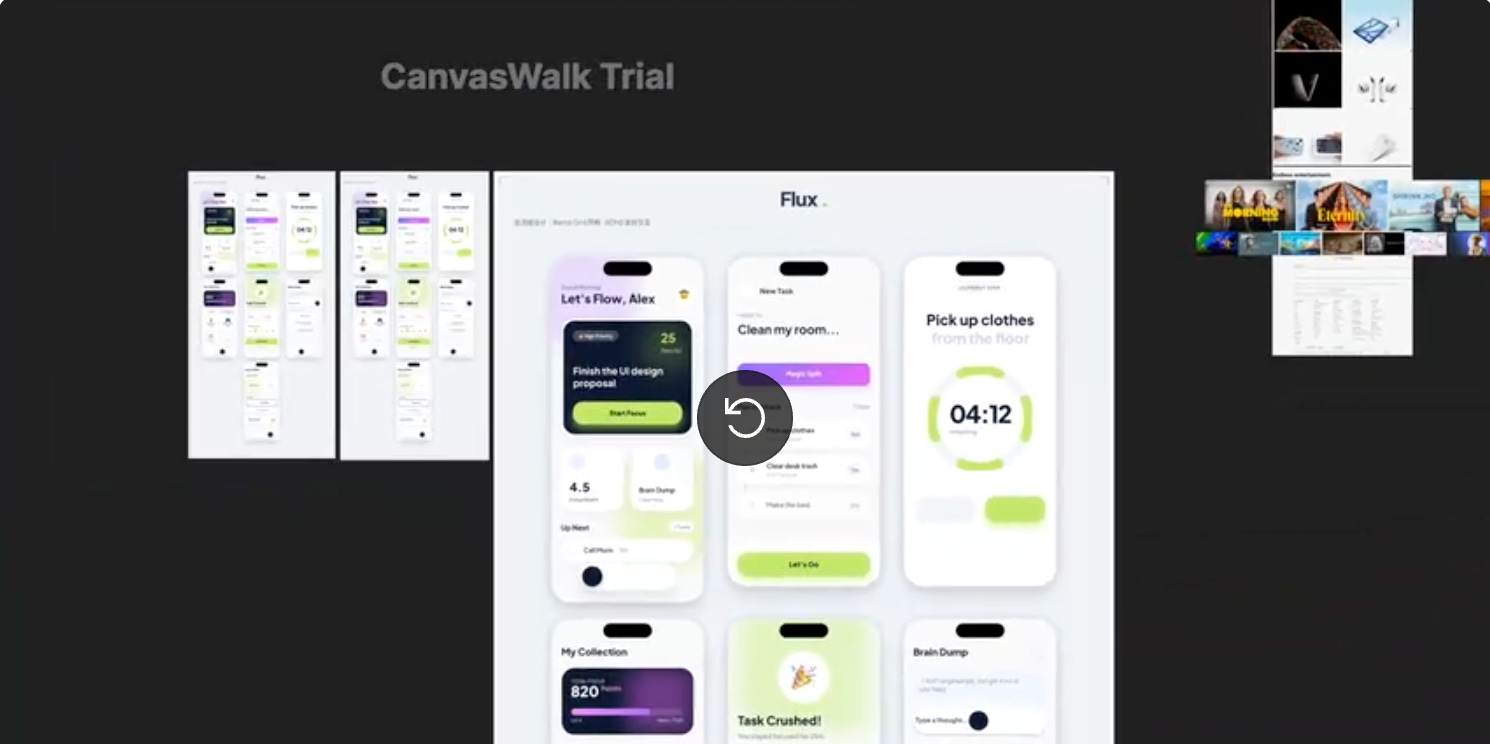
WalkVideo turns your Figma canvas, prototyping flow, and design frames into an exported video output with high fidelity, high fps, and clean motion. You can choose MP4 video export in 1080p and 4K, the frame rate from 30fps, 60fps or 120fps; and aspect ratio presets from Auto, 1:1, 4:3, 9:16, 16:9 for different platforms and use cases. When you don’t need a prototype, but don’t want to share screenshots either, WalkVideo renders your works as a video instead.
🎁 FREE 💰 PRO features $39.90 for life
🎥 Generate a presentation-ready video of your canvas
👩🏫 Great for product walkthroughs, demos, social clips…
5. WhatFontIs Font Finder
Identify any font from your Figma file instantly.
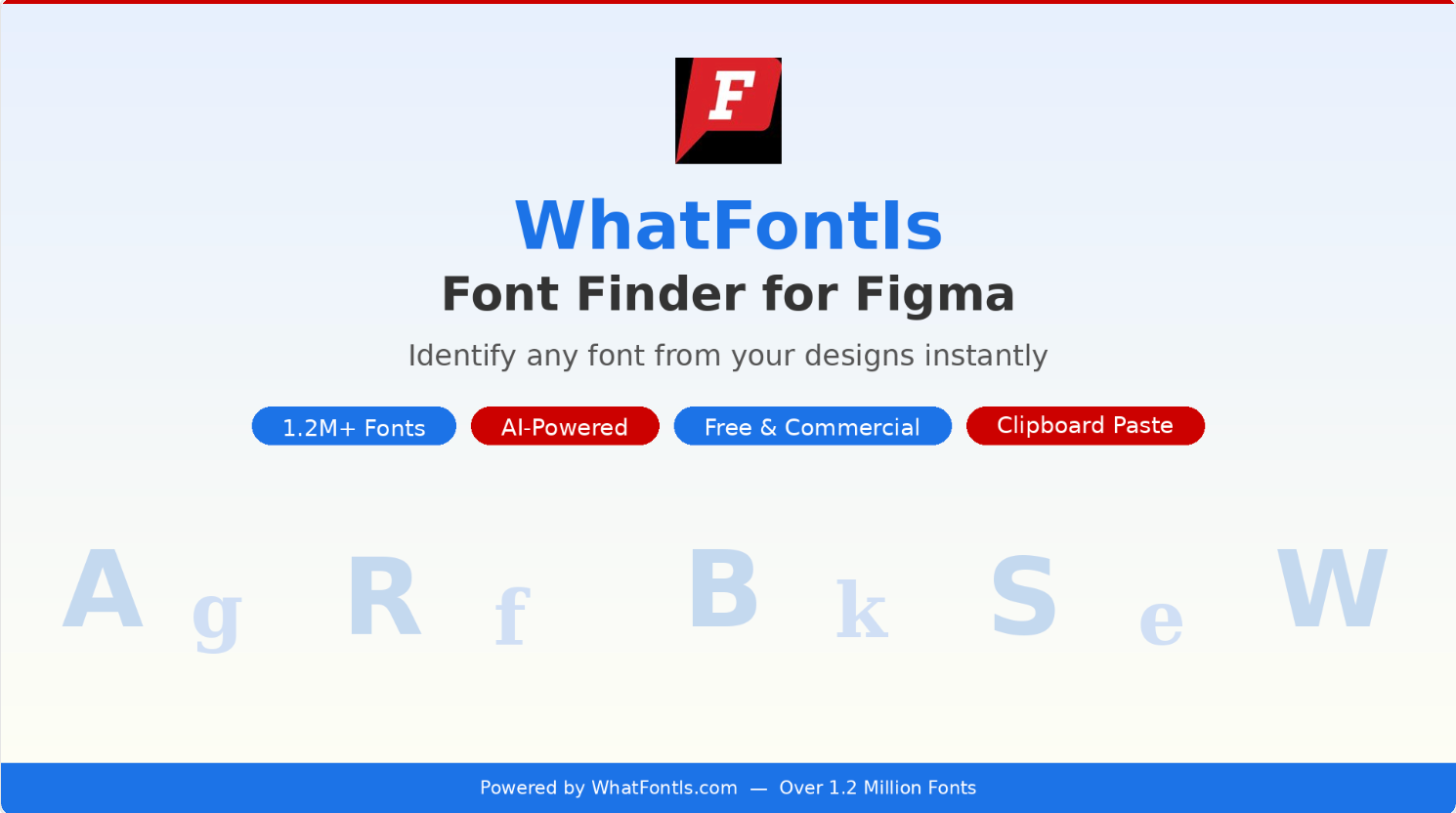
WhatFontIs Font Finder identifies fonts from any selected layer in your Figma designs and analyzes it using the WhatFontIs API to find matching fonts from a database of over 1.2 million fonts — including both free and commercial options. You can also paste images directly from your clipboard. Perfect if you need to quickly identify fonts from screenshots, mockups, or imported designs.
🎁 FREE
🔎 Instantly identify any font in your file
🔡 From over 1.2 million fonts
✏️ Newsletter brought to you by ‹div›RIOTS.