

Week 89 - The clean-it-up issue
This week's five new Figma plugins.

If your layers panel looks like it was named by a caffeinated intern at 2am, this week’s issue is basically a spa day for your Figma files.
Most of the plugins this week are laser-focused on cleaning up the mess that accumulates as you design — redundant wrapper frames, hardcoded values floating outside your design system, components with inconsistent naming, frames still called “Frame 4823”. We have a realtime frame renamer, an auto layout cleaner, a design system auditor and a props tidier… And the odd one out may not clean anything up, but will come in handy if you’re migrating files.
Ready for sparkling Figma files? Let’s get into it. 🧹
1. AI Realtime Renamer
Auto-rename frames as you design.
AI Realtime Renamer watches your document as you design and renames frames the moment they’re created or modified. Automatically and without you needing to stop and interrupt your work. The plugin offers two modes: Local which is instant, free and offline, using structural signals to categorize frames with zero API calls. Or, AI Mode which uses Claude Haiku to watch and rename in real time, understanding nuance and context that rules can’t capture (requires a Claude API key).
🎁 FREE for Local mode 💰 API key required for AI Mode
✏️ Automatically rename frames as you’re designing
🪄 Connect your Claude API key for more nuanced naming
2. Auto Layout Cleaner
Remove redundant wrapper frames in your auto layout hierarchy.
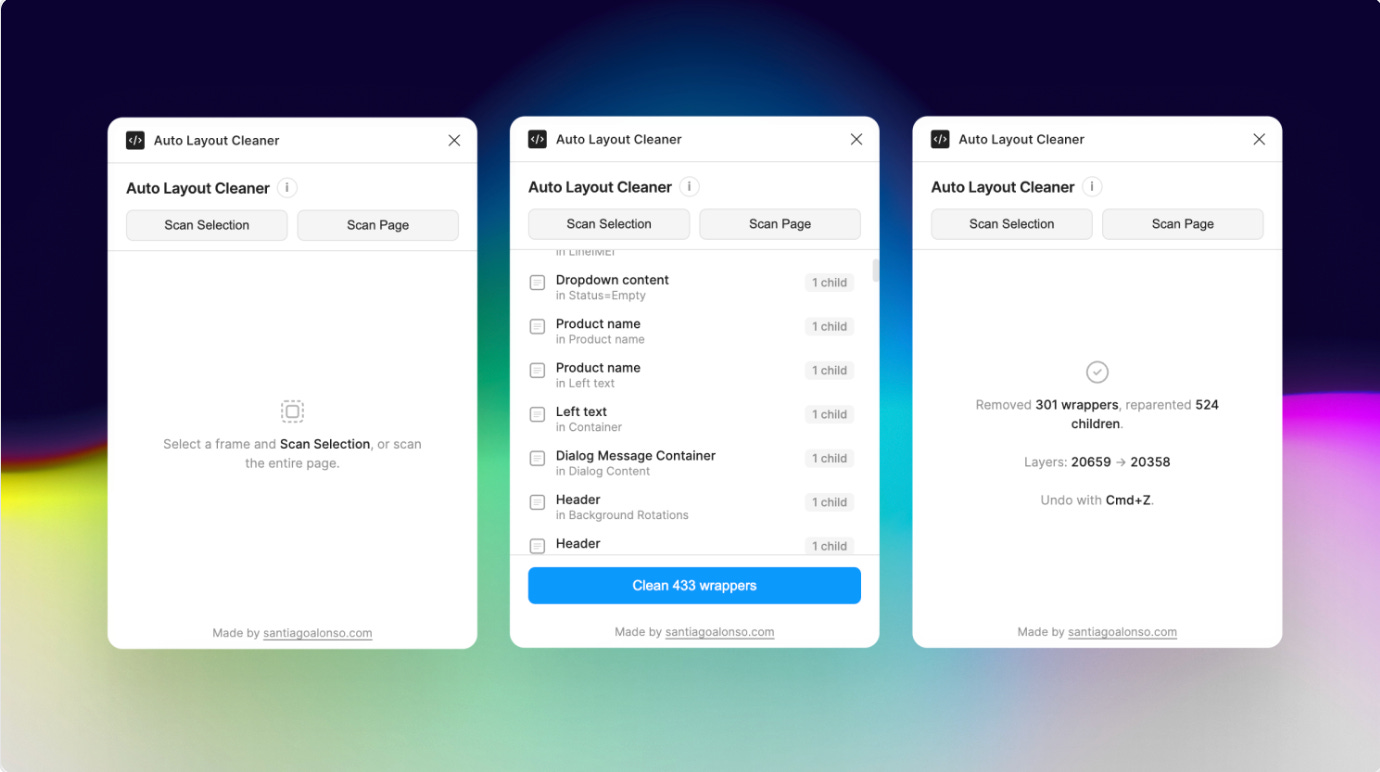
Auto Layout Cleaner scans your selection (or entire page) to find those redundant wrapper frames with no fills, padding or effects that clutter your auto layout hierarchy. It then flags them, moves their children up to the parent, and deletes the empty wrapper. Your design looks exactly the same, just with a cleaner structure. Not to worry, it only removes frames that truly contribute nothing. Instances, components, and frames with their own styling or layout settings are never touched.
🎁 FREE
🧹 Clean up redundant auto layout frames
🙅♀️ Doesn’t touch frames with styling or layout settings
3. Commentor
Back-up and migrate your Figma comments.
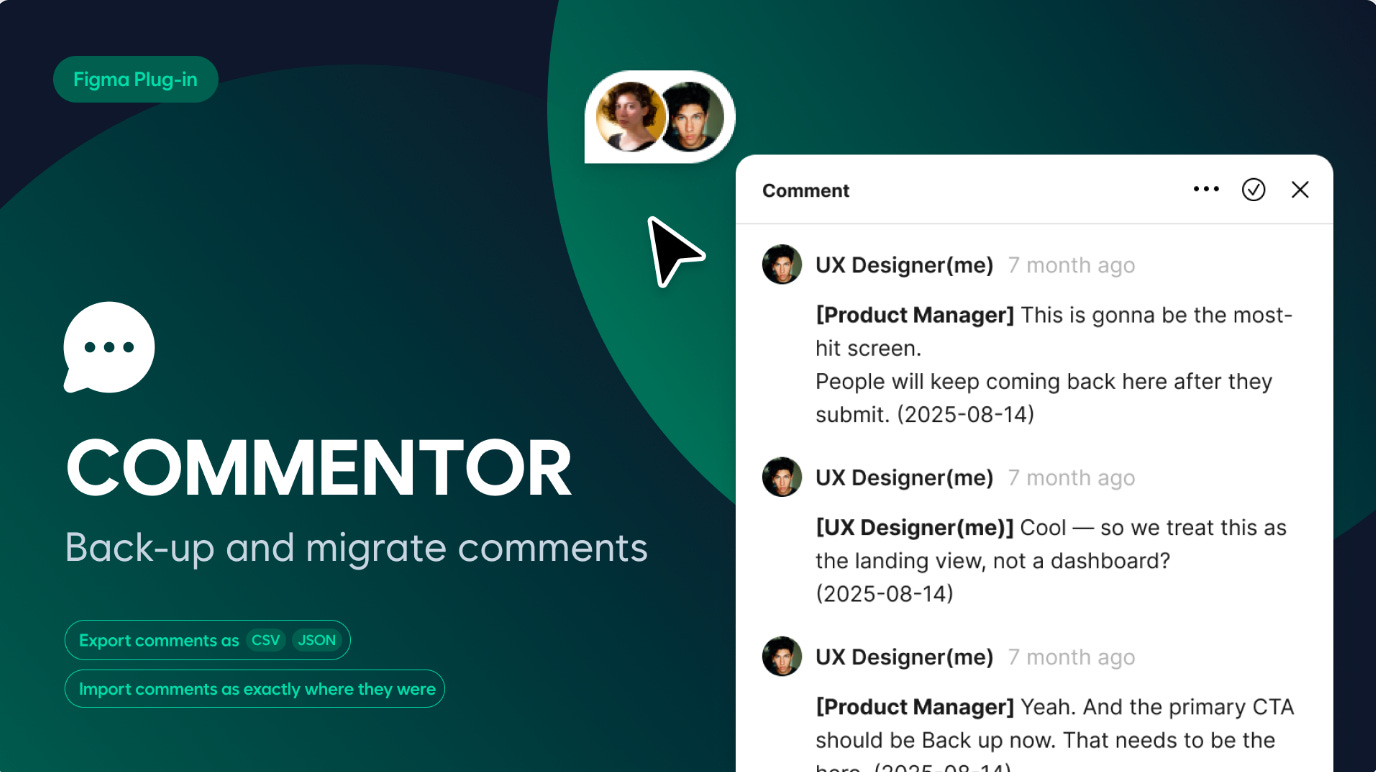
Commentor exports Figma comments as CSV or JSON and then imports them exactly where they were, preserving thread structure and anchor positions. It’s perfect when splitting files, rebuilding screens, or migrating design systems. Author and date context is also embedded in imported messages for a clearer review history.
🎁 FREE
💬 Easily migrate Figma comments from one file
🔒 Preserve thread structure, position, author, date…
4. Figxed Design System Audit
Check adoption of your design system at a glance.
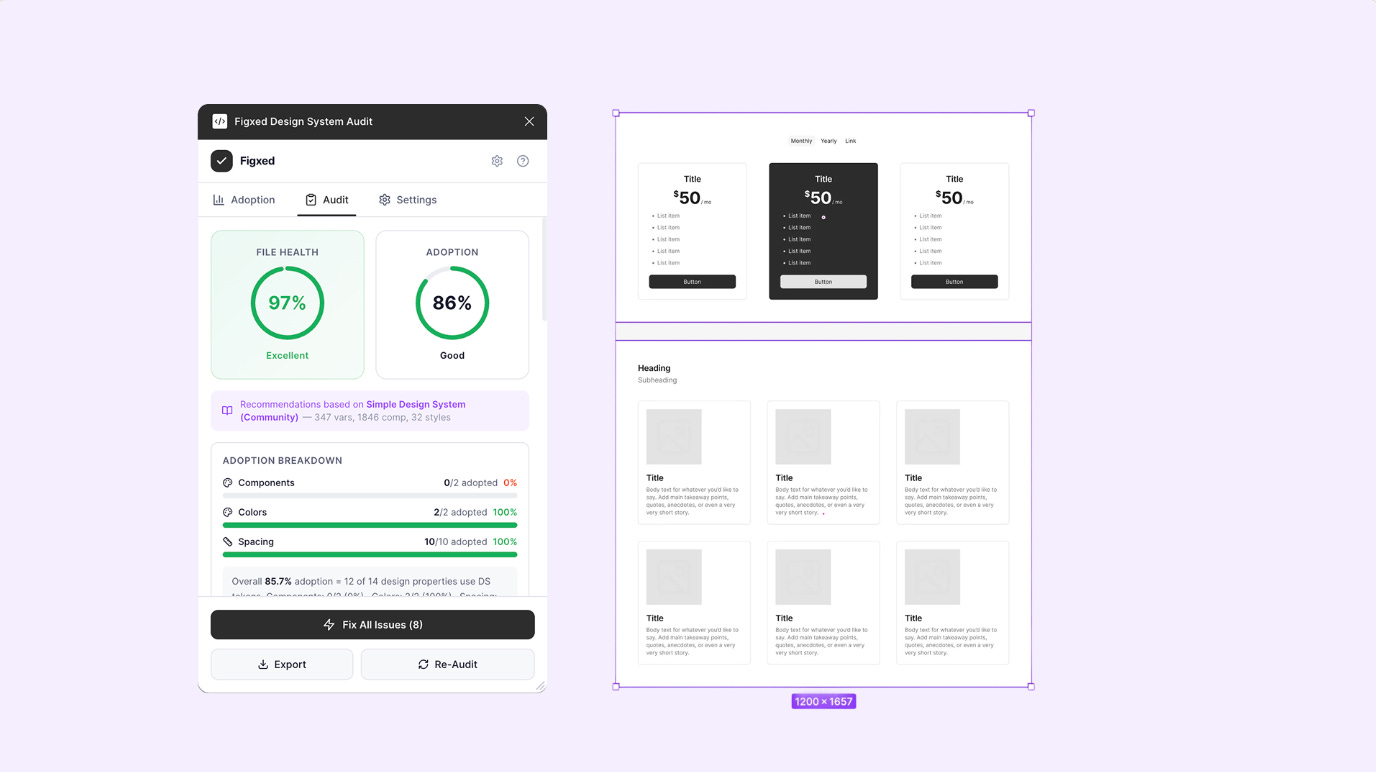
Figxed Design System Audit checks your Figma files to detect hardcoded values that are not bound to your design system tokens, measuring overall design system adoption. It also comes with the option for a one-click auto-fix to bind the correct variable to any property, as well as a batch “Fix All” to resolve multiple issues at once. The plugin also offers a birds-eye view of your design system adoption with a visual health score (0-100%) and tracking of design system vs. local vs. detached components.
🎁 FREE
📏 Measure your design system’s adoption
🚀 Works with team libraries, handling files of 10k+ layers efficiently.
5. TidyProps
Get components 100% code-ready in seconds.
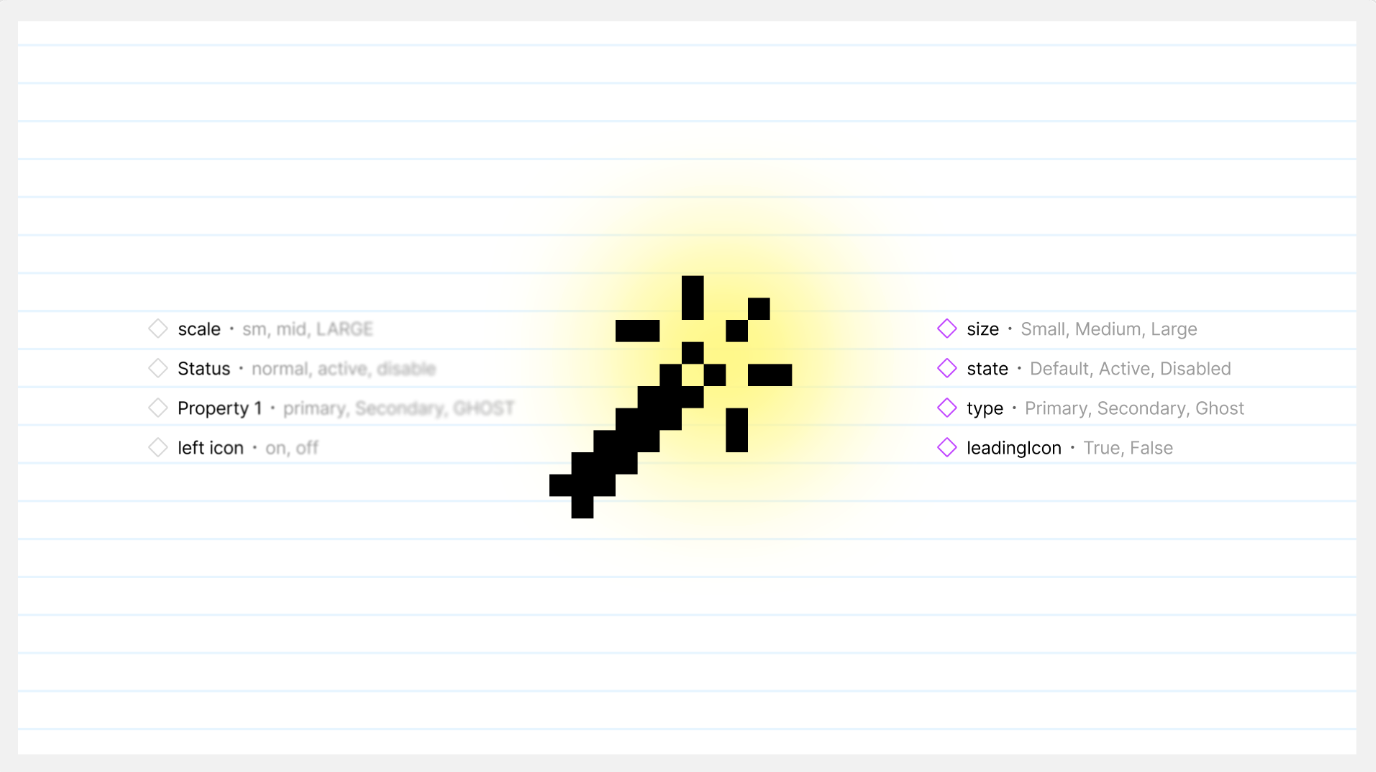
TidyProps instantly standardizes component names, property keys, and variant values, ensuring a seamless 1:1 design-to-code handoff. The plugin formats property keys, unifies messy visibility toggles (e.g., “with icon”, “show_icon”) into a strict standard (hasIcon), normalizes variant values and only formats top-level names while safely preserving folder hierarchy in the Assets panel.
🎁 FREE
🧽 Instantly standardize components names for code handoff
✍️ Eliminate manual renaming
✏️ Newsletter brought to you by ‹div›RIOTS.