

Week 88 - Shadows, duotone and motion effects
This week's five new Figma plugins.
If your designs have been feeling a little flat lately, this issue is exactly what you need. This week, we’re going all-in on effects and motion — five plugins that add texture, depth, and life to your Figma designs. Whether you’re chasing that nostalgic print-shop aesthetic, building rich animated prototypes, or just trying to make your gradients a little extra, there’s something here for you.
The best part? Every single one of these is free to get started. Let’s get into it. 👇
1. Halftone & Duotone
Add print-style halftone texture to your images.
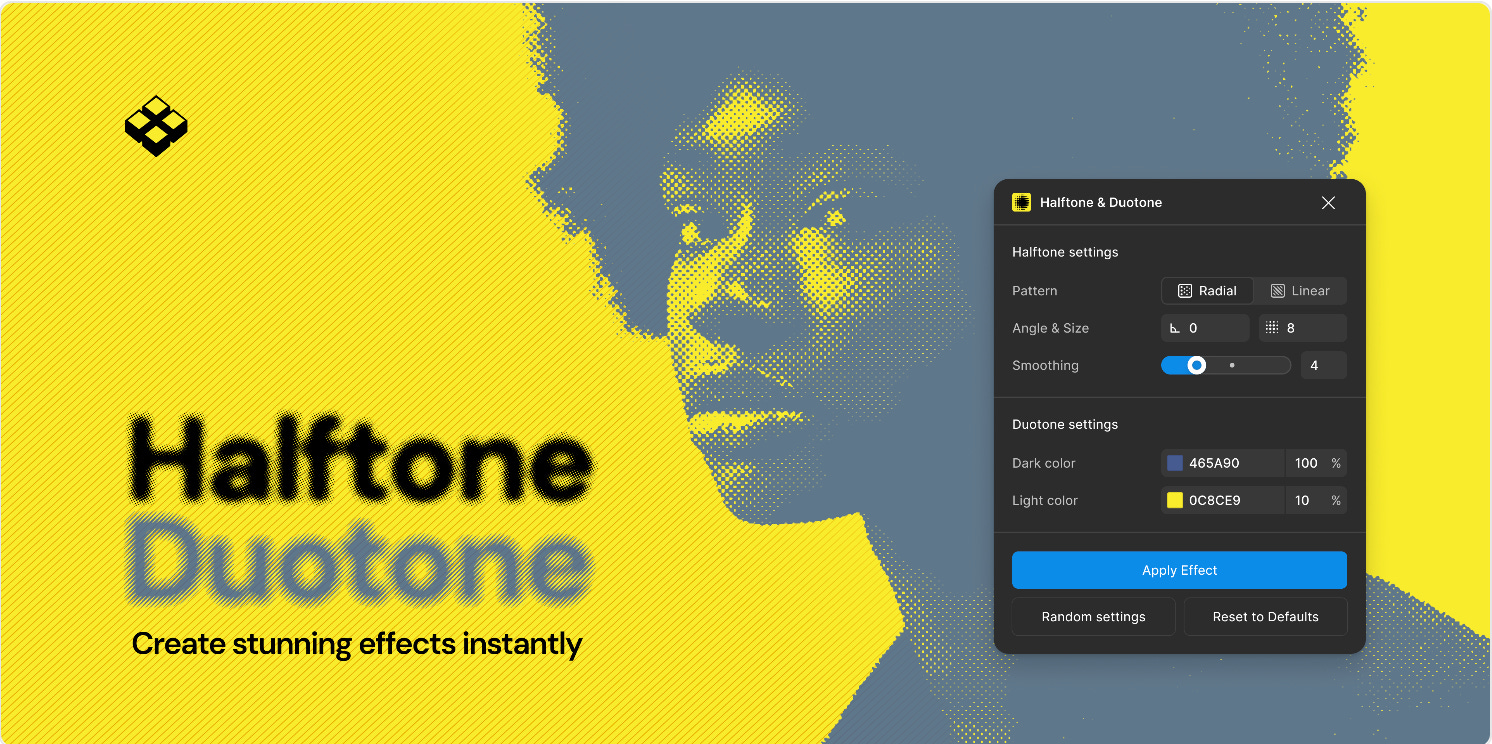
If you liked the halftone effect plugin from last week’s issue, you’ll love Halftone & Duotone. This parameter-driven plugin comes with both halftone and duotone effects and customization for patterns (dots and lines), controls (pattern, angle, size, smoothing), duotone mapping (any two colors) and a randomizer option for instant unique combinations.
🎁 FREE
🖼️ Recreate that print-style halftone and duotone effects
⚙️ Adjust colors, patterns, angle, smoothing…
2. Mesh Gradient Generator
You can never have too many gradient generators.
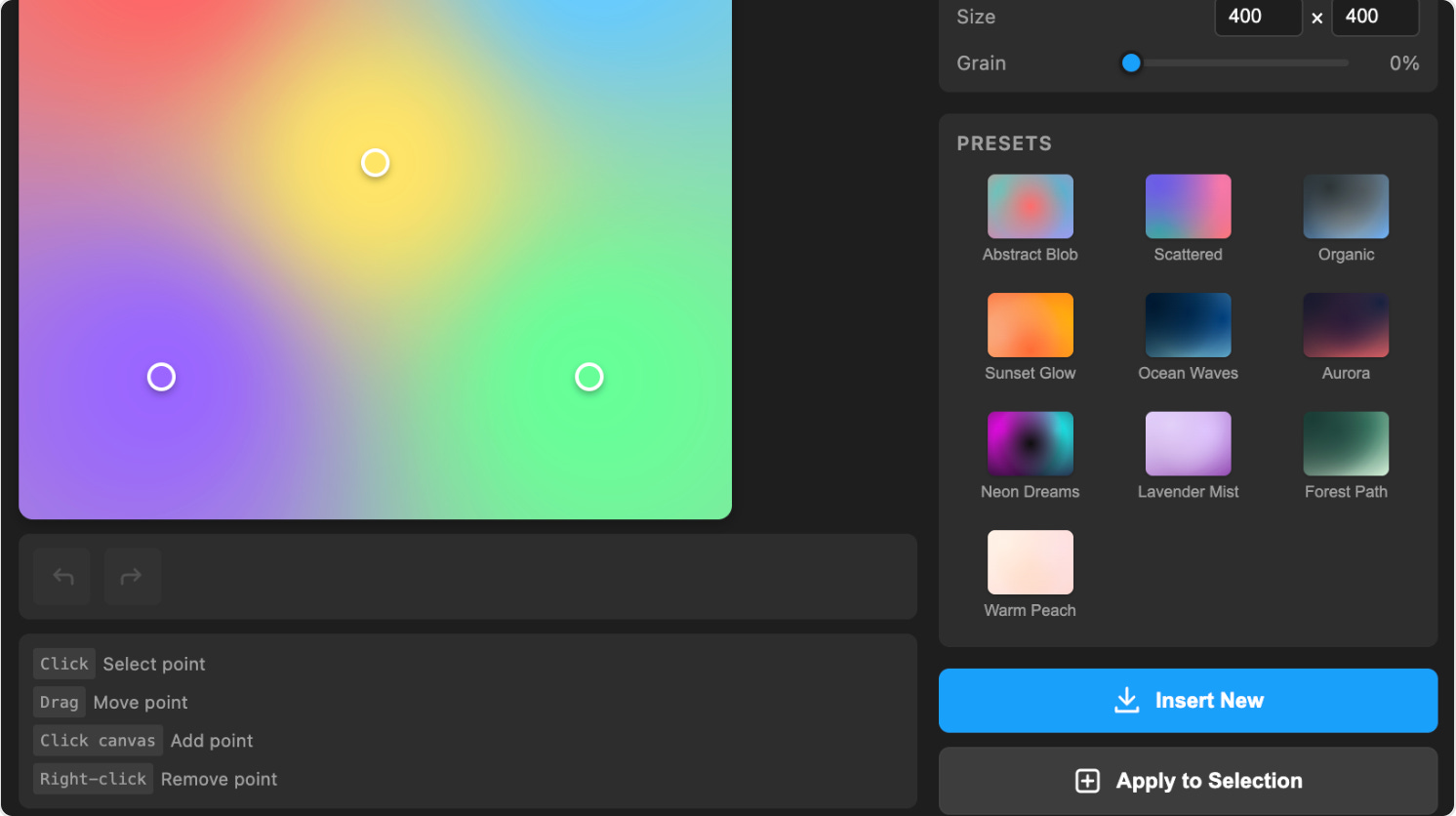
Mesh Gradient Generator creates stunning mesh gradients with intuitive controls, including freeform point placement. It comes with preset gradients, high-resolution exports and the option to apply gradients directly to shapes. You can never have enough gradient generators, right?
🎁 FREE limited features 💰 PRO for $9 (one-time purchase)
🌈 Create mesh gradients with freeform controls
🪄 Or choose from a selection of presets
3. MotionKit
Animate everything in Figma.
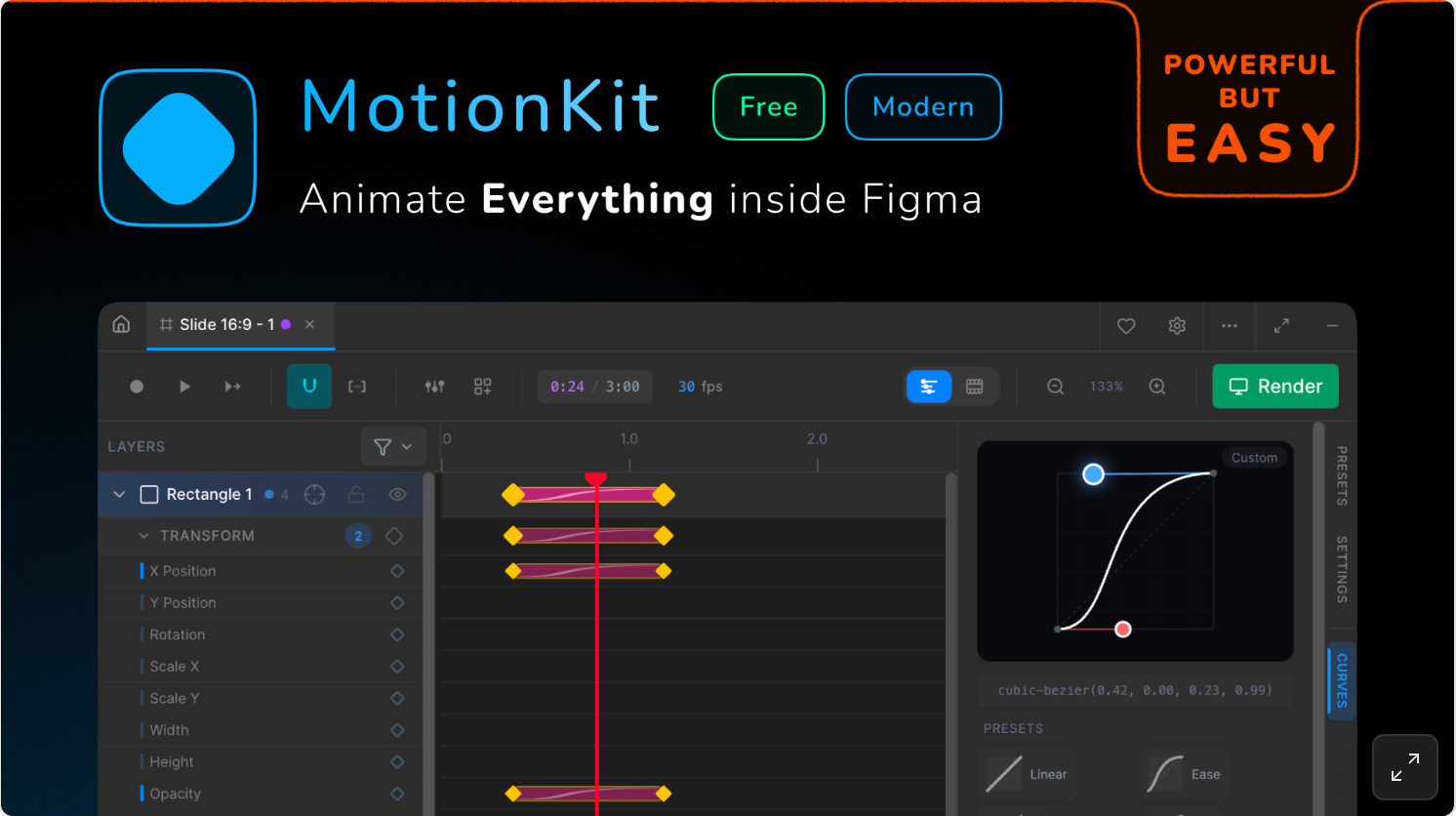
MotionKit turns Figma into a full animation studio. Create timeline animations, frame-by-frame motion, vector morphs, and text effects directly in your design file — then export to MP4, GIF, or Lottie without leaving Figma. Nested animations with independent frame rates are supported and everything is done fully offline — no paywalls or subscriptions.
🎁 FREE
💫 Animate virtually any Figma object
🎥 Includes timeline, frame-by-frame, vector morphs, and text animations
4. ShadowCraft
Apply realistic 3D shadows to your designs.
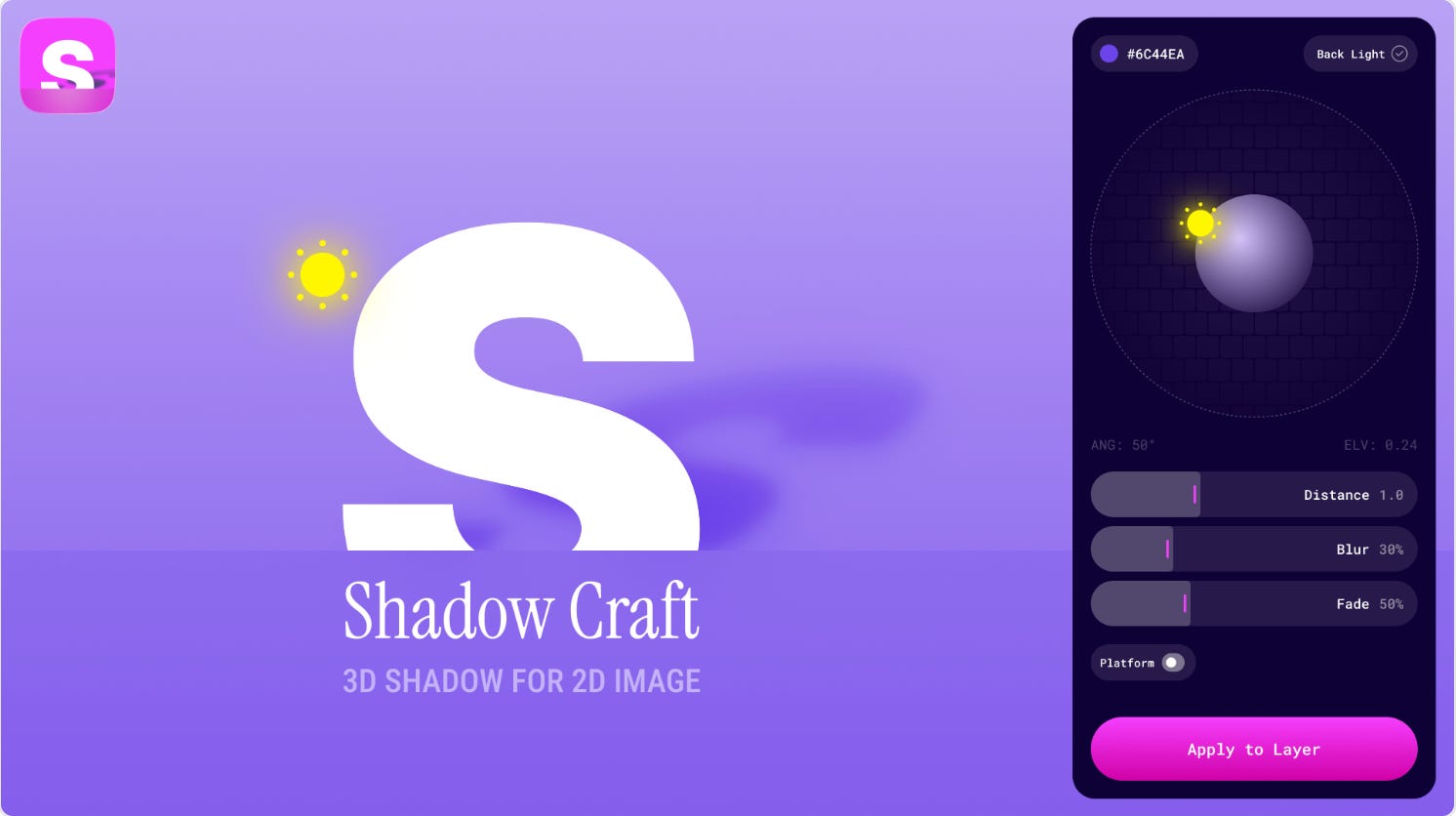
ShadowCraft is designed to bring depth and realism to your designs, projecting shadows in 3D space as if your object were standing on a real surface. You can see all shadow changes directly on the Figma canvas in real-time before applying them, and even add customizable bases (ellipses or rectangles) for an instant "studio product shoot" effect.
🎁 FREE
☀️ Project realistic shadows in 3D space
⚙️ Adjust skew, scale, and rotation with live preview
5. TypeMotion
Add animated AI-style motion to your text in Figma.
TypeMotion quickly turns your text into animated AI-style output in Figma. Simply select a text layer, choose an effect and click Generate. The plugin comes with two effects: Thinking Type for an AI “thinking” phase with moving shimmer highlights, and Typewriter to simulate “streaming output”, revealing text character by character. The effects are visual motion prototypes in your Figma file; perfect for demos, storytelling, and interaction mockups.
🎁 FREE
🪄 Simulate AI-thinking and streaming output text motion
⚙️ Tune speed, cursor visibility, and loop behavior
✏️ Newsletter brought to you by ‹div›RIOTS.