

Week 87 - Vintage effects, stickies for slides and pro translations
This week's five new Figma plugins.
This week’s lineup brings some seriously practical and FUN additions to your Figma toolkit. Whether you’re chasing that perfect retro aesthetic, want to add some dimension to typography, or need to comment on your colleague’s presentation, there’s a new plugin here that’s up for the challenge.
For teams working across languages, we’ve found the perfect translation plugin that promises to keep your styles intact while translating content. And if you’re managing design systems we found the perfect variables changelog and tracker that we wish was built into Figma itself.
Let’s dive in!
1. CMYK Halftone
Simulate traditional halftone printing in your Figma designs.
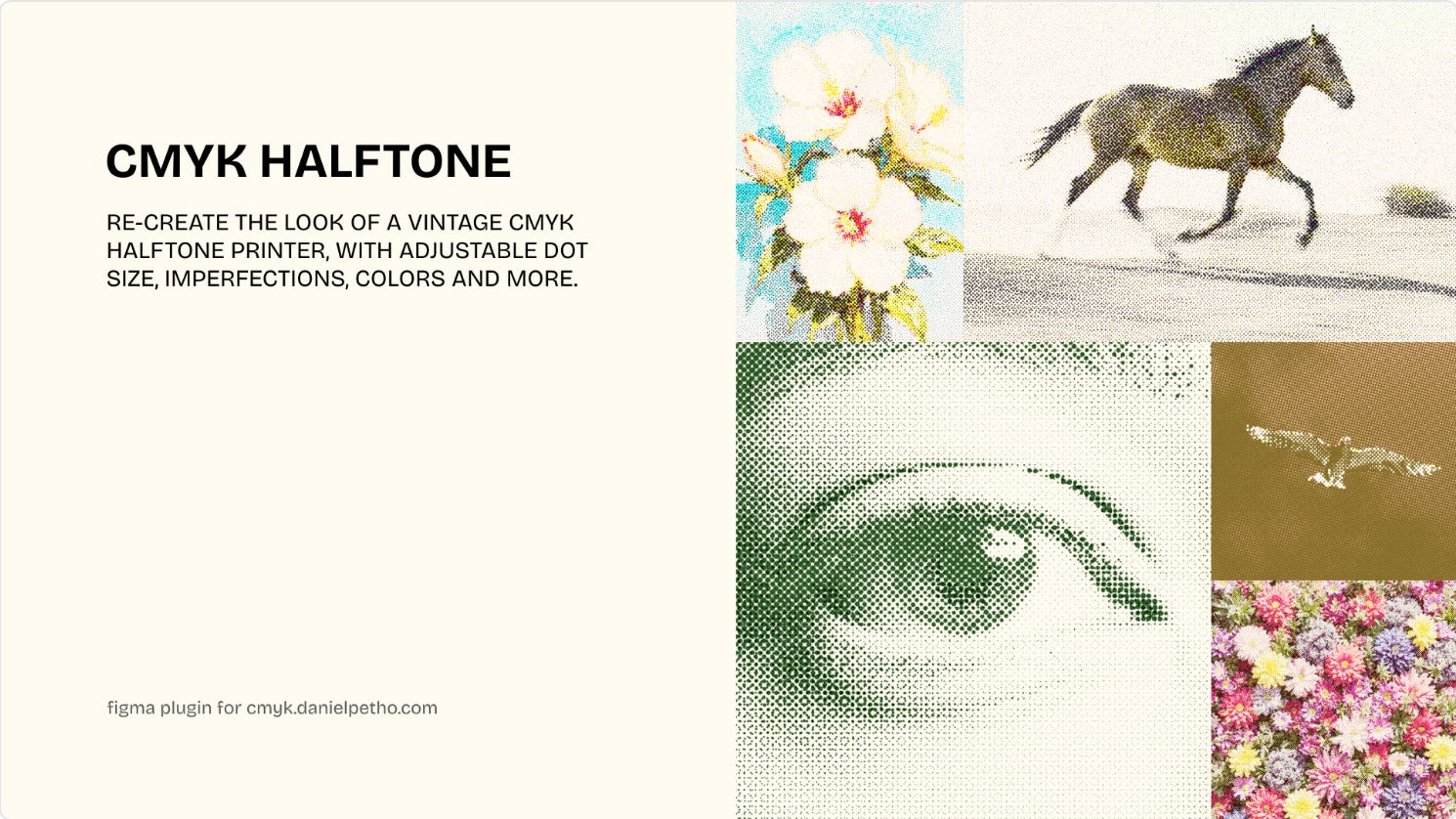
CMYK Halftone recreates that traditional CMYK halftone printing for your Figma designs. Customize the colors, dot size, frequency and imperfections and the plugin generates overlaying cyan, magenta, yellow, and black halftone dot screens over your images for the perfect vintage effect.
🎁 FREE
🖼️ Recreate that vintage halftone effect in Figma
⚙️ Adjust colors, dot size, frequency, and imperfections
2. Shape Extrude
Add a 3D-style extrusion effect to any shape or text layer.
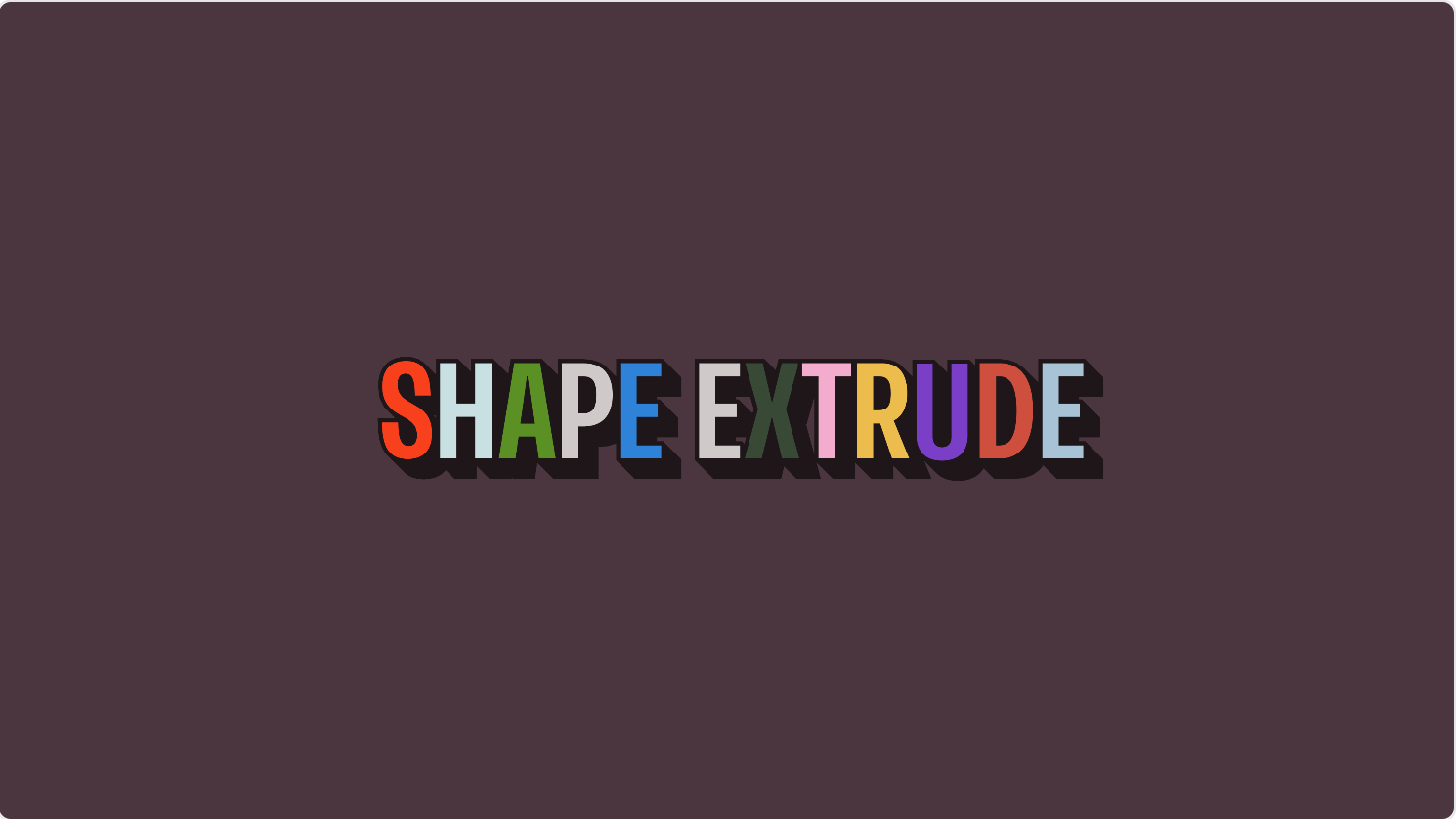
Shape Extrude adds a 3D-style effect to any shape or text layer. Choose the direction from four preset angles or add your own, set the depth, and add an outer stroke if you want one — all with a live preview that updates as you go. The plugin then generates a single flattened vector behind your layer, so the result is lightweight and fully editable.
🎁 FREE
🧱 Add a visual 3D effect to text
⚙️ Pick direction, depth and optional outer stroke
3. Stickies for Slides
Paste FigJam stickies onto Figma Slides.
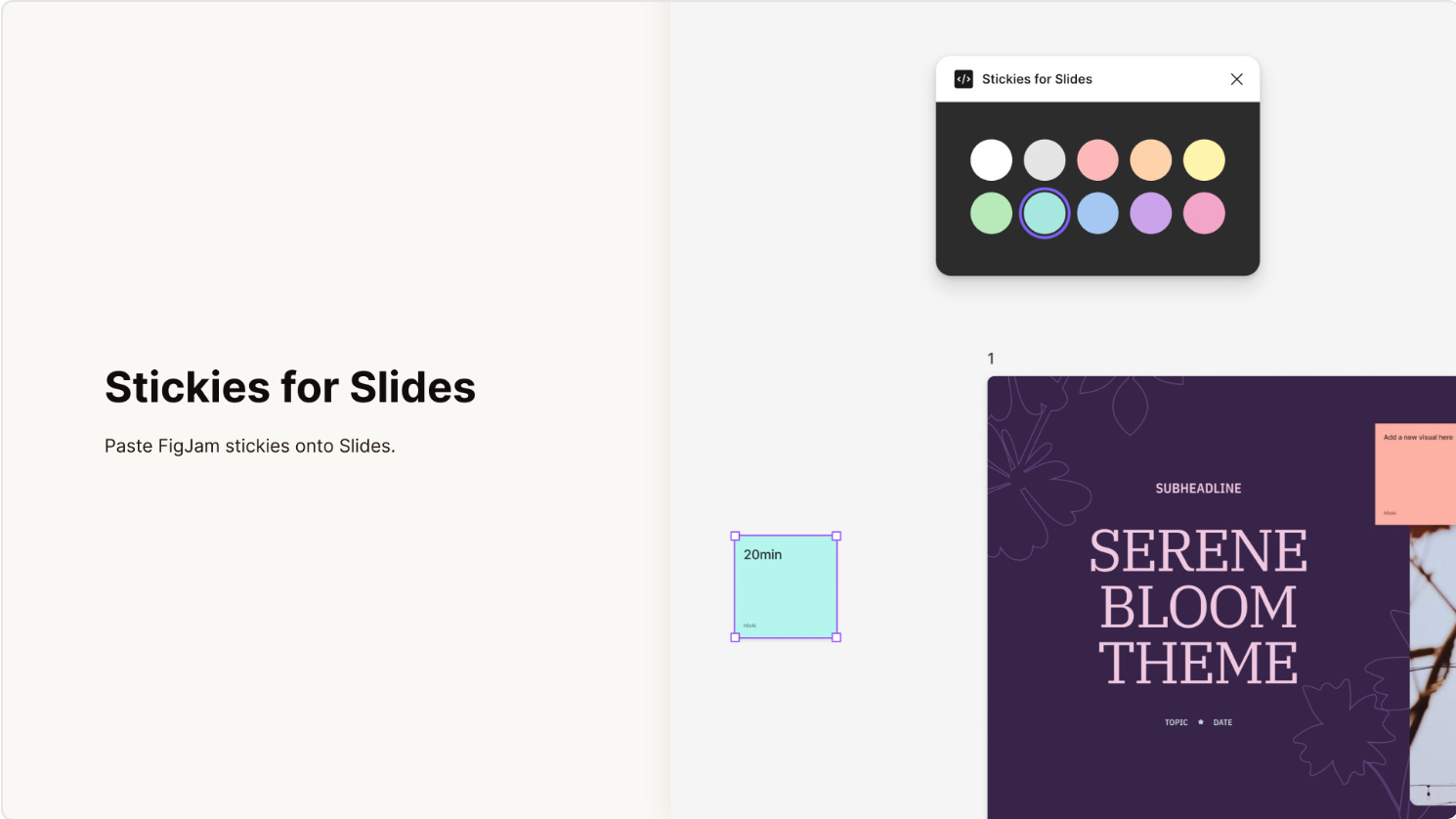
While FigJam sticky notes aren’t available in Figma Slides yet, the plugin Stickies for Slides takes care of this. Simply pick a color from the plugin palette, and the sticky note is copied to your clipboard. Then press Cmd+V (or Ctrl+V) to paste it onto your slide. You now have fully editable sticky notes to leave comments for your peers when designing your next presentation.
🎁 FREE
🏷️ Add FigJam sticky notes to your Figma Slides
🎨 Select a color and paste the sticky in your canvas
4. TranslateSheet
Translate without breaking your design.
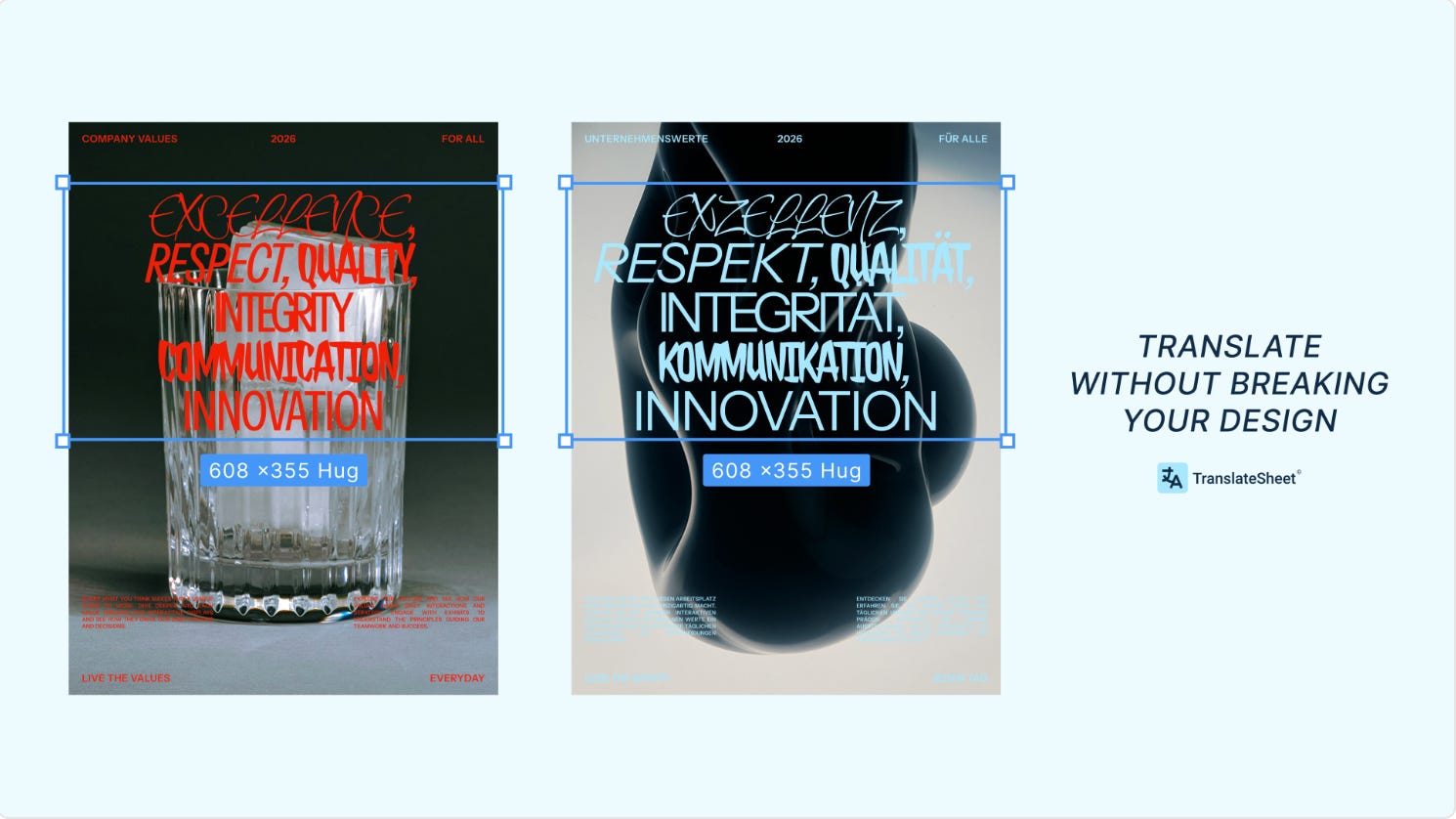
TranslateSheet offers quality, professional translation in Figma while completely preserving your design work. Your styles stay intact meaning text styles, colors, fonts, and all formatting remains exactly as you designed it after translation. The plugin is powered by DeepL's neural machine translation with 121 languages built-in. Plus, you don’t need any API key as everything is already set up for you.
🎁 FREE 500 characters/day 💰 Paid plans from $19/month
🌎 Preserve styles, layout and design while translating
🚀 No API key needed
5. Variables Timeline
Never lose track of a variable change again.
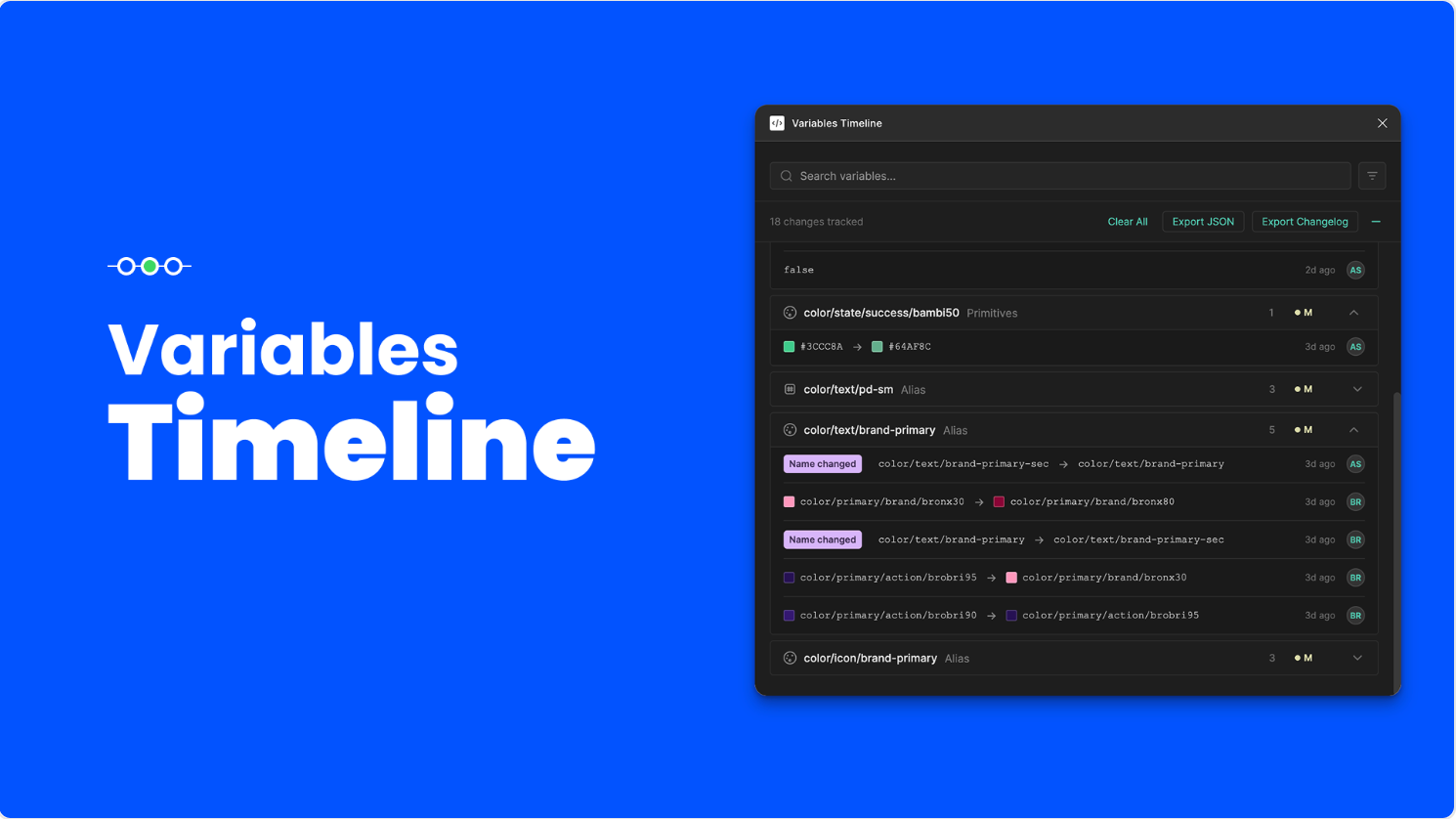
Variables Timeline is a valuable tool if you’re constantly updating your Figma variables. The plugin creates a real-time, shared changelog directly inside your document. Perfect for Design System teams and collaborative projects. The Figma file itself is the source of truth, showing clearly who made the change and when, regardless of who is viewing the log. Keep the plugin open in "Stealth Mode" (as a minimized pill), and it will automatically record every creation, modification, or deletion to your variables as it happens.
🎁 FREE
🔍 Keep track of all variable changes made in the same file
👥 Multi-user tracking
✏️ Newsletter brought to you by ‹div›RIOTS.