

Week 85 - Create carousels, design with prompts, import 3D assets and more
This week's five new Figma plugins.
This week we’ve got a range of different plugins, two of which are from the very team behind this newsletter (we’ve been busy)!
Whether you need to import 3D assets, generate designs quickly, or keep complex projects in check—here’s what’s new. Plus, all of these are free to start out, which is nice.
So let’s get into it! 🚀
1. 3d.to.design
Use your 3D assets in Figma.
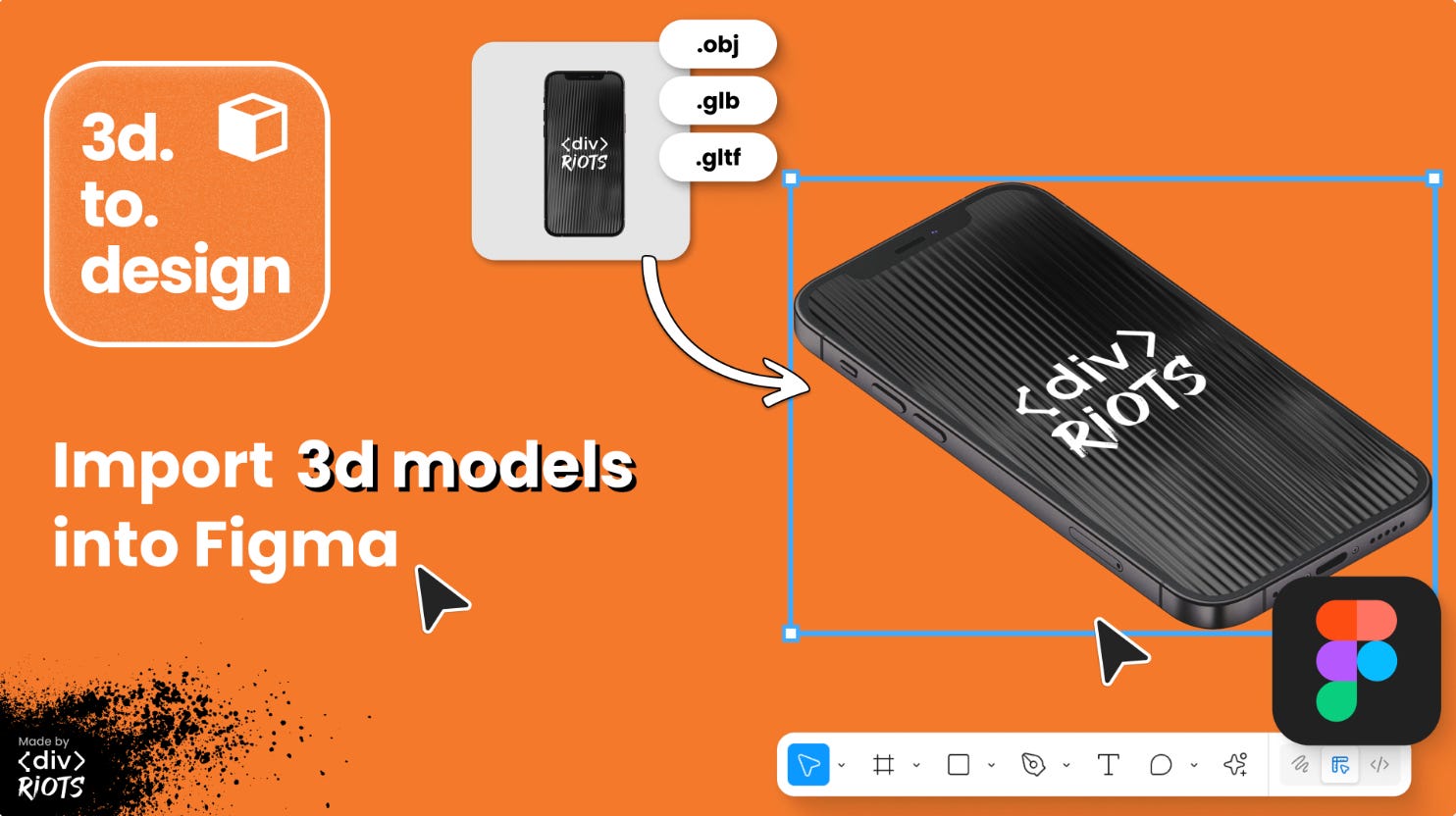
3d.to.design is one of the newest plugins launched by yours truly. If you need to show a product from three different angles in your Figma mockup, 3d.to.design does the job! Drop your 3D model into the plugin, rotate to get the view you want. Done. The plugin renders your GLB, GLTF, OBJ, or ZIP files directly in Figma, with an interactive preview so you see exactly what you’re getting before it hits your canvas.
🎁 FREE
🧊 Import 3D models into Figma (supports glb, gltf, obj and zip)
🔄 Rotate and pan with live preview
2. ai.to.design
Generate designs from AI prompts.
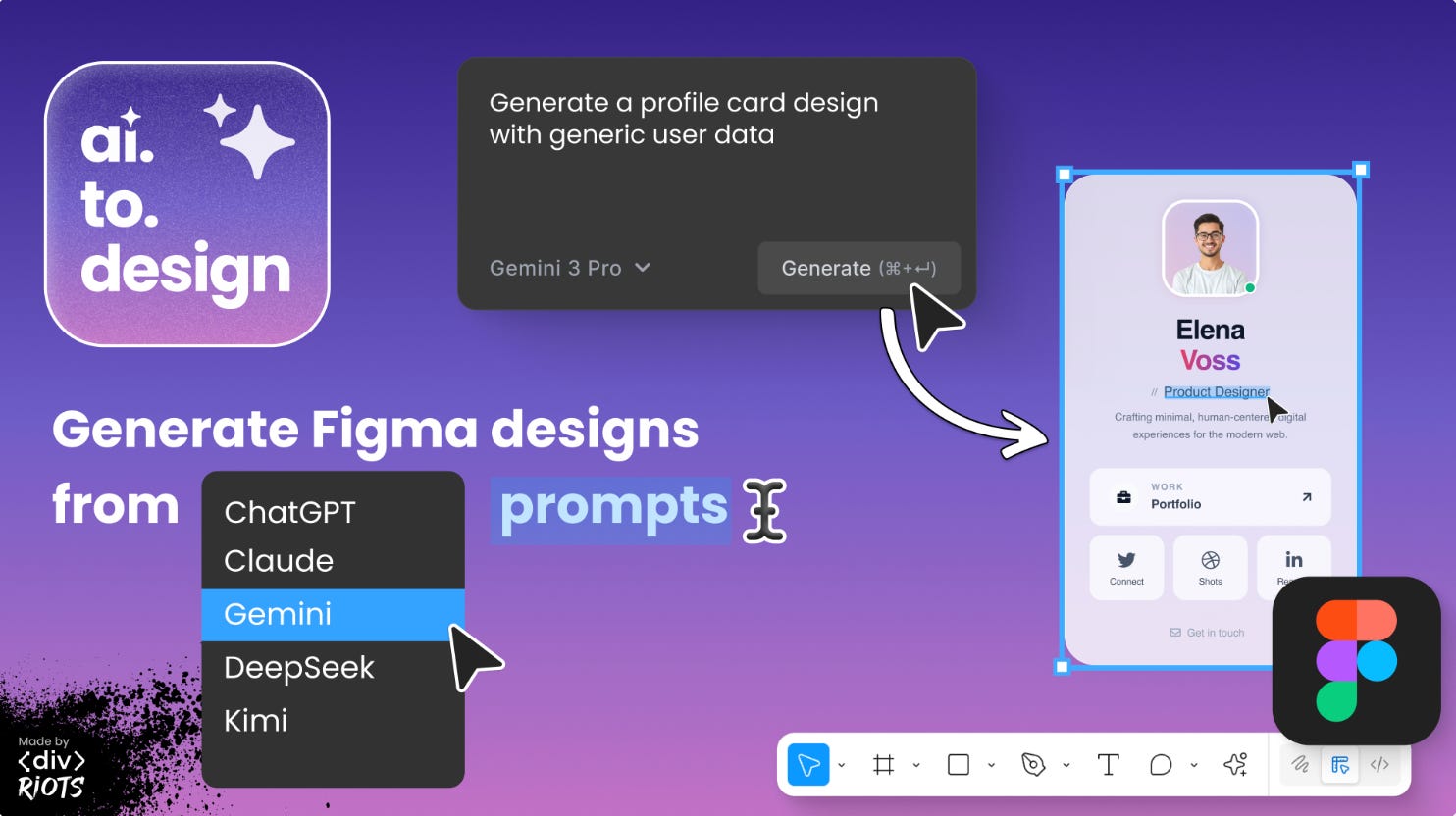
ai.to.design is ‹div›RIOTS’ second new Figma plugin this week that turns prompts into designs, with multiple AI models to choose from. Whether you need a quick mockup for a meeting in 30 minutes, or want to explore different layouts, simply describe what you need and watch the results generate as editable Figma layers right on your canvas.
🎁 20 FREE credits 💰 Additional credits from $20
✏️ Turn prompts into editable Figma designs
🤖 Pick from: GPT, Gemini, Claude, Grok, GLM, Kimi AI, DeepSeek & MiniMax
3. Easy Loop
The easiest way to create infinitely looping carousels.
Easy Loop eliminates the tedious process of manually creating seamless, looping carousel animations. The plugin automatically calculates all Smart Animate properties for a perfect, continuous loop and comes with three different animation modes to choose from: Horizontal Scroll (Marquee), Vertical Scroll, or Staggered Wave. Just select your logos, set your duration, and the plugin delivers a ready-to-use Component Set.
🎁 3 FREE renders 💰 PRO for life $19.90
📼 Showcase long screens in smooth-scrolling videos
⚙️ Choose from 3 scroll types: smooth, natural, ease in/out
4. Scrolly
Turn prototypes into smooth-scrolling videos.
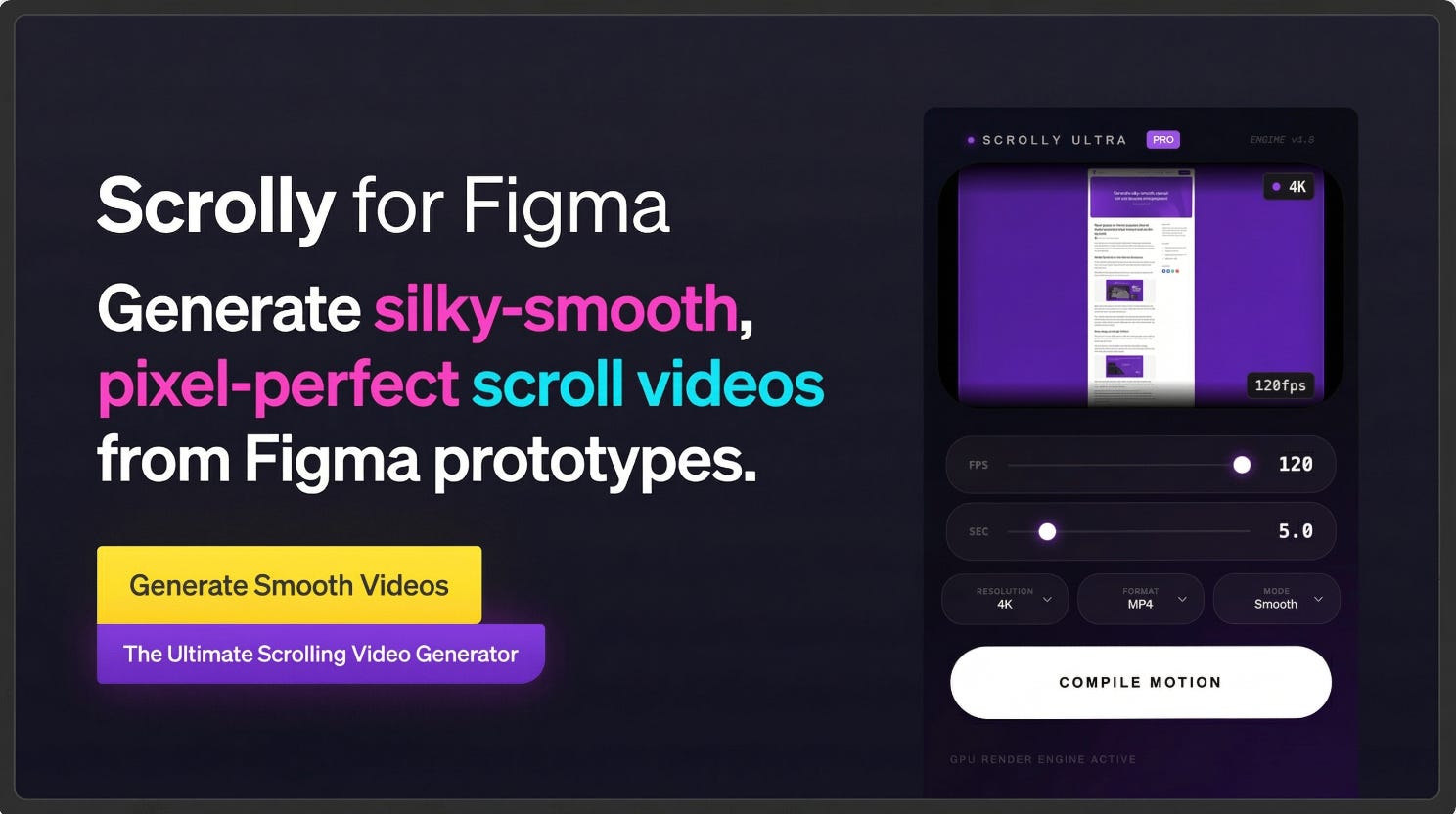
Scrolly turns long screens and prototypes into smooth scrolling videos that are perfect for app previews, portfolios, Dribbble & Instagram shots and client presentations. Simply select a frame, render the video and you’re done. No recording required. Export options include videos at auto, 1080p, or 4K resolution; studio-quality video from 24 to 120fps and output either as MP4 videos or JPG sequence frames.
🎁 3 FREE renders 💰 PRO for life $19.90
📼 Showcase long screens in smooth-scrolling videos
⚙️ Choose from 3 scroll types: smooth, natural, ease in/out
5. Status Tags
Set up custom workflow states for your most complex projects.
Status Tags is one of the latest plugins to add to your organization kit. This plugin allows teams to label frames, components, and sections with specific workflow states (e.g., “In Progress,” “Ready for Dev,” “Changes needed”) that remain visible and legible even at high zoom levels, thanks to badges that intelligently resize (Small, Medium, Large) based on the width of the selected core node. Customize status names, colors, priority and more to keep your designs and workflow in check.
🎁 FREE
🏷️ Add custom status tags to your designs
⚙️ Customize naming, colors, priority…
✏️ Newsletter brought to you by ‹div›RIOTS.