

Week 83 - Color, converters and cosmic energy
This week's five new Figma plugins.
No January blues here… This issue comes with plenty of color and cosmic energy! From professional color systems that’ll make your palettes pop, to galaxy generators that’ll transport your designs to outer space 🪐
There are also tools to turn your personal handwriting into real fonts and convert those tricky Windows file formats your clients keep sending. Whether you’re building design systems, importing legacy files, or just want to add some stellar backgrounds to your projects, here are five new plugins to brighten up your workflow.
1. Color System by Orbit
Generate accessible, professional color scales instantly.
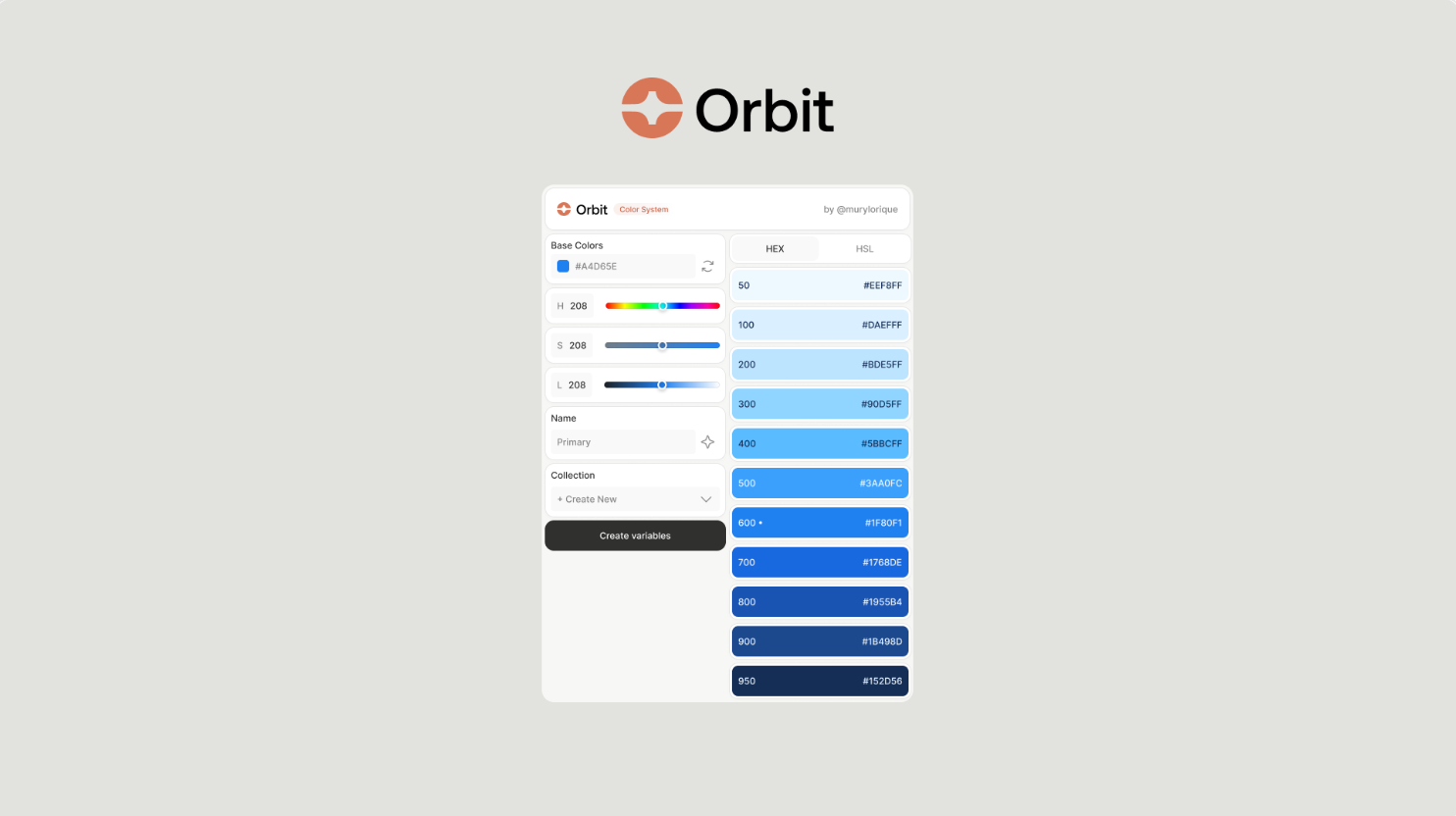
Color System (Orbit) promises to deliver perfect 11-step color scales (50-950) from a single base color that are both accessible and professional. Simply enter your base color and the plugin generates a full color system, as well creating local variables for you in a click. Not sure what to call each color? The plugin’s built-in AI can suggest creative names for each color, as well as detecting where your base color fits best in the scale (e.g., 50 vs 900), while preserving your original color's intent when generating the rest of the palette.
🎁 FREE
🌈 Generate accessible, professional color scales
🎨 One click to create or update Figma Variables
2. emf.to.design
Convert Windows EMF and WMF files into editable layers.
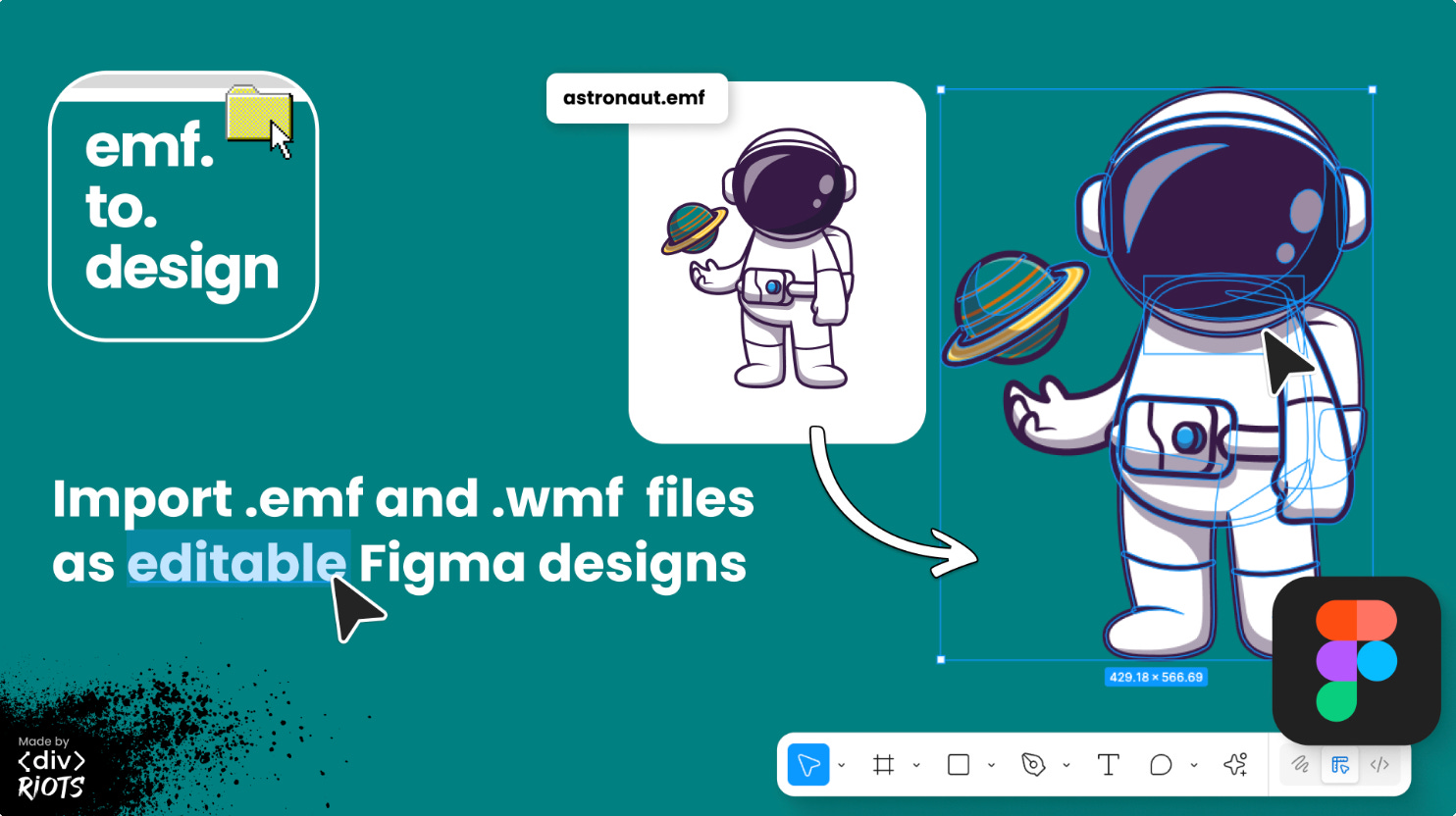
emf.to.design is one of ‹div›RIOTS’ latest import plugins, converting Enhanced Metafiles (.emf) and Windows Metafiles (.wmf) into editable Figma layers; preserving vector shapes, paths, colors, and text. If your team or client has sent you EMF and WMF files created in Windows applications, you can now instantly import them into Figma to edit, redesign and collaborate on.
🎁 5 FREE imports 💰 Unlimited from $49
🖥️ Convert EMF and WMF files to Figma in a click
📥 Import as images or editable layers
3. Handwritten
Create your own custom handwritten fonts in Figma.
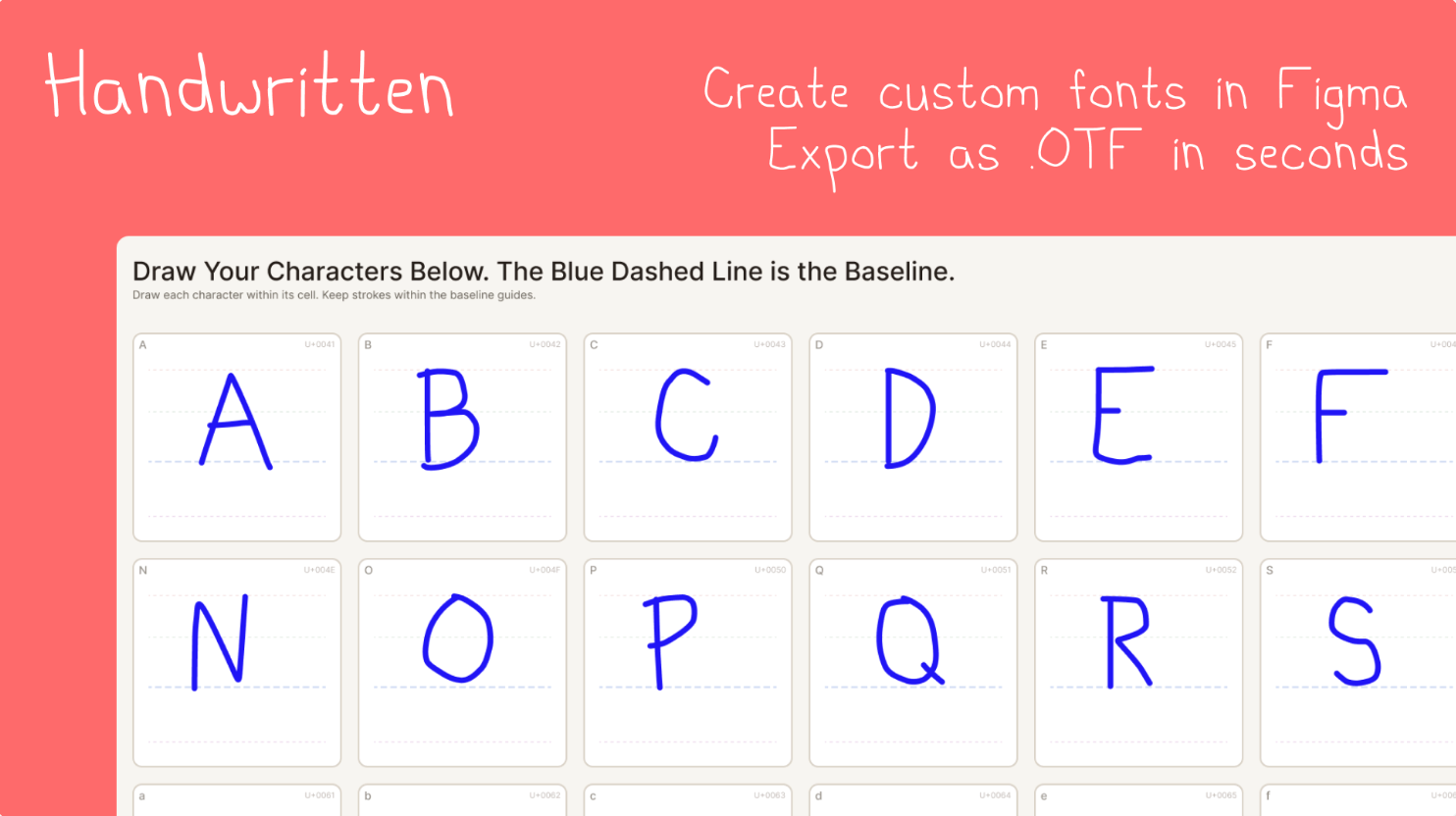
Handwritten turns your very own handwriting into real fonts, without leaving Figma. Simply select the characters you want to include, write your letters on the template provided using Figma’s pen or pencil tool, then export your handwriting as a fully functional .OTF file that works everywhere. The generated template comes with full alphabet support (uppercase + lowercase), numbers (0-9), special characters and punctuation. It also provides for baseline, cap-height, x-height, and descender guides.
🎁 Try it for FREE 💰 $9 for unlimited use
✏️ Turn your handwriting into a font
🔡 Write in Figma then download as .OTF
4. Stardust
Create animated galaxy backgrounds.
If you’re designing anything remotely space-related, then Stardust is the plugin for you. This real-time galaxy generator gives you full control over stars, nebulas, distant galaxies, and shooting stars. Simply run the plugin, customize your galaxy using the control panel and click Export to add it to your canvas. For high-resolution exports, videos, GIFs, and unlimited cloud presets you’ll need a PRO account.
🎁 FREE 💰 PRO features from $4.90
🌌 Generate cool galaxy effects and backgrounds
⚙️ Customize your own or use built-in presets
5. xaml.to.design
Turn XAML files into Figma designs.
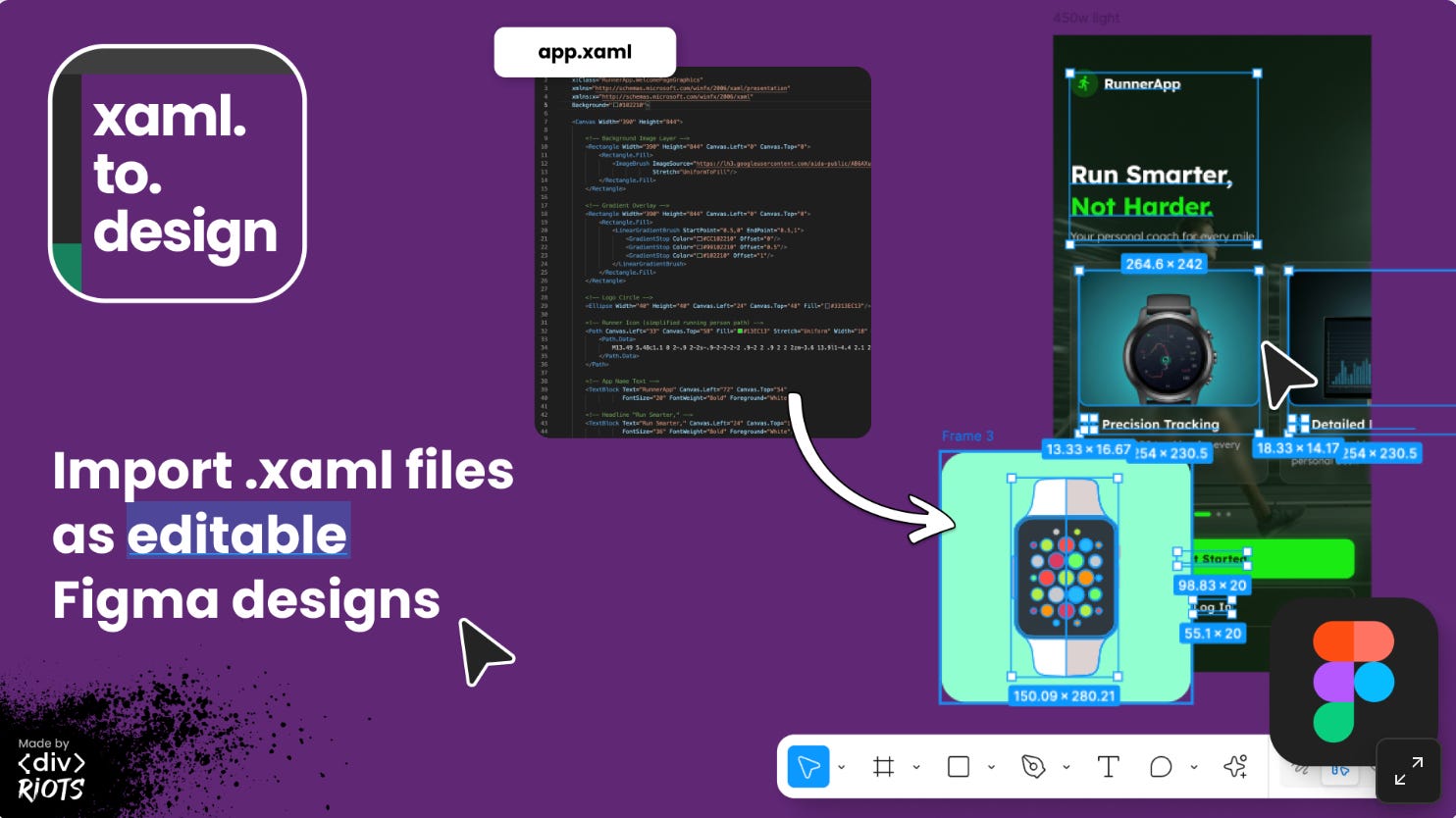
xaml.to.design is the second latest creation from the ‹div›RIOTS team, converting Windows app XAML graphics into Figma as editable designs. The plugin imports vectors that are ready to edit, including vector clipping masks and strokes. It also imports all layers including hidden ones. A great tool if you need to work on XAML-based applications, but in the comfort of Figma.
🎁 5 FREE imports 💰 Unlimited from $49
👨💻 Convert any XAML graphics into Figma designs
🔤 Supports text styles like colors, weights, sizes etc
✏️ Newsletter brought to you by ‹div›RIOTS.