

Week 81 - Animated icons, canvas anchor and instant usability tests
This week's five new Figma plugins.
As design projects become increasingly complex, the right plugins can make all the difference. This week’s selection focuses on tools that help you navigate complexity, add polish, and validate ideas faster.
From bookmarking your exact place in sprawling files to expanding your icon toolkit, and running instant usability tests with AI, these plugins are built to save you a lot of time. Let’s jump into what’s new!
1. Anchor
Save your exact spot in huge design files.
Working in massive design files? Anchor helps you never lose your place again. With a single click, you can bookmark your exact viewport location and instantly jump back whenever you need. Perfect for navigating sprawling design systems, prototypes, or multi-artboard layouts, Anchor keeps your workflow smooth and frustration-free.
Anchors are saved persistently (even after closing Figma), and the plugin gives you clear visual cues when you’re back at your bookmarked spot. Whether you’re reviewing specific areas with teammates or jumping between component sets, Anchor ensures you can explore freely without losing your bearings.
🎁 FREE
📍Mark your spot in huge design files with an anchor
💾 Saves your place even after closing Figma
2. Comics Panel Creator
Turn a dialogue script into storyboard-ready comic frames.
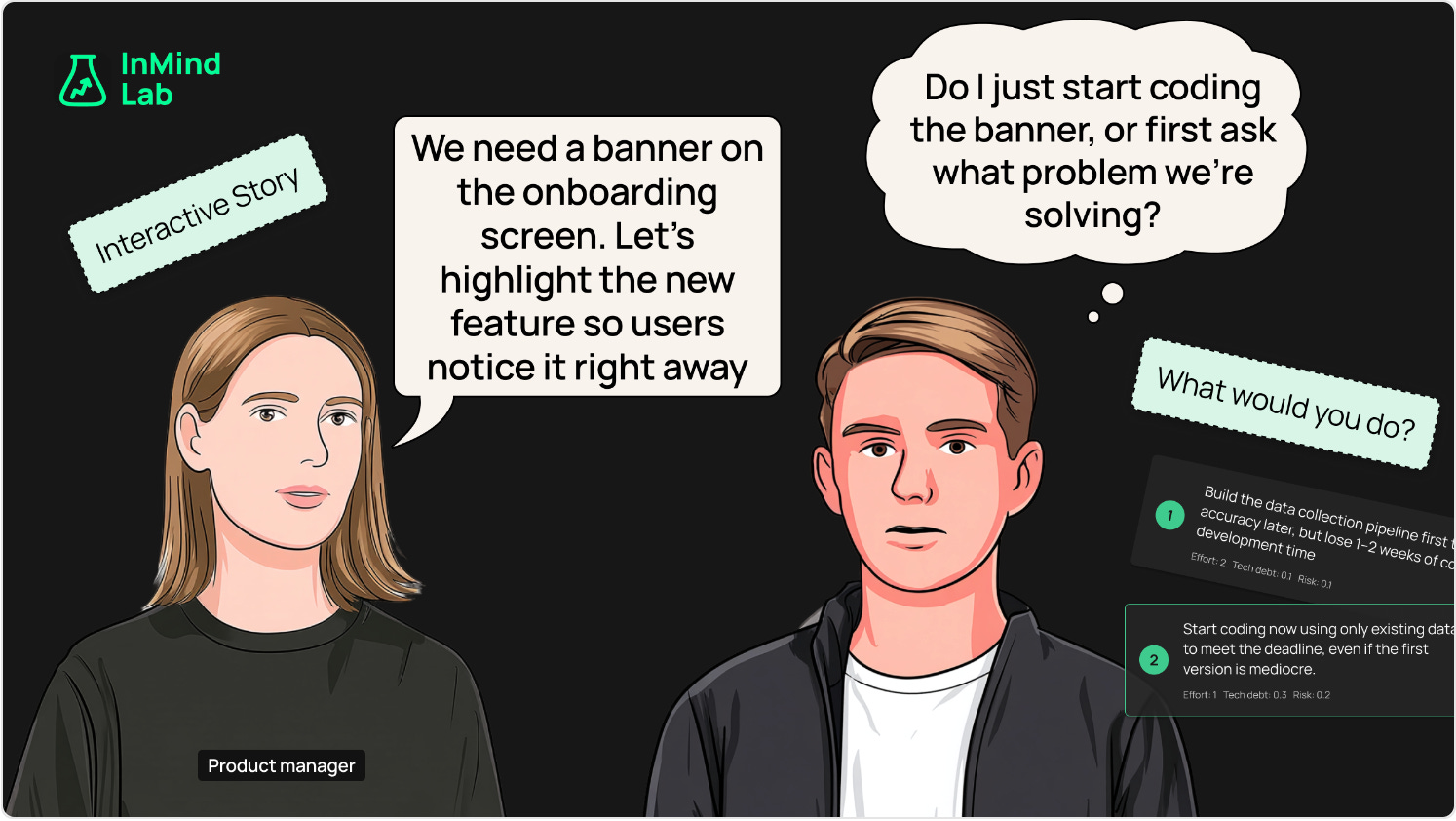
Turn dialogue scripts into storyboard-ready comic frames directly in Figma. Comics Panel Creator automatically builds scenes with mapped characters, randomized poses and emotions, and perfectly placed speech bubbles that avoid overlap. It even supports both story and quiz layouts with consistent frame sizes for easy exports.
This plugin is great for visual storytelling, educational content, or just spicing up presentations. With smart text fitting, character variants, and local caching for your speaker mappings, it takes the tedious setup out of comic creation and lets you focus on the story.
🎁 FREE
✏️ Rename your variants to a consistent naming convention
📚 Quickly prep your tokens for your Figma libraries
3. Huge Icon
New, minimalist icons to add to your collection.
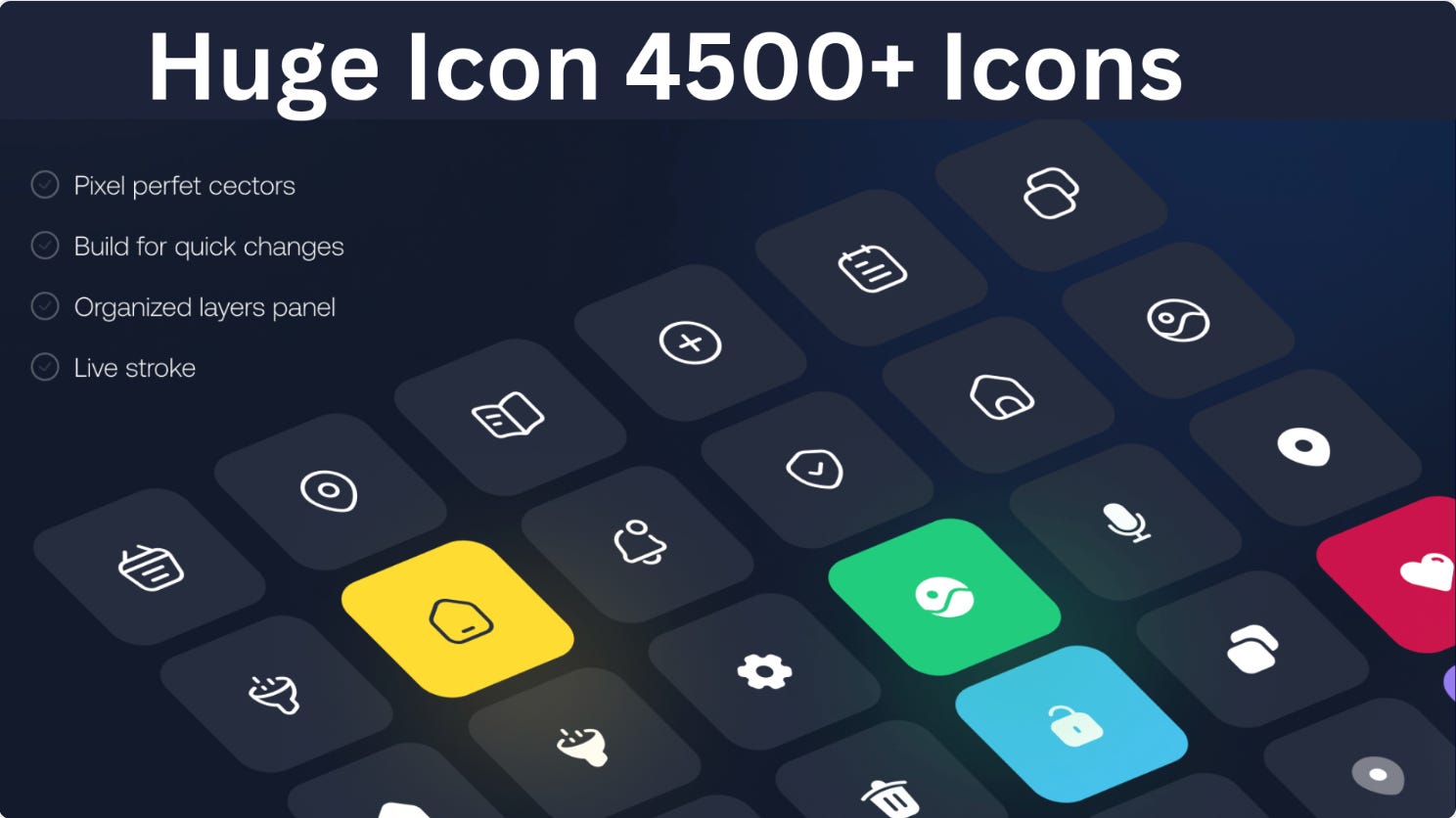
Need icons? Huge Icons delivers — with a massive library of 4,500+ modern, pixel-perfect icons built for web, mobile, and dashboards. Search instantly, browse easily, and insert with a click to speed up your workflow.
All icons are fully scalable and customizable, with outline, solid, and filled styles to fit your brand or design system. Whether you’re a UI/UX designer, developer, or product team, Huge Icons ensures consistency and quality across every project.
🎁 15 FREE tokens 💰 More token packs from $5.50
📚 Huge library of over 4,500 icons
✏️ Fully scalable and customizable
4. LordIcon
Make designs stand out with fully customizable, animated icons.
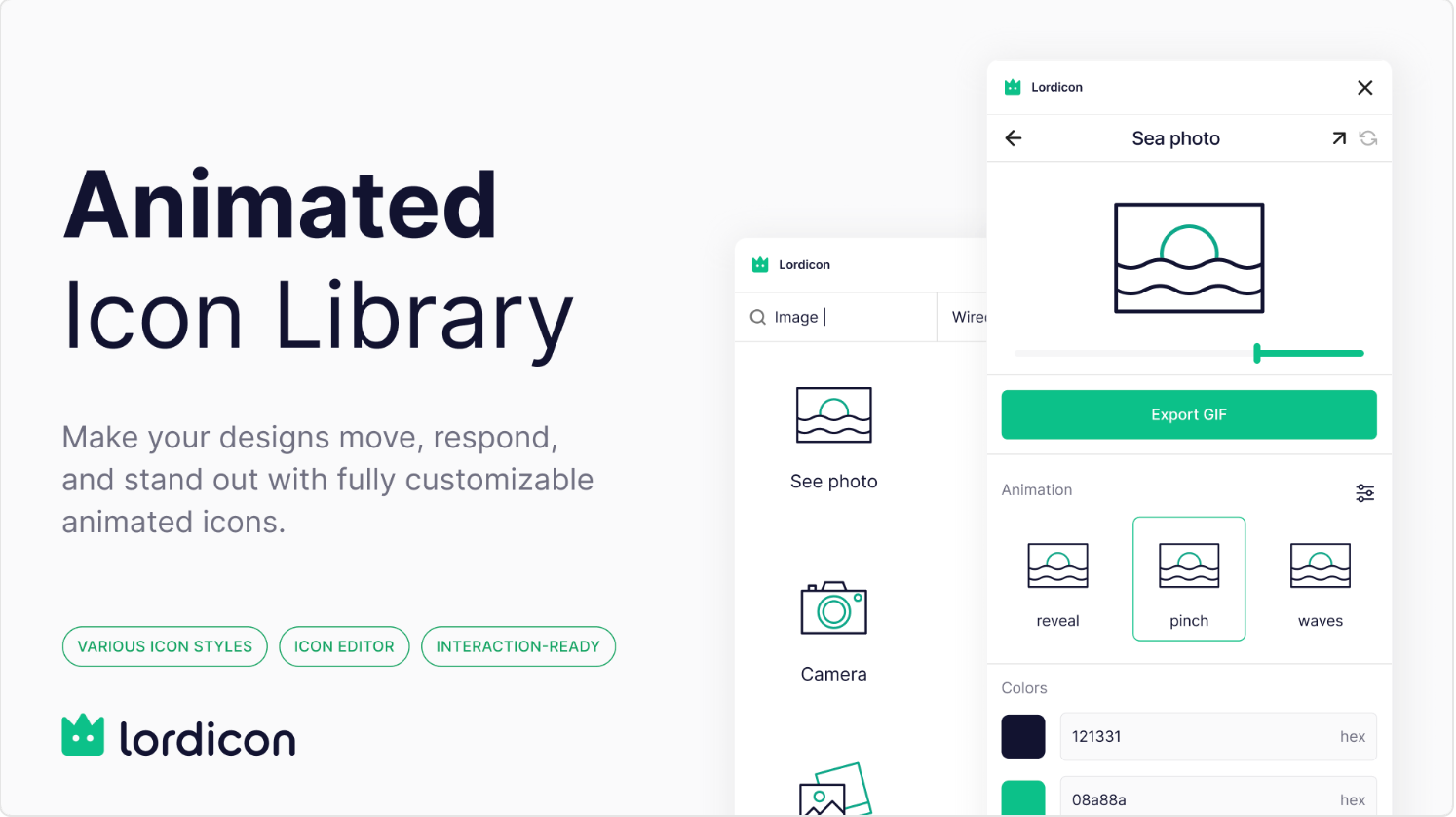
Bring motion to your interfaces with LordIcon, a growing library of beautifully designed static and animated icons. From subtle micro-animations to bold visuals, Lordicon offers a unique style you won’t find in standard icon packs.
Just search, customize, and drop icons straight into your designs. It’s a fast way to add personality and polish to your projects while keeping everything scalable and on-brand.
🎁 8,900 FREE icons 💰 Up to 30k PRO icons from $8/month
🪄 Growing library of animated and static icons
✏️ Fully customizable
5. Snap Instant Usability Tests
Run instant user tests on your Figma prototypes with AI users
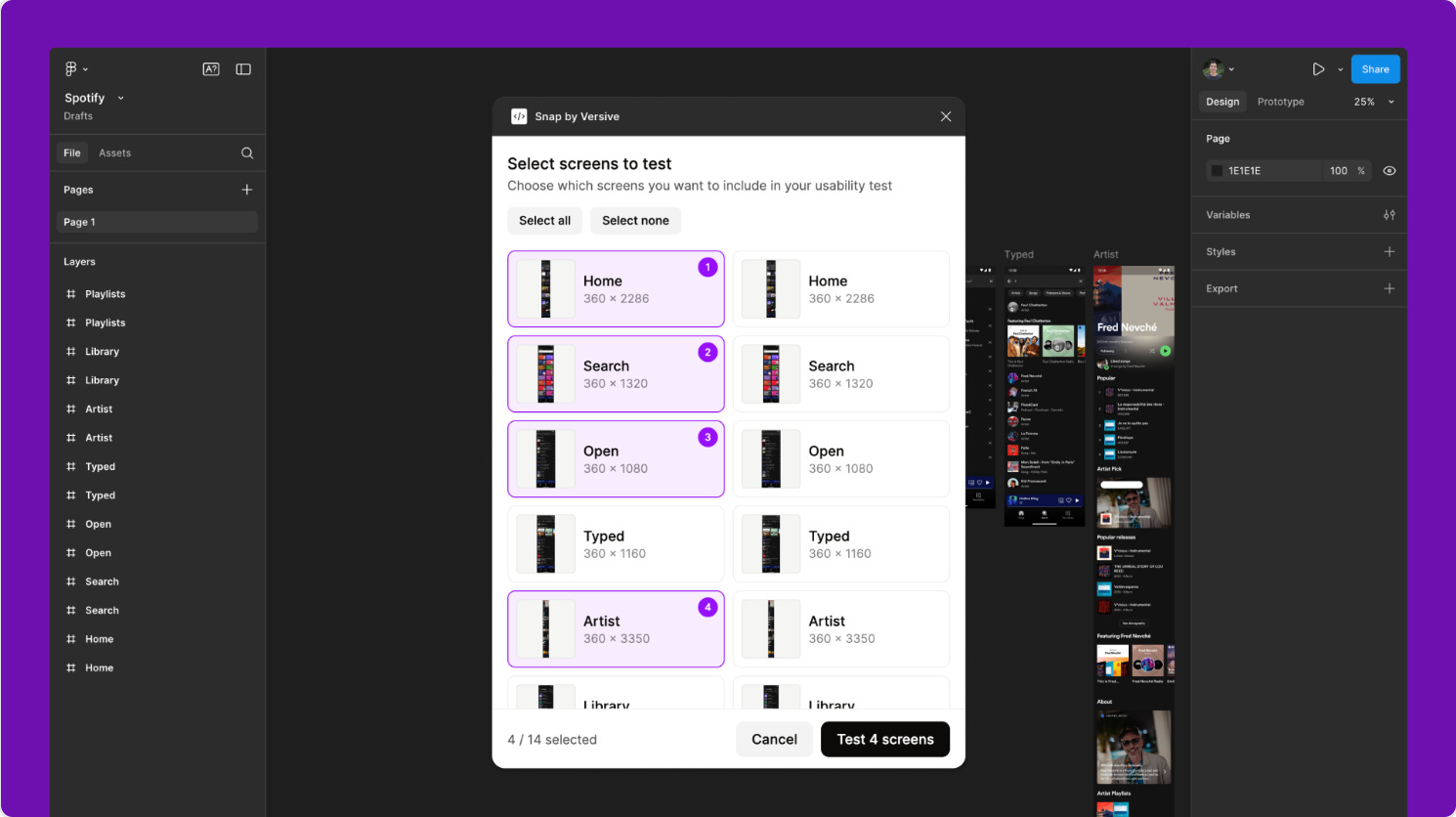
Skip the logistics and run user tests instantly — no scheduling, no recruiting. Snap Instant Usability Tests simulates real users with AI, letting you test Figma prototypes in minutes. Simply pick your screens, describe the persona and task, and the plugin does the rest.
The result? An actionable usability report with insights and recommendations, all generated faster than a traditional test cycle. Perfect for quick iteration and catching design issues early.
🎁 5 FREE tests/month 💰 25+ tests/month from $49
🧪 Run instant usability tests right in Figma
🤖 AI-generated users
✏️ Newsletter brought to you by ‹div›RIOTS.