

Week 80 - Batch annotations, checklists and one-click sorting
This week's five new Figma plugins.
This week’s lineup is all about speed, consistency and staying organized with five fresh plugins that kill the busywork 🗑️
From automatic style token generation to instant variant renaming, batch annotations, built-in checklists, and one-click layer sorting, these plugins streamline the boring parts. If you’re tired of pixel-pushing admin and want more time to actually design, these tools are your new secret weapons 🚀
1. ACSS
Auto-generate styles and variables in Figma.
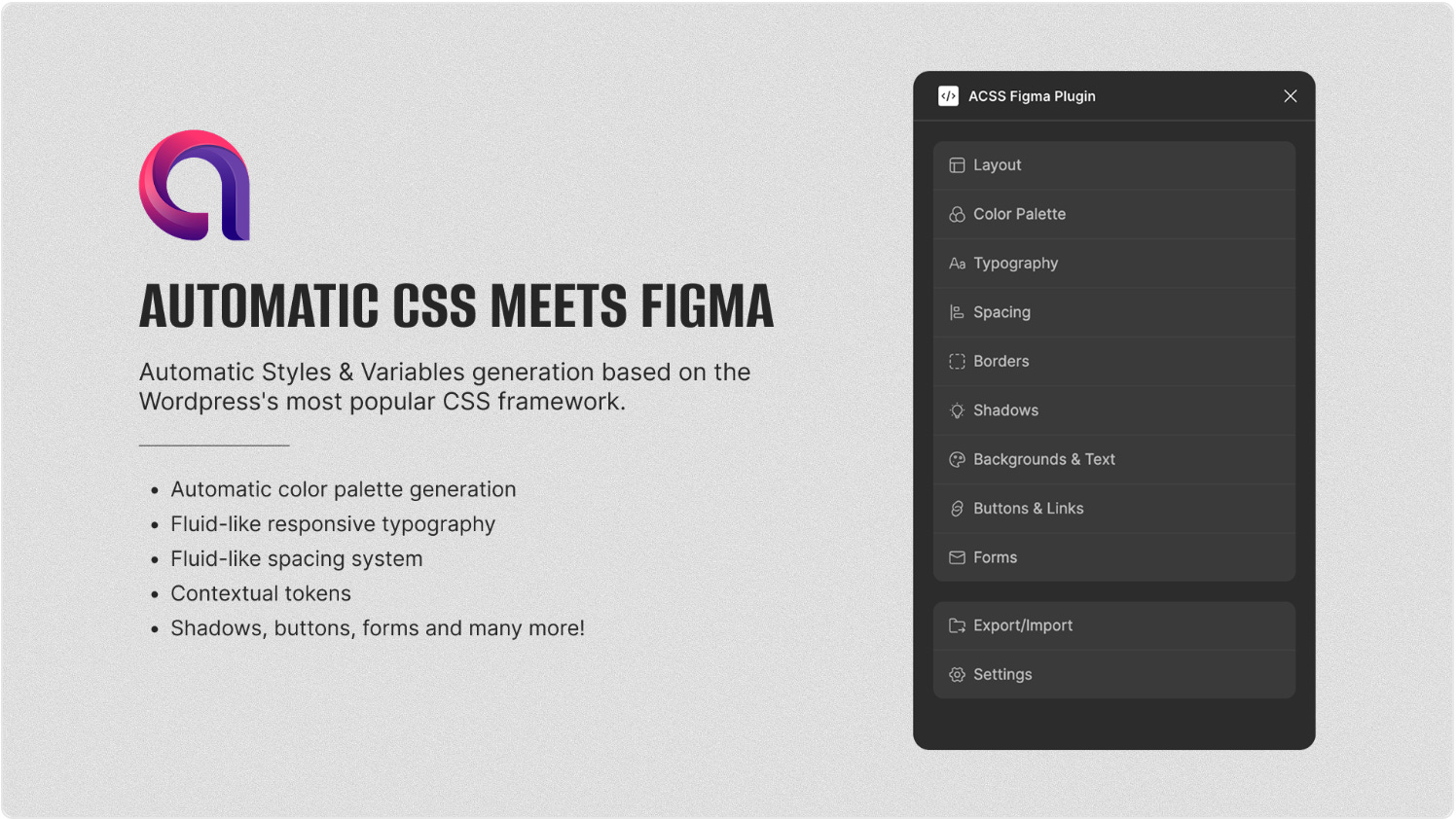
If you’re building WordPress sites with Automatic.css, ACSS for Figma eliminates hours of manual setup. This plugin auto-generates typography, spacing, color, border, and component tokens that map directly to your ACSS build, so what you design in Figma is exactly what ships on the web. Designers get ACSS-ready variables without the busywork, and teams can guarantee consistency from design to production in a single click.
🎁 FREE
🎨 Auto-generate Wordpress-ready tokens in Figma
🚀 Easy to ship from Figma to the web
2. AI Rename Variants
Whip your variants into shape.
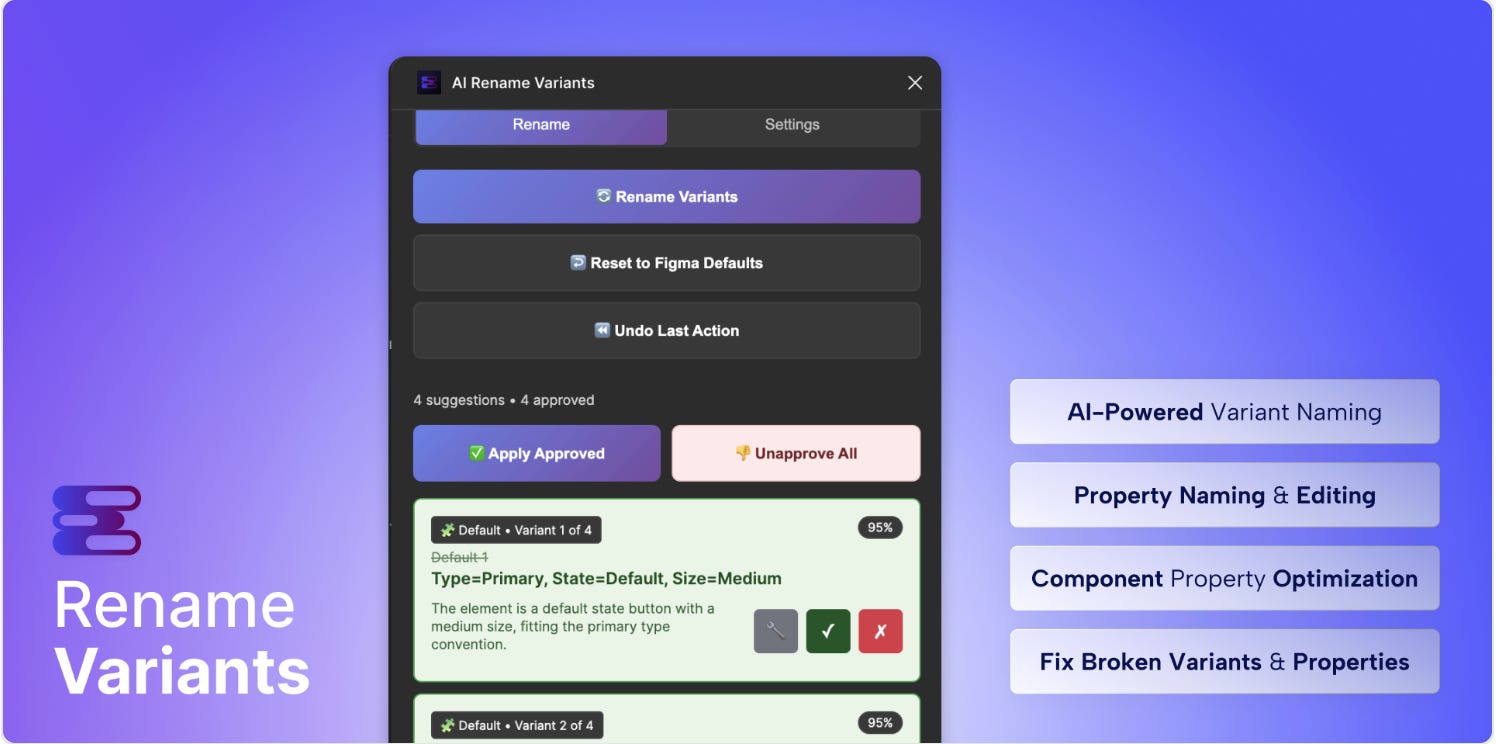
Say goodbye to messy variant names. AI Rename Variants instantly cleans up entire component sets and converts them to a consistent Property=Value format that matches Material, Carbon, or Polaris conventions. Batch-rename at lightning speed, enforce naming order and casing, and roll back changes with a single click. It’s the fastest way to prepare libraries for design tokens, standardize naming across teams, and make dev handoff predictable.
🎁 8 FREE uses 💰 Unlimited from $12/month
✏️ Rename your variants to a consistent naming convention
📚 Quickly prep your tokens for your Figma libraries
3. Bano
Powerful batch annotation for smooth hand offs.
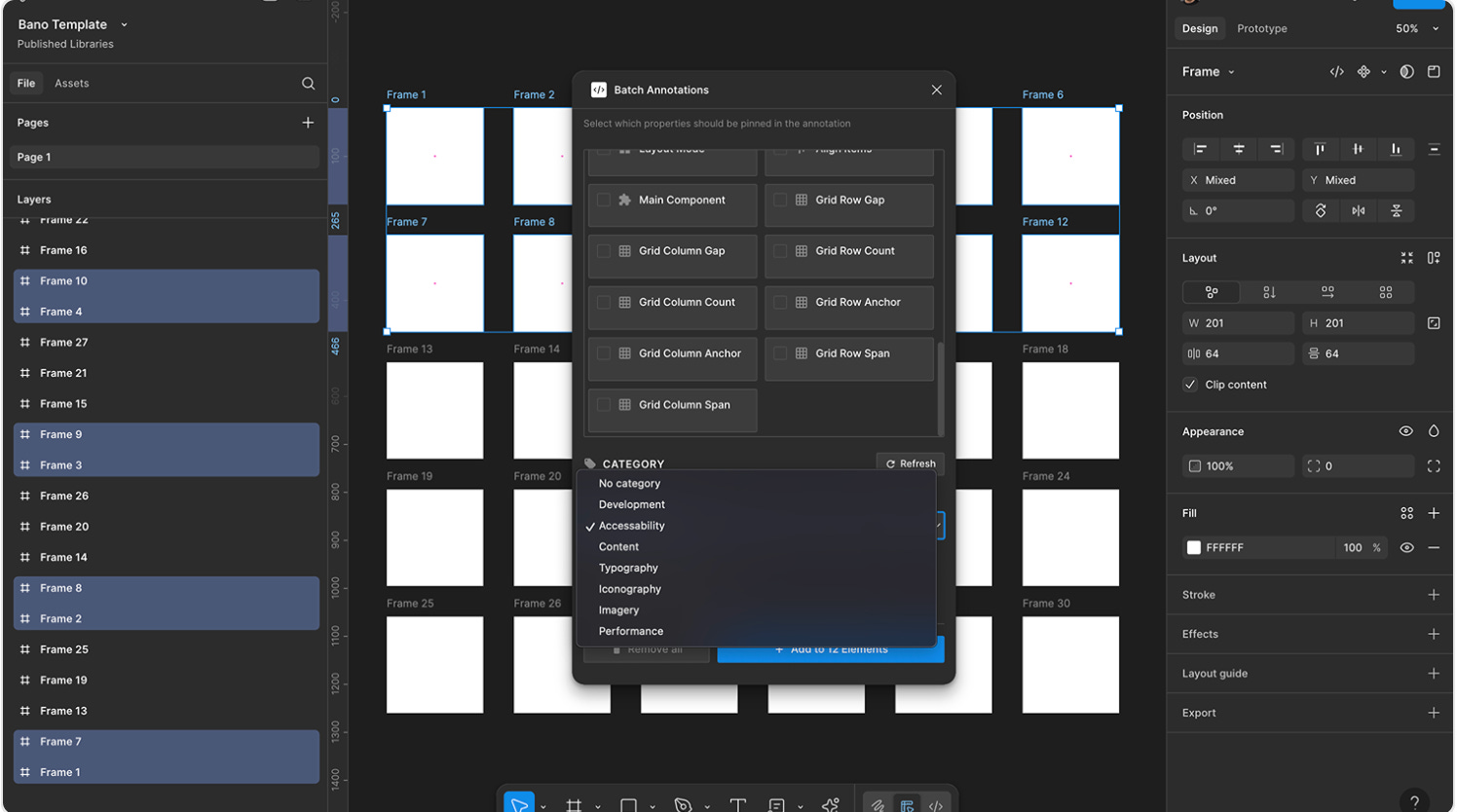
Bano (“Batch + Annotation”) turns developer handoff into a breeze. Select multiple frames, components, or shapes and apply rich annotations to all of them at once — no more one-by-one notes. You can insert plain text or Markdown with dynamic tokens, pin properties like dimensions, typography, and layout, and even auto-categorize annotations by project or feature. With its pixel-perfect native UI and dark-theme DevMode view, Bano helps teams document, review, and hand off designs at scale inside Figma itself.
🎁 FREE
📝 Annotate components in batch
🤝 For smooth, easy hand off to dev
4. Checklist Design
View checklists right next to your work in Figma.
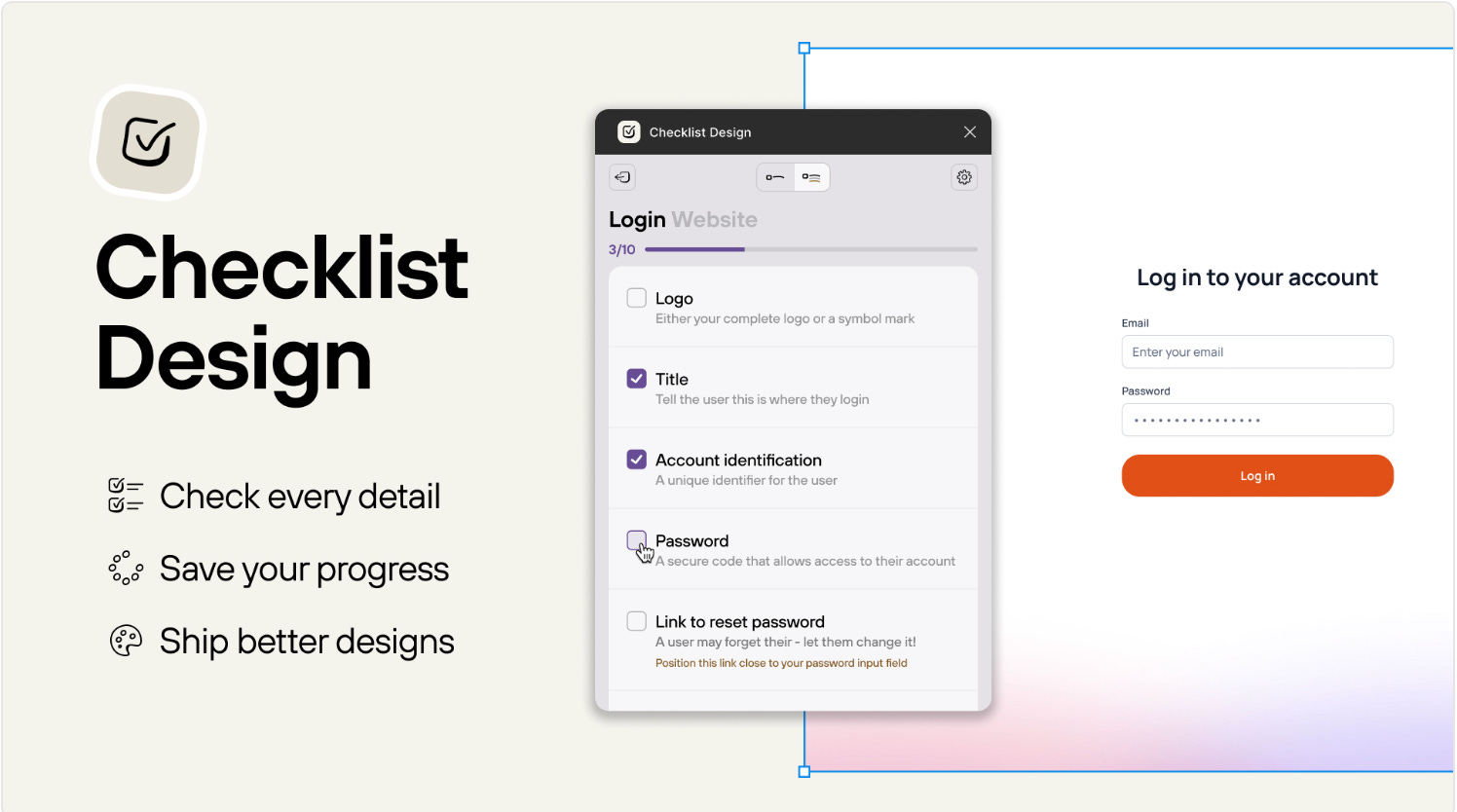
Your favorite design checklists now live right inside Figma. The Checklist Design plugin lets you view and tick off items without leaving your canvas, keeping your QA process next to the work itself. Switch between a simple or detailed view, save and complete lists as you go, and soon you’ll be able to add your own or customize existing ones. It’s an integrated way to ensure nothing slips through the cracks on any page, component, or flow.
🎁 FREE
📋 Create checklists for your design process
✅ Integrated right in Figma, perfect for QA
5. Layer Sorter
Keep your Figma files clean and easy to manage.
Messy layer panels are no match for Layer Sorter. This plugin organizes your Figma file in seconds by sorting layers visually from left-to-right or top-to-bottom, auto-grouping selections, and letting you toggle between frame-only or all-layers mode. It’s beginner-friendly but powerful enough to boost team efficiency — no more manual dragging, just one click to create a clean, consistent hierarchy your whole team can navigate.
🎁 FREE
🪄 Instantly sort your layers
↕️ Choose from left-to-right or top-to-bottom
✏️ Newsletter brought to you by ‹div›RIOTS.
I love Checklist Design. Great to see it as a Figma plugin!