

Week 72 - Alerts, effects and design system hacks
This week's five new Figma plugins.
If you're a Figma power user, design system nerd, or just love working smarter—not harder—you're going to want to check out these 5 new plugins. From AI-powered linting to instant glassmorphism, these tools help you design faster, document effortlessly, and stay focused without ever leaving Figma. Whether you're managing a large component library, syncing design tokens, or just trying not to miss your next meeting, there's something here to level up your workflow.
Let’s dive into the latest and greatest ⬇️
1. Figmentation
Auto-document your Figma components.
Figmentation is a Figma plugin that turns your components into self-documenting assets—no manual effort required. It automatically extracts and annotates design tokens like colors, typography, spacing, borders, and effects directly from your designs. With a single click, it generates a structured annotation frame next to your component, making handoff to developers seamless and keeping your design system clean and consistent.
Perfect for product designers, system leads, and devs, Figmentation supports various naming conventions and ensures token names stay aligned with your system (or smartly names them if not). Whether you're managing a growing UI library or prepping assets for dev handoff, Figmentation simplifies documentation and saves you from repetitive work.
🎁 FREE
📝 Auto document your design system in Figma
👩💻 Built by a designer for designers
2. FigmaLint
Free AI-powered linter for your Figma design systems.
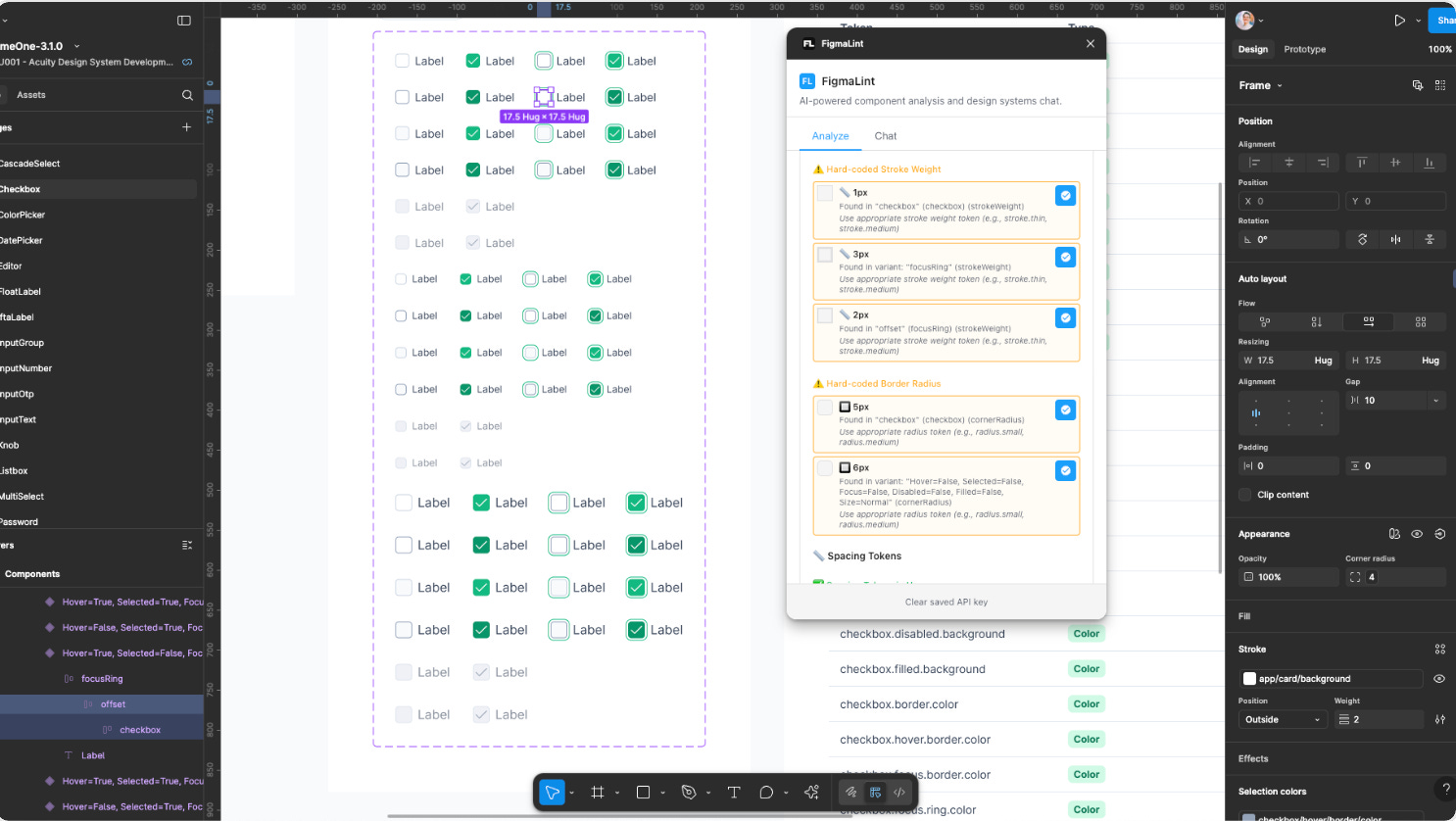
FigmaLint is an AI-driven plugin that helps teams build cleaner, more consistent, and developer-ready components. It automatically analyzes your designs to uncover issues with structure, states, and design token usage—then scores them for accessibility, consistency, and readiness for code. Ideal for design system teams, it also surfaces hard-coded values and suggests semantic tokens to keep your designs scalable and maintainable.
What makes Figmalint especially powerful is its integration with Claude AI and the MCP design systems protocol. You can ask the built-in AI assistant for best practices or clarification on design decisions, and it will provide smart, contextual answers. With one click, you can also generate complete property documentation for developers. AI features require a Claude API key, which stays securely on your device.
🎁 FREE plugin 💰 Requires a Claude API key for AI features
🔎 Automatically analyzes designs to uncover issues
🤖 AI-powered
3. Got a Date - Calendar Alerts
Get your calendar alerts right in Figma.
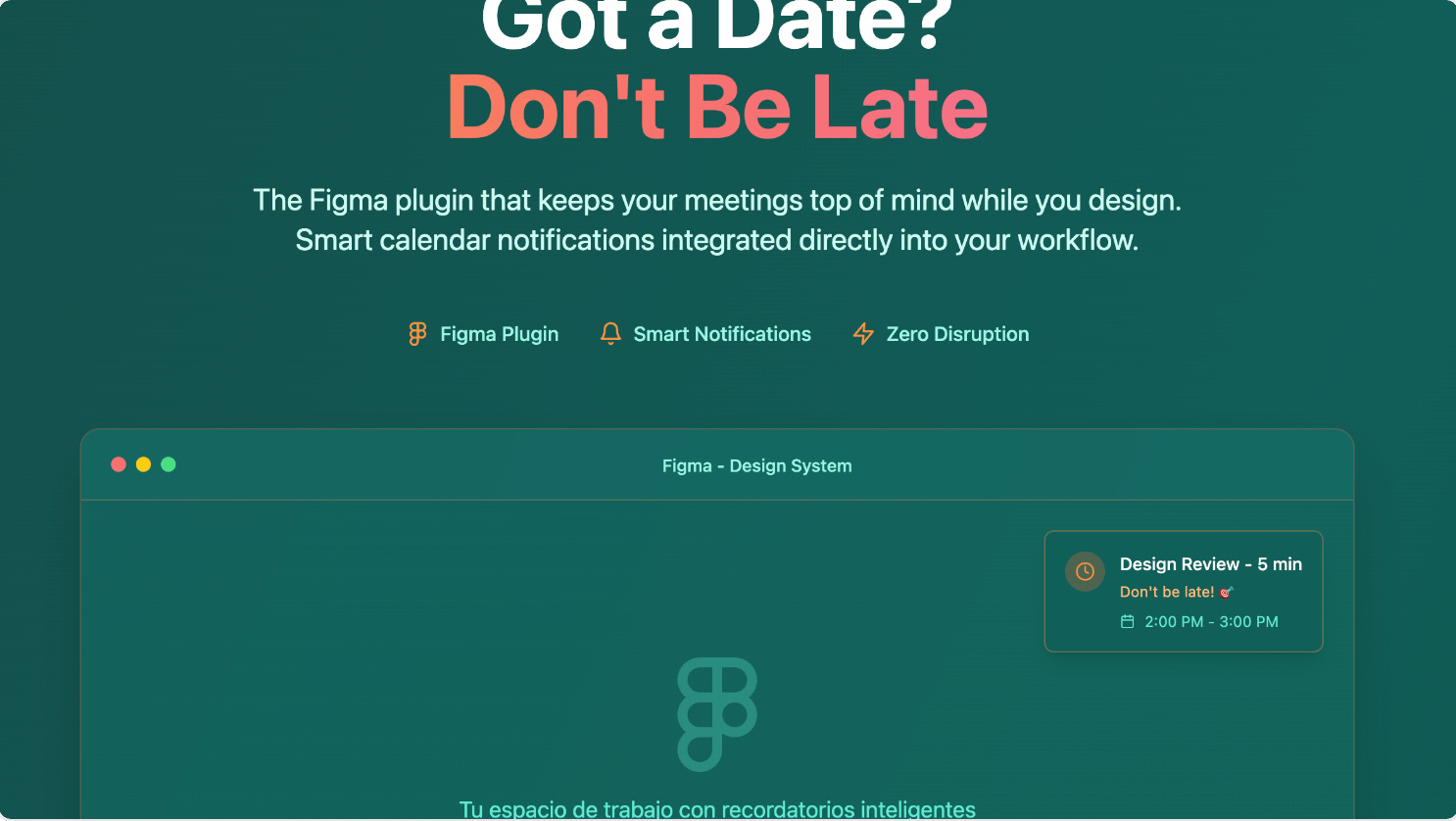
Got a Date is a simple yet handy Figma plugin that brings your Google Calendar right into your design workflow. Once connected, it displays your upcoming events directly in a sidebar—so you can keep an eye on your schedule without switching tabs or apps.
Ideal for busy designers, the plugin helps you stay focused, organized, and on time for meetings. The current version offers read-only calendar access, with more features like reminders and custom alerts coming soon.
🎁 FREE
📆 Get your calendar alerts directly in Figma
🧘 Stay focused in Figma without missing a meeting
4. Liquid Glass UI
Smooth, Apple-inspired liquid glass styles.
Liquid Glass UI brings Apple-style glassmorphism to your designs in seconds. With a single click, you can apply elegant, frosted-glass effects to any object—perfect for apps, websites, or modern UI mockups that need a polished, premium look.
The plugin includes a variety of pre-made styles like Tinted, Clear, and Vibrant Glass, all customizable with settings for light direction, blur, brightness, and corner radius. It also offers fine control over how text and images interact with the glass layer, ensuring both readability and aesthetic harmony. Whether you're aiming for a high-end Apple vibe or just want to add visual depth, Liquid Glass UI makes it fast and easy.
🎁 FREE
🥃 Recreate Apple’s liquid glass effect
🎨 Customize light direction, blur, brightness, radius and more
5. Supa Design Tokens
Generate, manage and sync design tokens as Figma Variables and Styles in seconds.
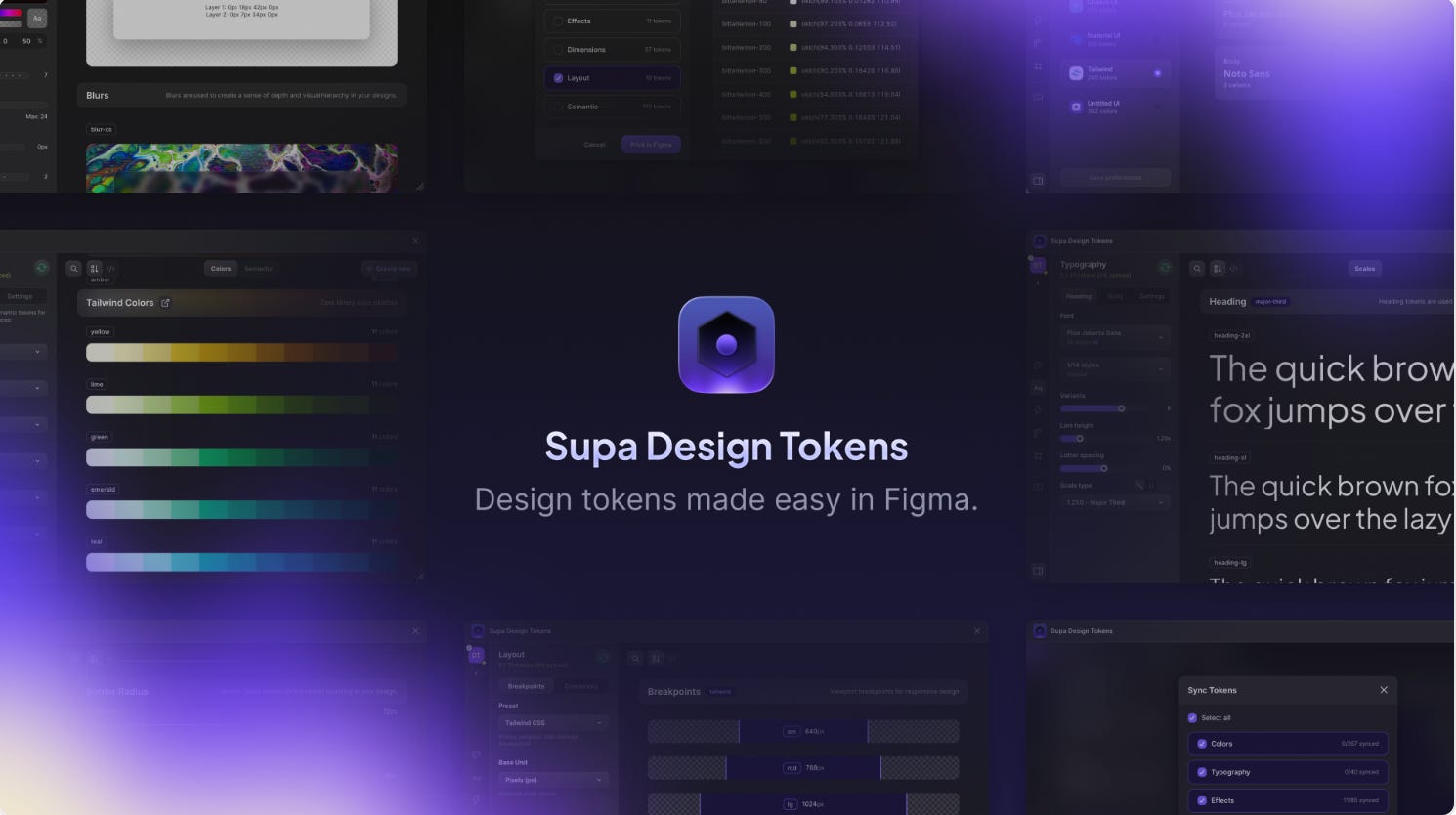
Supa Design Tokens lets you create, manage, document, and export design tokens—all without leaving your design file. It eliminates the need for spreadsheets and manual setup, helping you build consistent, scalable design systems faster than ever.
With Supa, you can generate tokens for colors, typography, effects, spacing, and layout—all customizable and optimized for accessibility. It supports advanced color modes (like P3 and OKLCH), modular type scales, and responsive layout tokens. You can import popular libraries like Tailwind or Material UI, export tokens in multiple formats (CSS, SCSS, JSON, TypeScript), and instantly sync them as Figma Variables and Styles. Built for teams and solo designers alike, Supa makes token creation seamless, efficient, and ready for production.
🎁 FREE during Beta phase
🎨 Easily generate and manage design tokens
⚙️ Generate color, typography, effect, spacing and layout tokens
✏️ Newsletter brought to you by ‹div›RIOTS.