

Week 46 - Object remover, web browser and more
This week's five new Figma plugins.
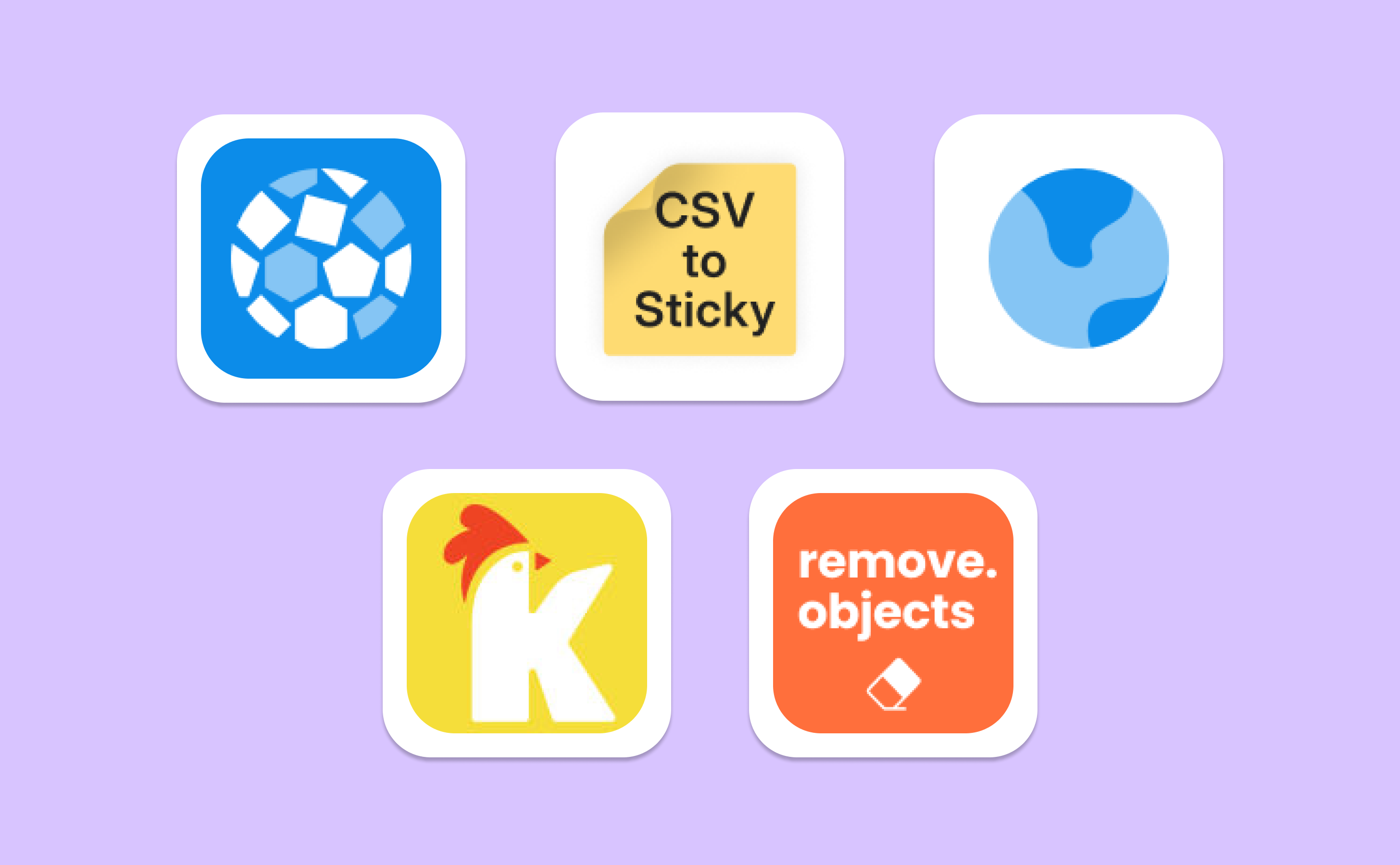
Figma is increasingly being used for more than just designing screens… It’s precisely thanks to plugins that designers can now do pretty much everything in Figma, from editing and manipulating images to creating cool effects and animation.
One of this week’s new plugins means you can ditch your photo-editing tool of choice and edit your images right in Figma. Remove Objects is the new kid on the block to erase undesired objects from any image, right in your canvas. Scroll to see its magic in action, and to discover other great plugins that are new this week! ✨
“Make room for things that matter by removing everything that doesn’t.” - Brian Gardner
1. Chaos Pattern
Create beautiful grid patterns in a click.
Chaos Pattern is a delightful plugin that helps to create cool repetitive and grid-like patterns. Select the images, shapes or icons you want to use in your pattern and run the plugin. Then customize rotation of the objects, grid offset, transparency and scale, and hit ‘Generate’. Your pattern is created in an instant. Update your settings and generate at any time to edit your pattern.
🎁 5 FREE uses 💰 $5 unlimited (one-time payment)
✨ Generate repetitive, grid patterns
🎨 Customize rotation, grid offset, scale and more
2. CSV to Sticky
Turn CSV content into FigJam sticky notes.
We rarely highlight FigJam plugins, but CSV to Sticky is a perfect tool for brainstorming sessions and when your team needs to discuss sets of data. Imagine you have user research results in an Excel or CSV format. Simply upload this file to the plugin and it will convert all the content into individual sticky notes. You can then move, delete and comment on each sticky note as needed for a much more visual team discussion.
🎁 FREE
🪄 Convert your CSV file into FigJam sticky notes
🧠 Perfect for brainstorming, planning and collaborating on data
3. In-App Browser
Browse websites directly in your Figma canvas.
In-App Browser is the perfect example of the Figma plugin we never knew we needed. Enter the URL of the website you want to browse so you can navigate the website right in your Figma canvas. This is perfect for when you’re reading a design tutorial, for example, and want to follow a step-by-step guide right next to where you’re designing.
🎁 FREE
🧑💻 Browse websites right inside Figma
🎓 Perfect for following tutorials, instructions, etc.
4. Klipy
GIFs, memes and stickers in Figma.
Klipy is a fun Figma plugin that could have fit perfectly in last week’s Playful Edition! Search among their collection of GIFs, stickers and short clips and click on any of them to insert them right into your Figma designs. Also fun if you just want to leave a cute GIF for fellow designers in the file.
🎁 FREE
🖼️ Access millions of gifs, memes and stickers
🎪 Some fun for your designs
5. Remove Objects
Get rid of any objects from any image, right in Figma.
Remove Objects is our very own (div›RIOTS) brand new plugin, just launched this week! And you, dear readers, will be among the very first to try it and put it to the test. Select any image in your Figma canvas, choose the right brush size and paint over the object you want to remove from the image. Click ‘Remove objects’ to see it magically disappear! We recommend painting a little outside the object’s edges for best results.
🎁 FREE
🖼️ Remove objects from images right in Figma
🪄 Precise, high-quality removal for any object, any image
Newsletter brought to you by ‹div›RIOTS.
Congrats on the new plugin release!