

Week 40 - Social Media Edition
Five Figma plugins for designing social media assets.
Figma is increasingly being used for things other than designing web or app screens. Many teams are now switching to Figma to design marketing and social media content, too!
In this special edition post, we’ve rounded up five plugins that can be a huge help if you’re creating social media content in Figma — from designing, to previewing, to exporting the final assets. Any that we missed that are a must-have for designing social media posts?
1. BrandBird
Turn frames into beautiful social media posts.
Cool backgrounds, 3D effects, device mockups, badges and icons are just a few of the editing features that come with BrandBird. This Figma plugin is perfect for taking a basic image and turning it into a beautiful, professional social media post. You can try pretty much all editing options and features with the free version, but keep in mind that there is a BrandBird watermark on exported images.
🎁 Limited FREE features 💰 PRO from $15/month
🎨 Templates, icons, badges and more to create social posts
🚀 Easy editing and exporting
2. Exacto
Set up your social media frames in the perfect sizes.
Figma already offers specific frames sizes for social media posts… However, the nice thing about the plugin Exacto is that you can generate all possible post types and dimensions for several social media channels in one go. Also, while Figma offers instant frame dimensions for bigger social media channels like X, Instagram and Facebook; Exacto comes with a much wider variety of platforms to choose from.
🎁 FREE
📏 Generate frames for social media with the right dimensions
🖼️ Multiple channels’ posts in seconds
3. Instagram Mockup/Template
Preview how your Instagram grid and posts will look.
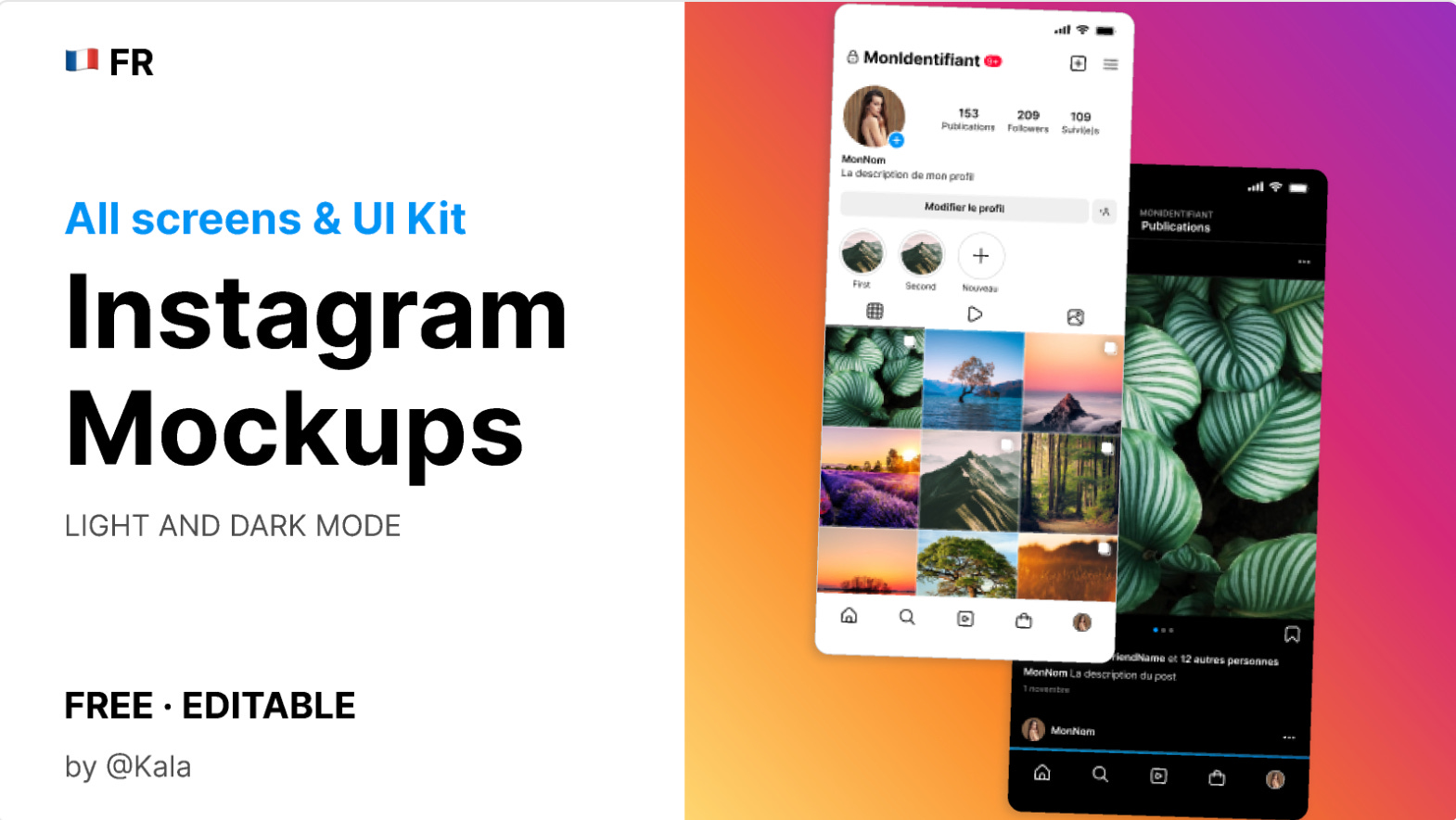
Instagram Mockup/Template isn’t a Figma plugin, but it is a free Figma resource that might be perfect if you’re planning and creating Instagram content. This Figma file comes with all possible Instagram screen mockups that are ready-to-go so you can insert your own images and preview how they’ll look before going live. Whether it’s to plan the aesthetics of your grid, or see how much space your caption might take up, this file can be a useful tool.
🎁 FREE
👀 Preview how your Instagram posts/feed will look
🤩 Great for planning your grid and aesthetics
4. Lorem Ipsum
Generate ANY free images and content for your posts.
When creating content for social media, you might need stock images, artwork or attractive backgrounds to use in your posts. Lorem Ipsum is the perfect plugin for this. Select the layer where you need an image, then choose from one of the predefined categories (or search for something specific) to pull up the Unsplash image library and insert any image in a click. You can also use Lorem Ipsum to generate placeholder content or data while you’re waiting for final content.
🎁 FREE
📸 Get free images and content for your social posts
🥇 One-click generation via Unsplash library and AI
5. Thumblisher
Automatically resize and scale frames for different platforms.
If you already have designs created in Figma and want to adapt them for different social media channels, then Thumblisher is the fastest way to do so. Select the design you want to adapt, run the plugin and tick the boxes for all the different social media assets you need. Thumblisher will then automatically generate your same design, resized and scaled for all channels selected. The outputs are all editable, so you can still tweak things after to fit each post style accordingly.
🎁 FREE
📐 Resize and scale any frame to fit any platform
⏰ Perfect for replicating social posts quickly
Newsletter brought to you by ‹div›RIOTS.